Month-end closing · Article 06
Fixed assets
Applies to Odoo 19 · 20
A fixed asset is recorded in Odoo as an asset: from the vendor bill or manually. After confirmation, Odoo calculates the depreciation schedule and posts the depreciation entry every month. Sale, disposal and revaluation are done from the same form.
When to use
- You buy a fixed asset (machine, computer, car) or an intangible asset.
- You take over existing fixed assets when starting in Odoo.
- You sell, dispose of or revalue a fixed asset.
Before you start
- The Accounting app (Enterprise) and the Romania - Account Asset module are installed.
- In Accounting › Configuration › Settings, under Romania Fixes Assets, tick Load Romanian Asset Data and save. Odoo creates the depreciation journal, the sequence for inventory numbers and the asset models based on the Catalogul mijloacelor fixe (the official fixed assets catalogue), and fills in Gain Account (7583) and Loss Account (6583).
- Check the models in Accounting › Configuration › Accounting › Asset Models: the accounts (21x, 281x, 6811), the method (Straight Line) and the duration.
Steps in Odoo
1. Record the vendor bill
On the vendor bill, put the fixed asset account on the line (for example 2131). For fixed asset accounts, Odoo creates on posting a draft asset linked to the bill line.
2. Complete the asset
Open Accounting › Accounting › Assets & Liabilities › Assets and the new asset.
Odoo 19
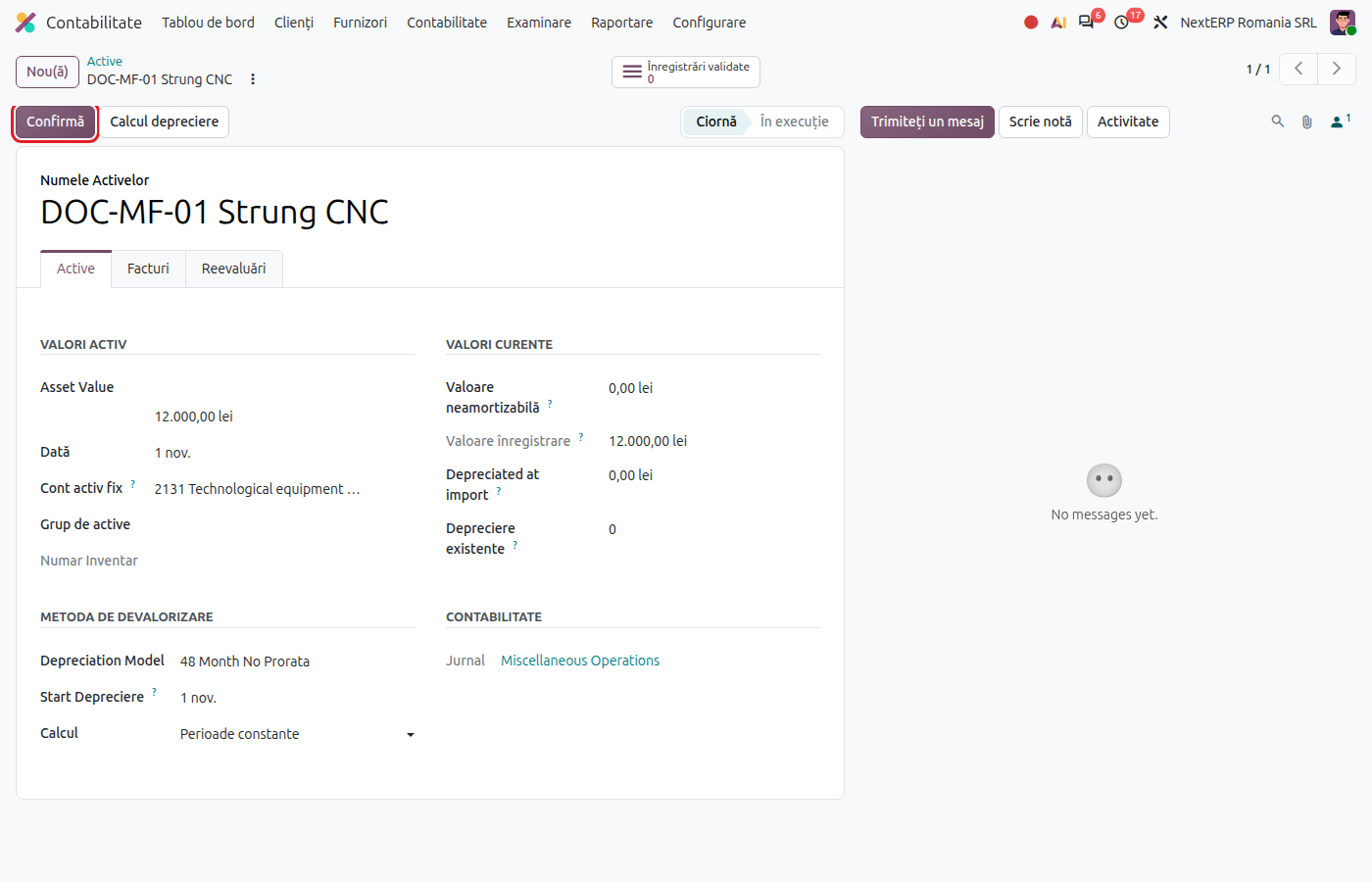
Choose Asset Model, check Original Value, Acquisition Date and the duration.
Odoo 20
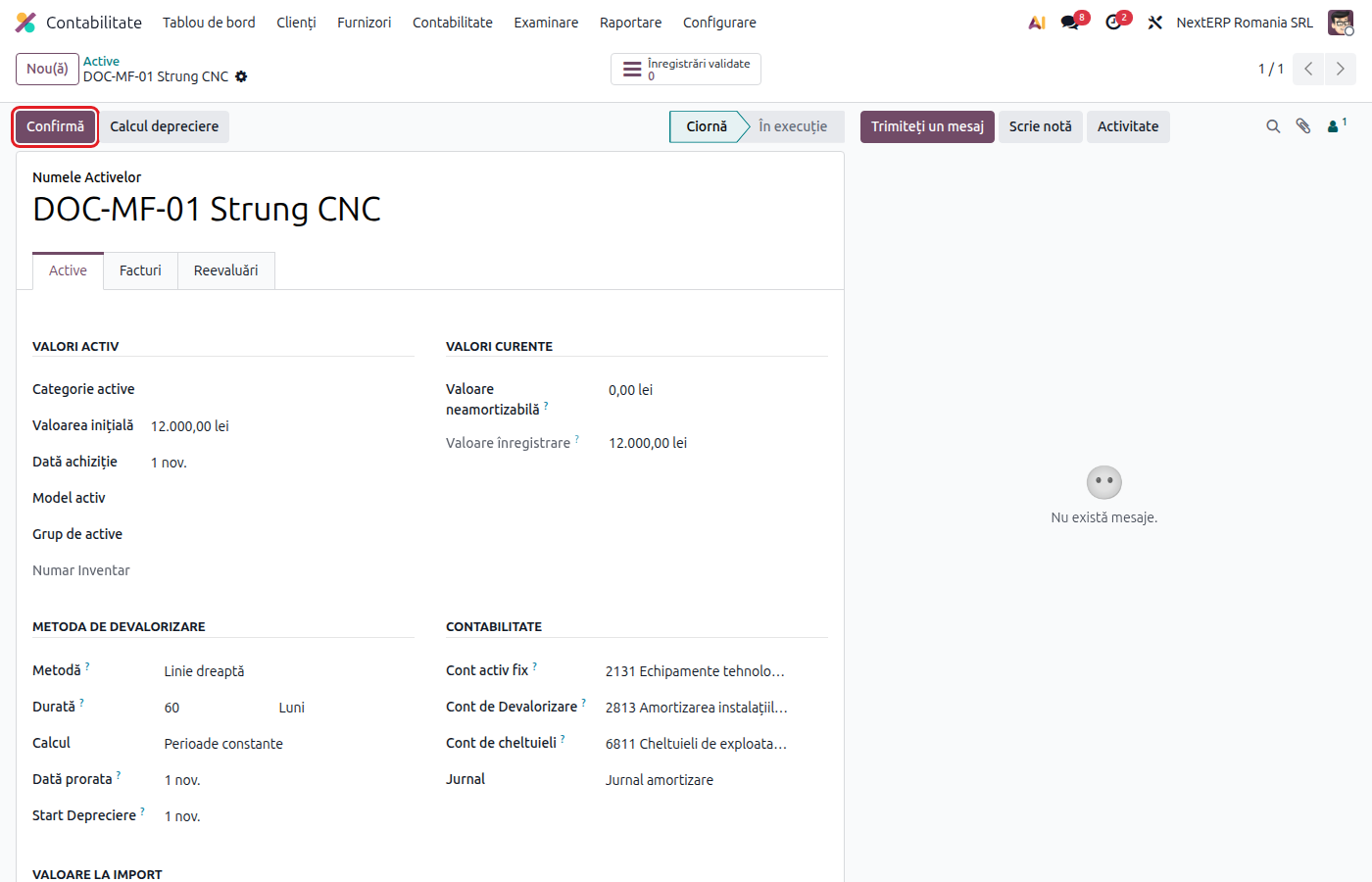
Choose Depreciation Model, check Asset Value, Acquisition Date and the duration.
3. Confirm the asset
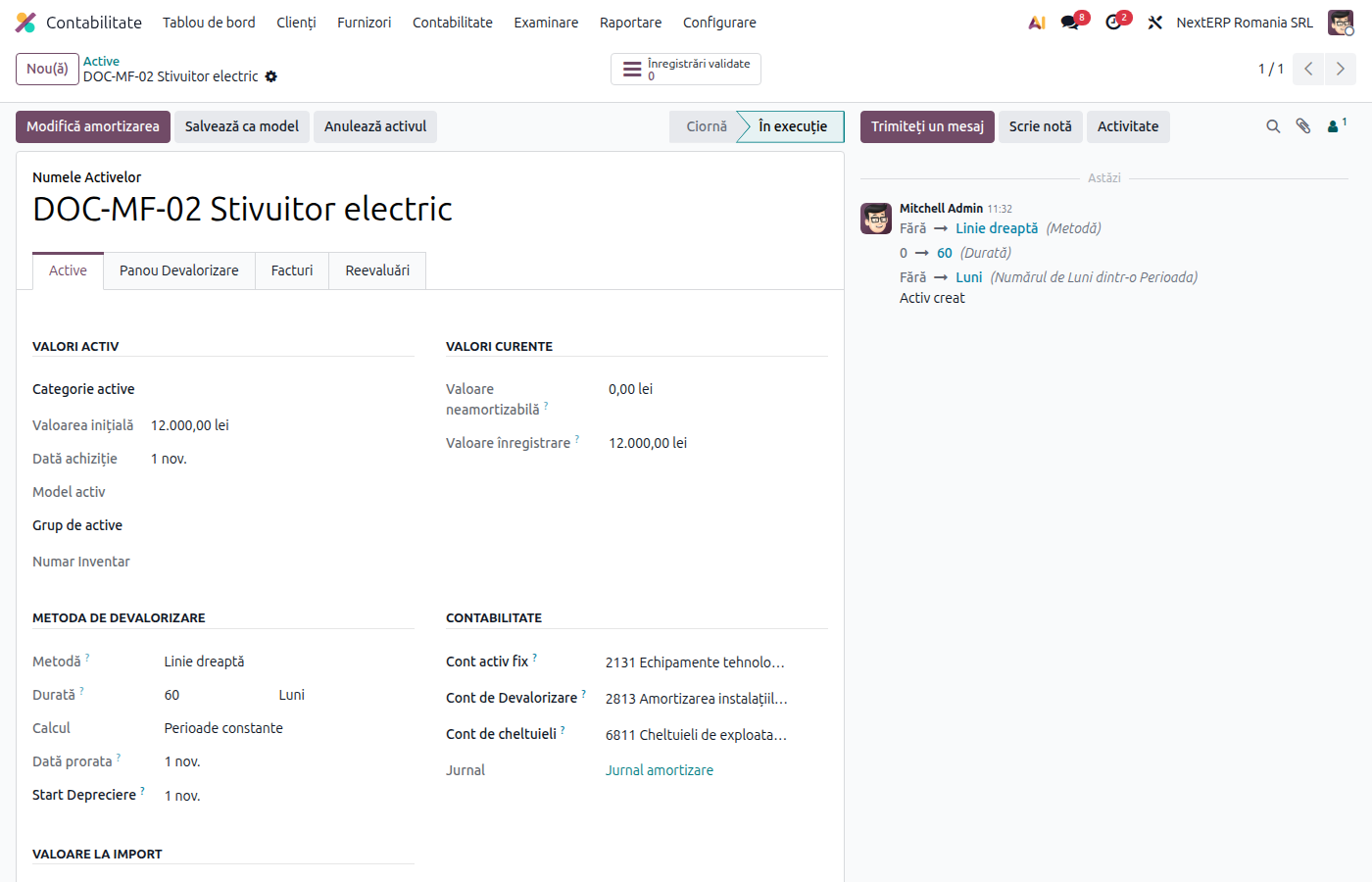
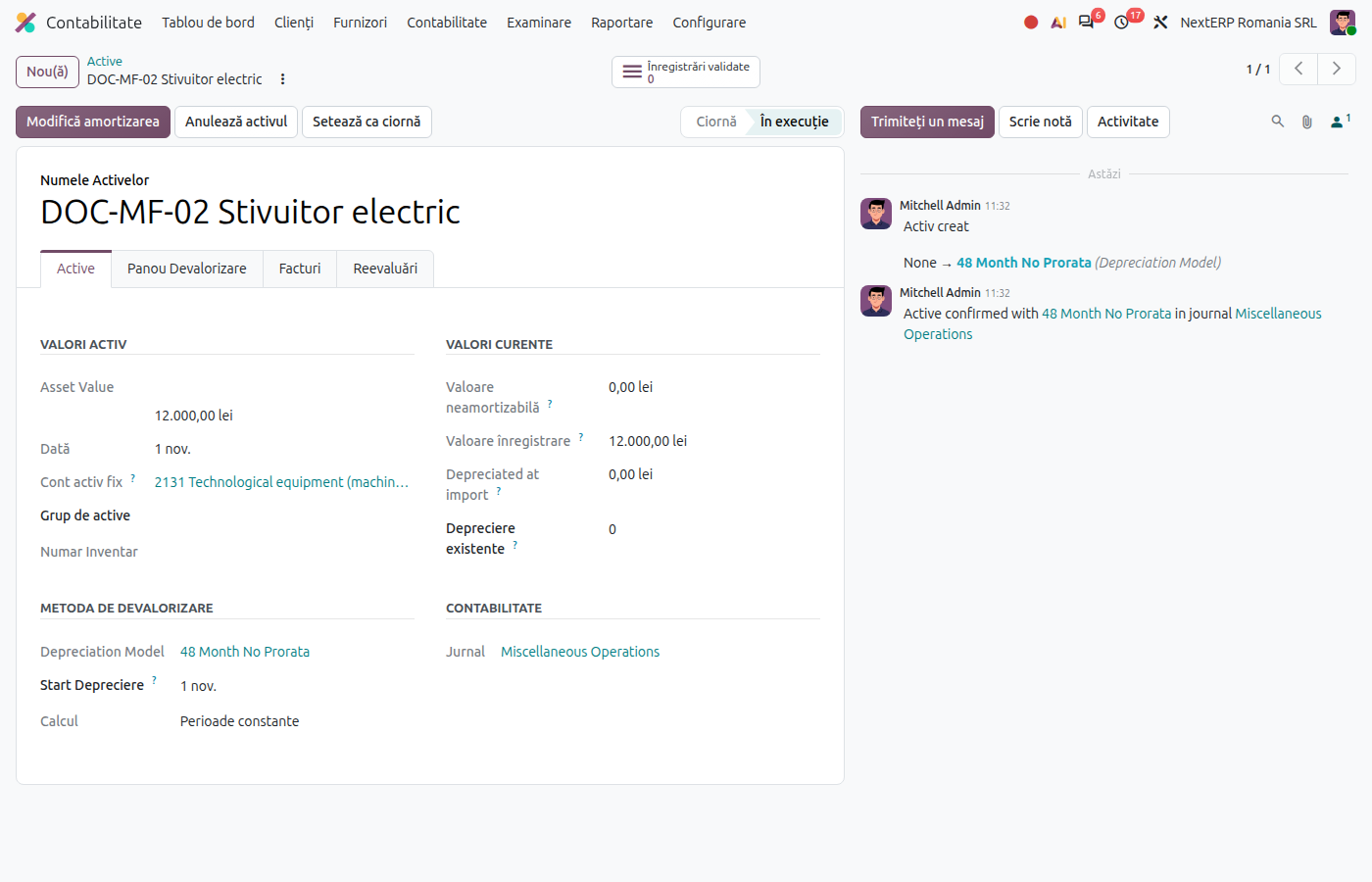
Click Confirm. Odoo assigns the inventory number, calculates the depreciation schedule (depreciation starts in the month after the asset is put into use) and posts the entries for past months. Future entries are posted automatically on their date.
4. Check the monthly depreciation
At month-end closing, check that the depreciation entry of the month is posted (the tab with the depreciation schedule). The overall report is in Accounting › Reporting › Romania › Assets Report.
5. Sell, dispose of or revalue
On the running asset, click Modify Depreciation and choose the action:
| Action | What Odoo does |
|---|---|
| Sell | Removes the asset from the books on the chosen date; link the sales invoice |
| Dispose | Removes the asset from the books, with the remaining value as a loss |
| Re-evaluate | Changes the value or the duration; depreciation is recalculated for the following months |
| Pause | Stops depreciation (for example during conservation) |
| Move to Stock | Moves the asset back to stock |
Variants
Existing fixed assets at go-live
Create the asset manually (New in the asset list), with the original value and the number of depreciations already recorded. Odoo calculates only the remaining depreciation.
Low-value items
Goods under the fixed asset threshold are not depreciated; they are put into use from stock. See the Inventory chapter, the article on internal consumption and putting into use.
Leased fixed asset
The asset is recorded in the same way, from the bill or from the leasing receipt entry: see Leasing.
Common mistakes
- Asset left in draft. It is not depreciated. Check the list of draft assets every month.
- Wrong duration. If depreciation has started, correct it with Modify Depreciation › Re-evaluate, not by deleting entries.
- Sale without removal from the books. The sales invoice does not close the asset; use the Sell action.
For the accountant: legal framework, accounting entries, returns
Legal framework
- Codul fiscal (the Romanian Fiscal Code), art. 28 — tax depreciation.
- HG 2139/2004 (Government Decision 2139/2004) — the catalogue for the classification and normal useful lives of fixed assets.
- OMFP 1802/2014 (the Ministry of Finance order with the accounting regulations), items 81–117 — tangible assets, revaluation, derecognition.
Accounting entries
Example: machine 12,000 lei + VAT 21%, duration 60 months, straight-line depreciation.
Acquisition:
| DEBIT | CREDIT |
|---|---|
| 2131 — 12,000 4426 — 2,520 |
404 — 14,520 |
Monthly depreciation:
| DEBIT | CREDIT |
|---|---|
| 6811 — 200 | 2813 — 200 |
Disposal after 40 months (depreciated 8,000):
| DEBIT | CREDIT |
|---|---|
| 2813 — 8,000 6583 — 4,000 |
2131 — 12,000 |
Sale after 40 months, for 5,000 lei + VAT: the same removal from the books as for disposal, plus the invoice:
| DEBIT | CREDIT |
|---|---|
| 461 — 6,050 | 7583 — 5,000 4427 — 1,050 |
Link with the ANAF returns
| Return | What it takes |
|---|---|
| D406 (SAF-T) | the assets and their movements (assets section, on ANAF request) |
| D101 (the corporate income tax return) | tax depreciation |
| D300 (Decont de TVA, the VAT return) | the VAT on acquisition and sale |