Month-end closing · Article 07
Prepaid expenses and deferred revenue
Applies to Odoo 19 · 20
An invoice that covers several months (annual insurance, subscription, rent paid in advance) is recorded once, but the expense or revenue is spread over the months it relates to. In Odoo you fill in the period on the invoice line, and Odoo moves the amount to 471 or 472 and releases it monthly to expenses or revenue.
When to use
- Insurance, subscriptions, licenses or rent paid for several months.
- Subscriptions or services invoiced to customers in advance, for several months.
- Any invoice whose amount relates to future months.
Before you start
In Accounting › Configuration › Settings, under Deferred expense entries: and Deferred revenue entries:, fill in:
| Field | Expenses | Revenue |
|---|---|---|
| Journal | Miscellaneous | Miscellaneous |
| Deferred Expense / Deferred Revenue | 471 | 472 |
| Generate Entries | On bill validation | On bill validation |
| Based on | Months | Months |
Steps in Odoo
1. Enter the invoice
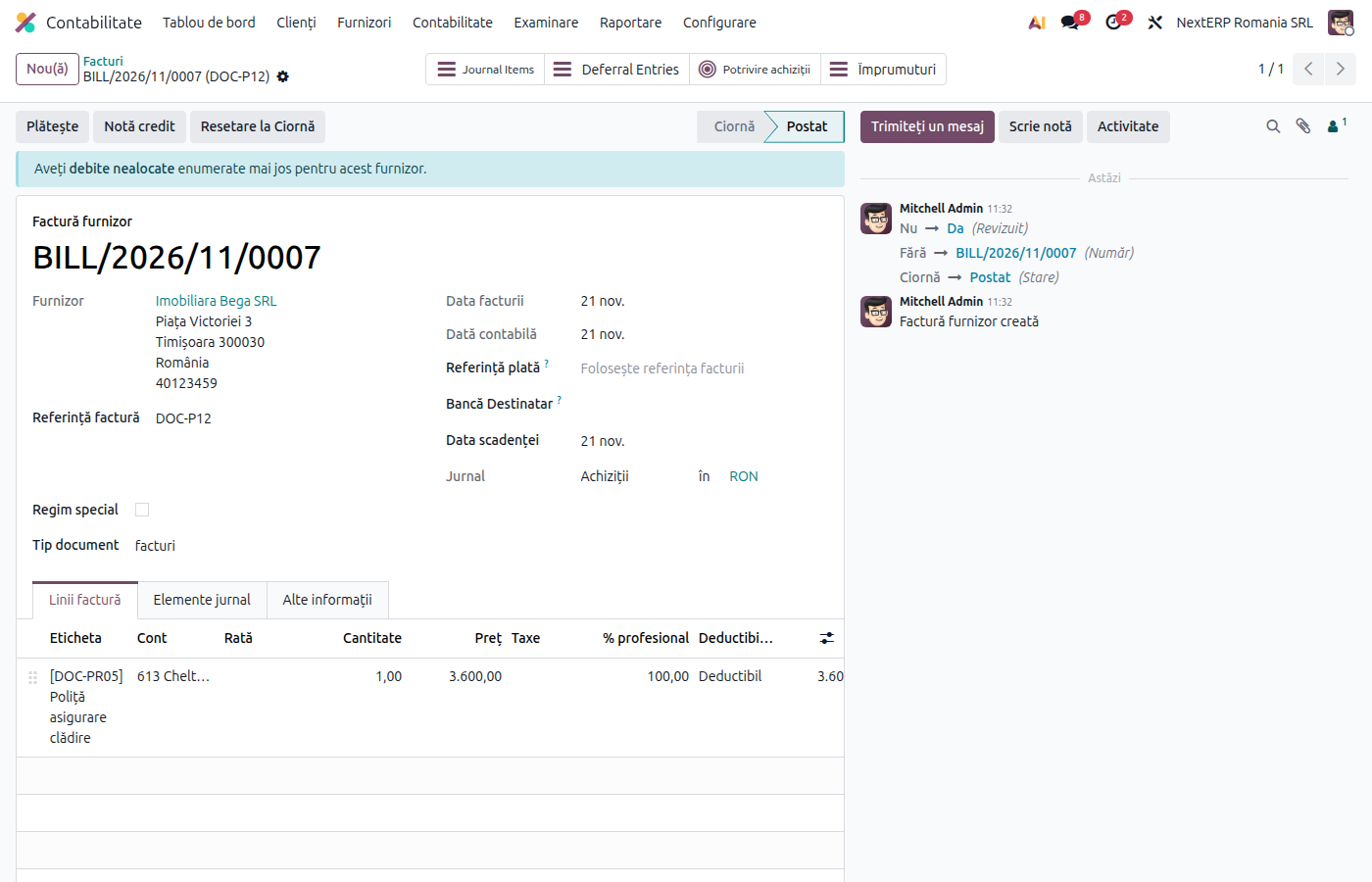
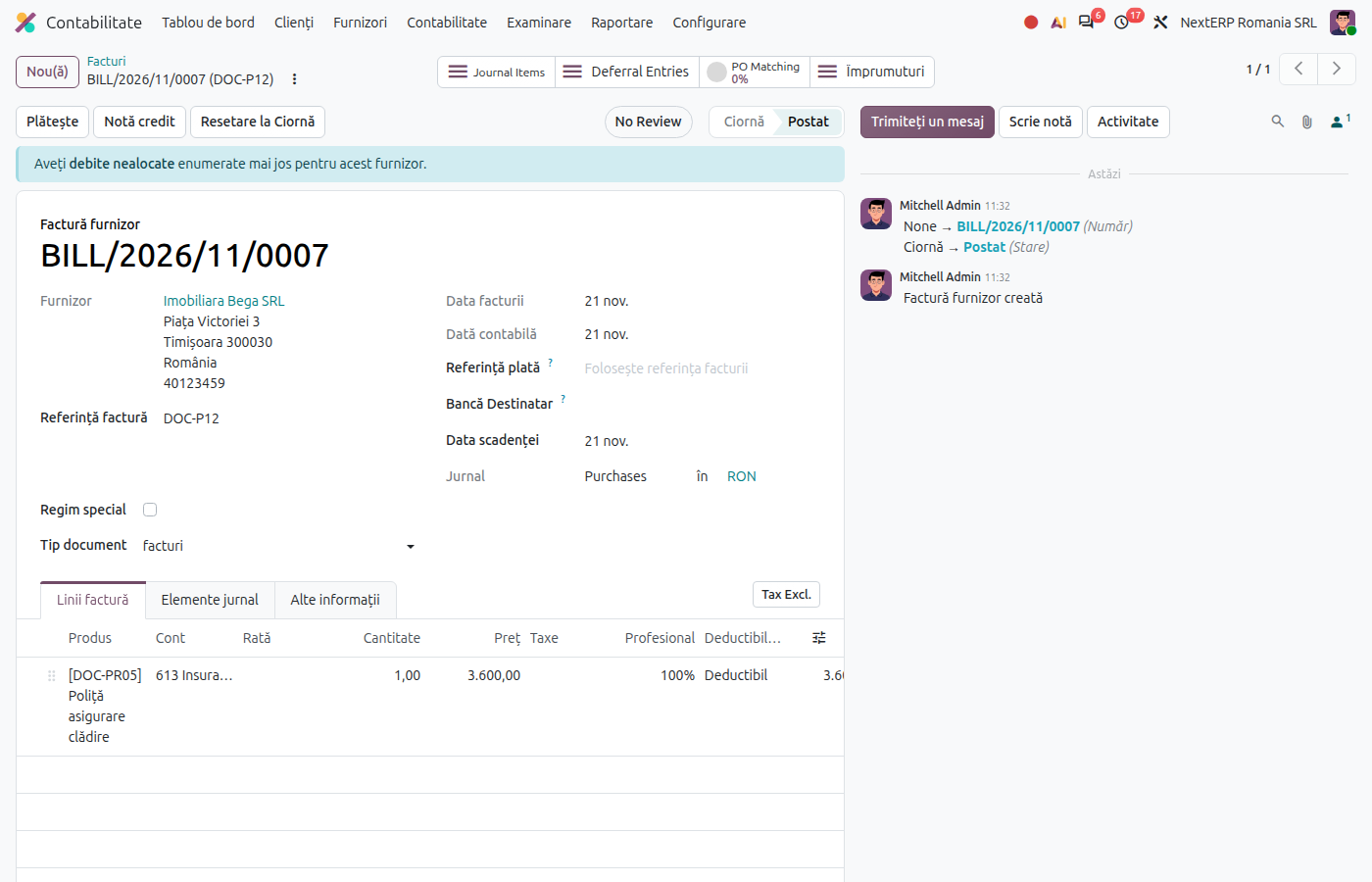
Record the vendor bill (or issue the customer invoice) as usual, with the expense or revenue account of the service (for example 613 for insurance).
2. Fill in the period on the line
On the invoice line fill in Start Date and End Date (for example 01.01–31.12). The columns may be hidden; show them from the optional columns menu.
3. Post the invoice
On posting, Odoo creates the entry that moves the amount to 471 (or 472) and one monthly entry that releases it to expenses (or revenue), at the end of each month.
4. Check at closing
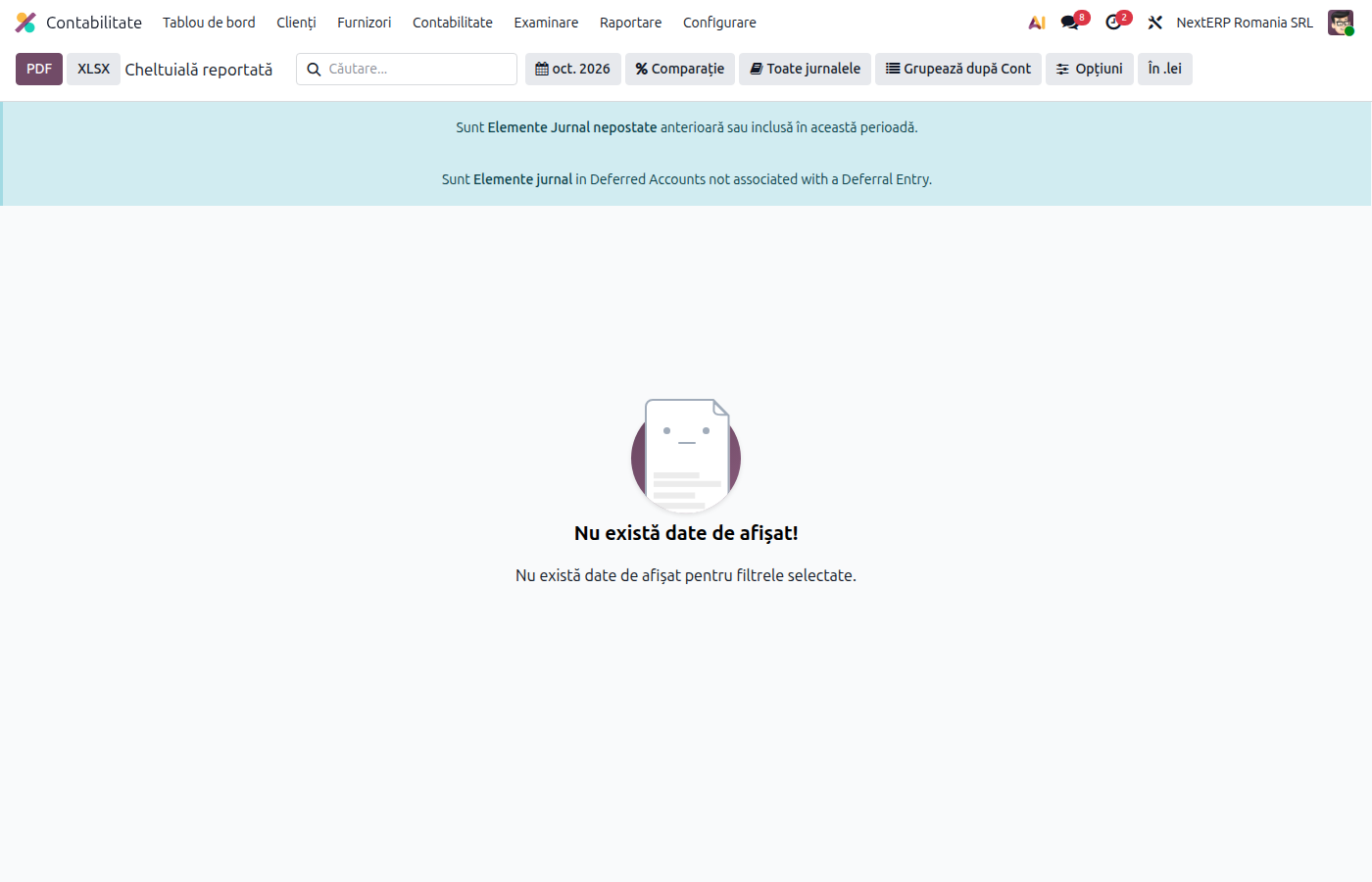
Open Accounting › Review › Regularization Entries › Deferred Expenses (or Deferred Revenue). The report shows, for each invoice, what has been released and what remains to be released.
Variants
Monthly, grouped generation
With Generate Entries = Manually & Grouped, Odoo does not create the entries on posting. At month end, from the deferred expenses report, generate a single entry for all invoices.
Small amounts
For immaterial amounts, the accounting policy may allow posting directly to expenses. Leave the dates on the line empty.
Common mistakes
- Period filled in with the start date only. Odoo does not spread the amount. Fill in both dates.
- Expense account posted directly to 471. Put the expense account on the line; Odoo moves it to 471 by itself.
- Invoice reversed after releases. The credit note also cancels the future releases; check the report after the reversal.
For the accountant: legal framework, accounting entries, returns
Legal framework
- OMFP 1802/2014 (the Ministry of Finance order with the accounting regulations) — the accrual principle; accounts 471 and 472.
Accounting entries
Example: annual insurance 1,200 lei (VAT exempt), paid in January.
The bill:
| DEBIT | CREDIT |
|---|---|
| 613 — 1,200 | 401 — 1,200 |
Transfer to prepaid, on posting:
| DEBIT | CREDIT |
|---|---|
| 471 — 1,200 | 613 — 1,200 |
Monthly release:
| DEBIT | CREDIT |
|---|---|
| 613 — 100 | 471 — 100 |
Deferred revenue, subscription invoiced 1,200 lei + VAT for 12 months. On posting, the revenue moves to 472:
| DEBIT | CREDIT |
|---|---|
| 704 — 1,200 | 472 — 1,200 |
Monthly release of the revenue:
| DEBIT | CREDIT |
|---|---|
| 472 — 100 | 704 — 100 |
Link with the ANAF returns
| Return | What it takes |
|---|---|
| D300 (Decont de TVA, the VAT return) | the full VAT, in the month of the invoice |
| D101 (the corporate income tax return) | only the expense or revenue released in the year |