Month-end closing · Article 01
Closing checklist
Applies to Odoo 19 · 20
At month end, before the returns, check the documents, record the adjusting entries, close VAT and lock the period. The order matters: revaluation and depreciation must be recorded before the accounts are closed, and locking comes last.
When to use
- Monthly, before filing the VAT return D300 (Decont de TVA, the VAT return) and D394 (Declarația informativă, the domestic supplies and purchases statement).
- Quarterly, if the company files VAT quarterly.
- At year end, together with Year-end closing.
Before you start
- The Romania - Account Period Closing module is installed and you have defined the closing models (step 5).
- All documents of the month (invoices, bank statements, receipts, deliveries) are entered.
Steps in Odoo
1. Check documents left in draft
Open Accounting › Accounting › Journal Entries and filter by period and status Draft. Post or delete what is left. Do the same for customer invoices and vendor bills.
2. Check the transit accounts
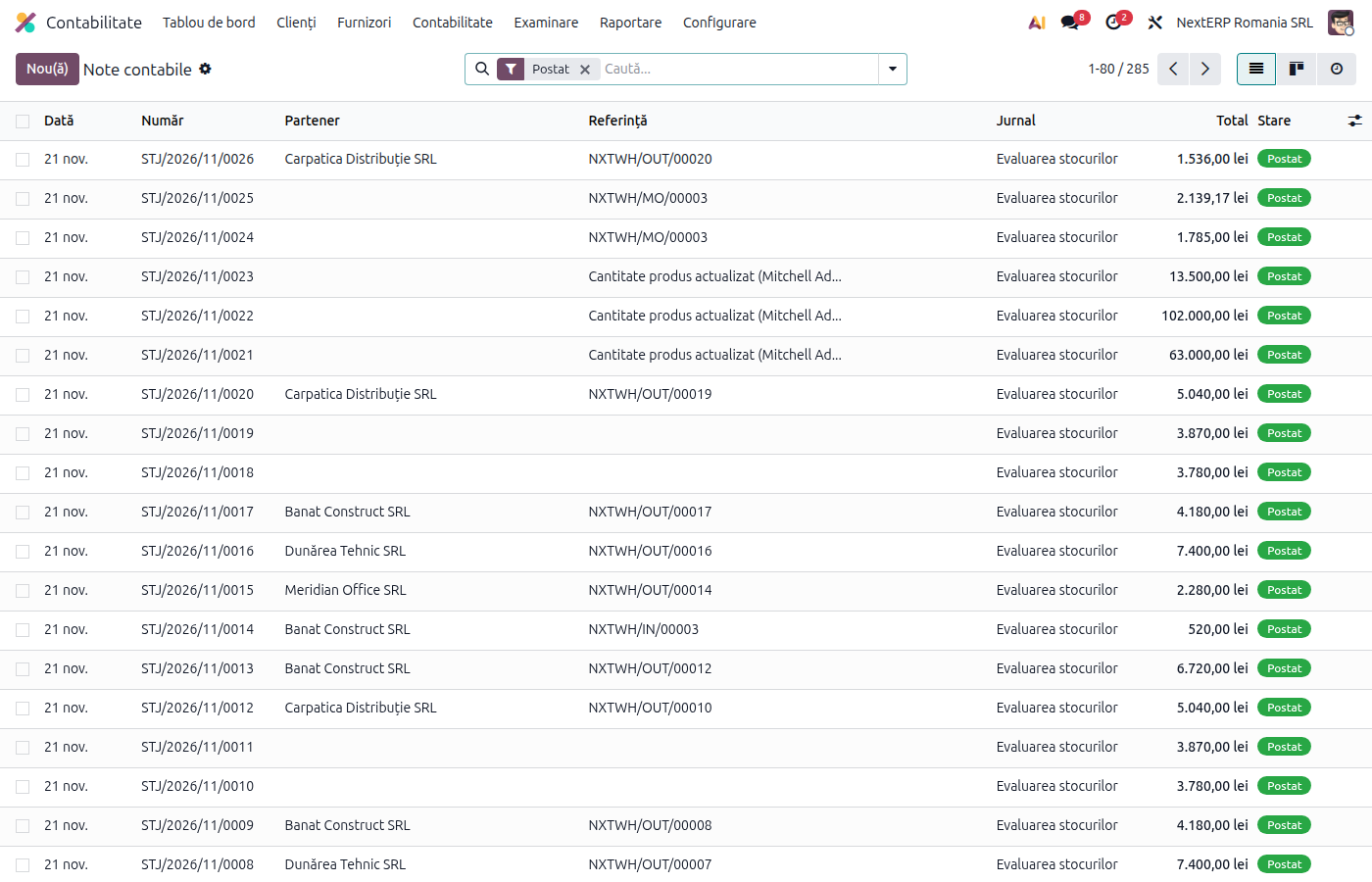
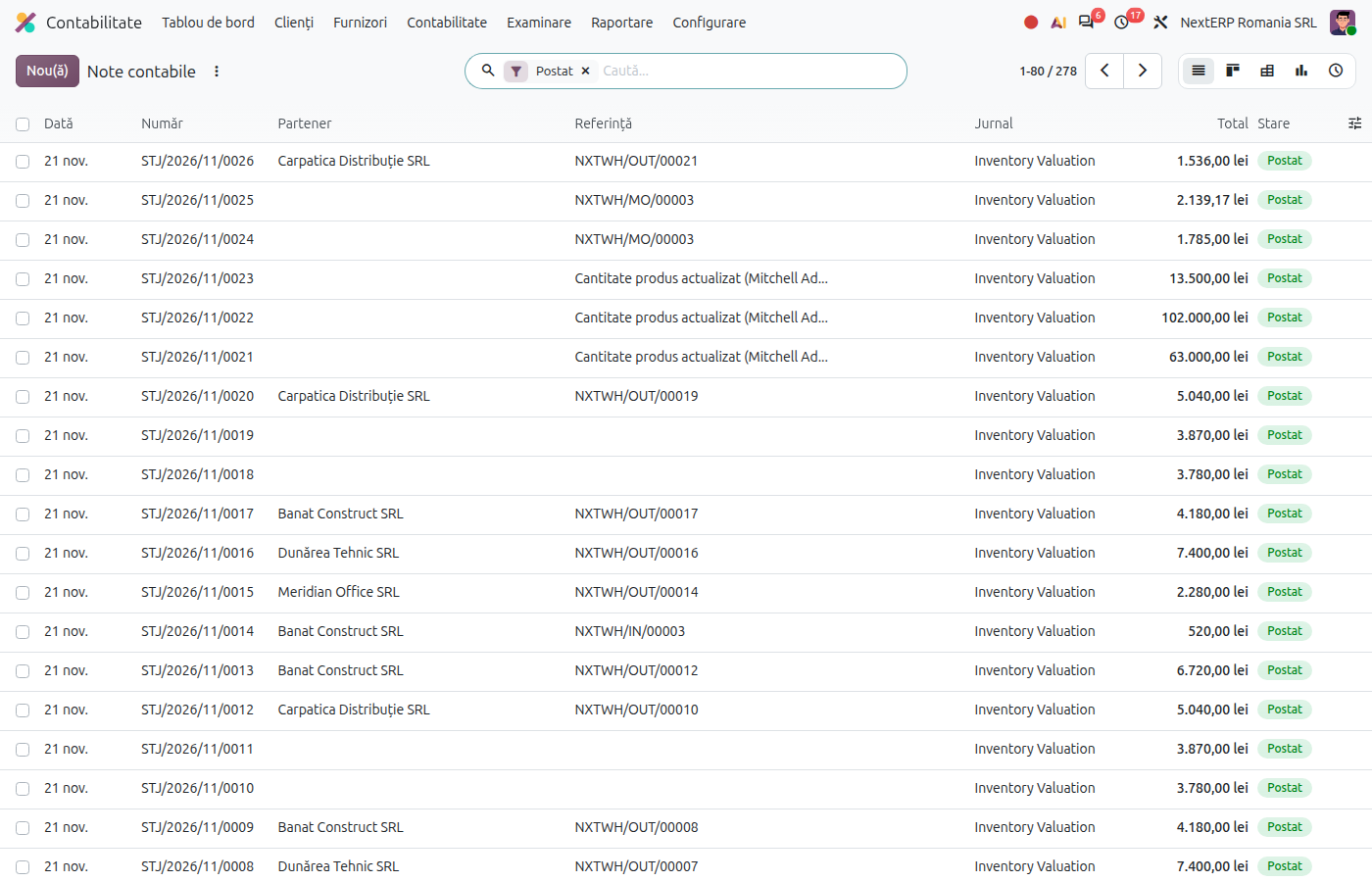
From the trial balance, follow the accounts that must reach zero or have a justified balance: 408 (receipts without a bill), 418 (deliveries without an invoice), 473 (amounts to be clarified). Details are in the chapter Accounting explained, article "Accounts 408, 418 and 327".
3. Run the currency revaluation
For customers, vendors and bank accounts in foreign currency: see Currency revaluation.
4. Check depreciation and recurring entries
Fixed asset depreciation, prepaid expenses and loan interest are recorded automatically on their date. Check that the month's entries are posted: see Fixed assets, Prepaid expenses and deferred revenue, Loans.
5. Close the VAT accounts
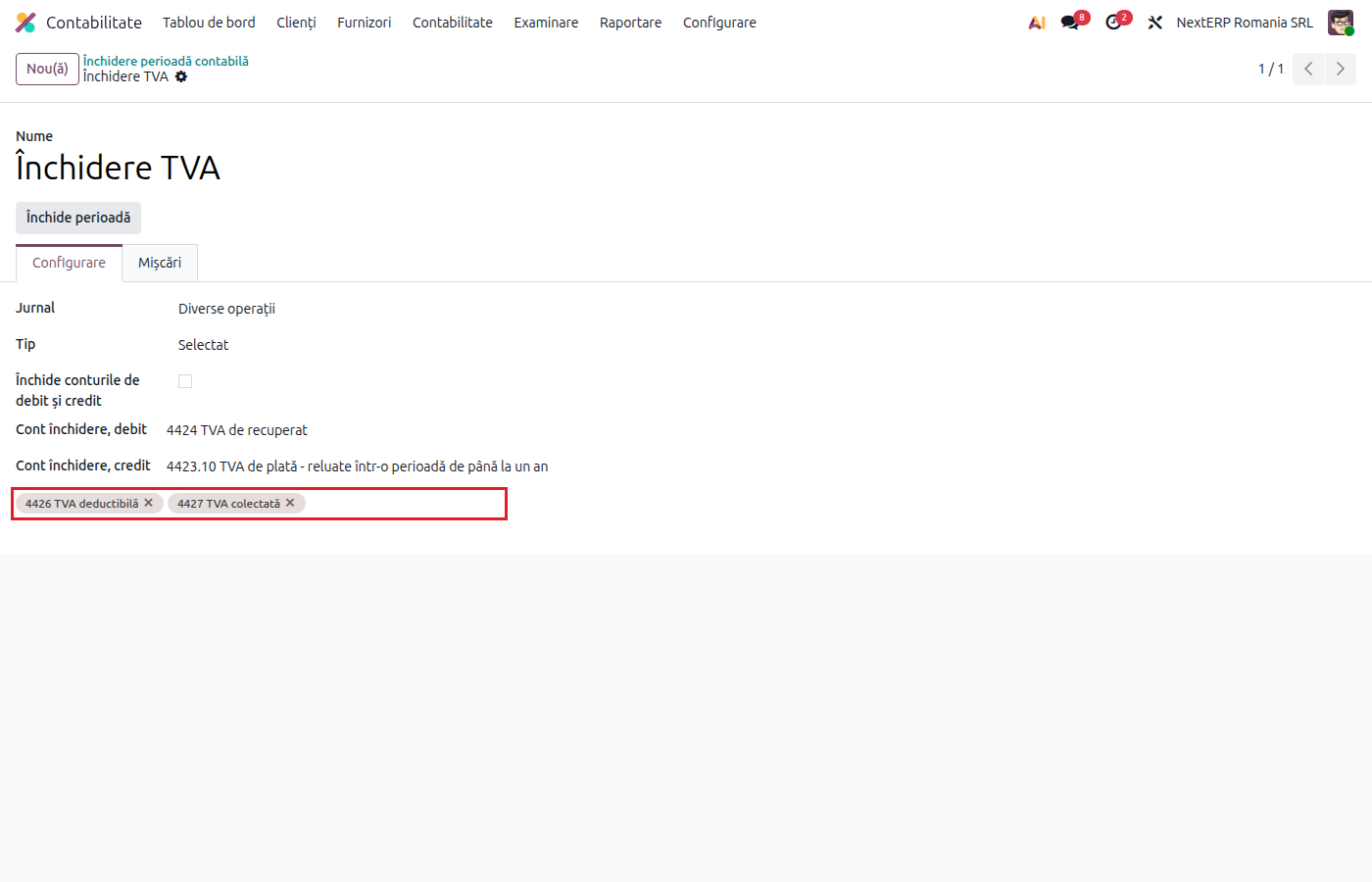
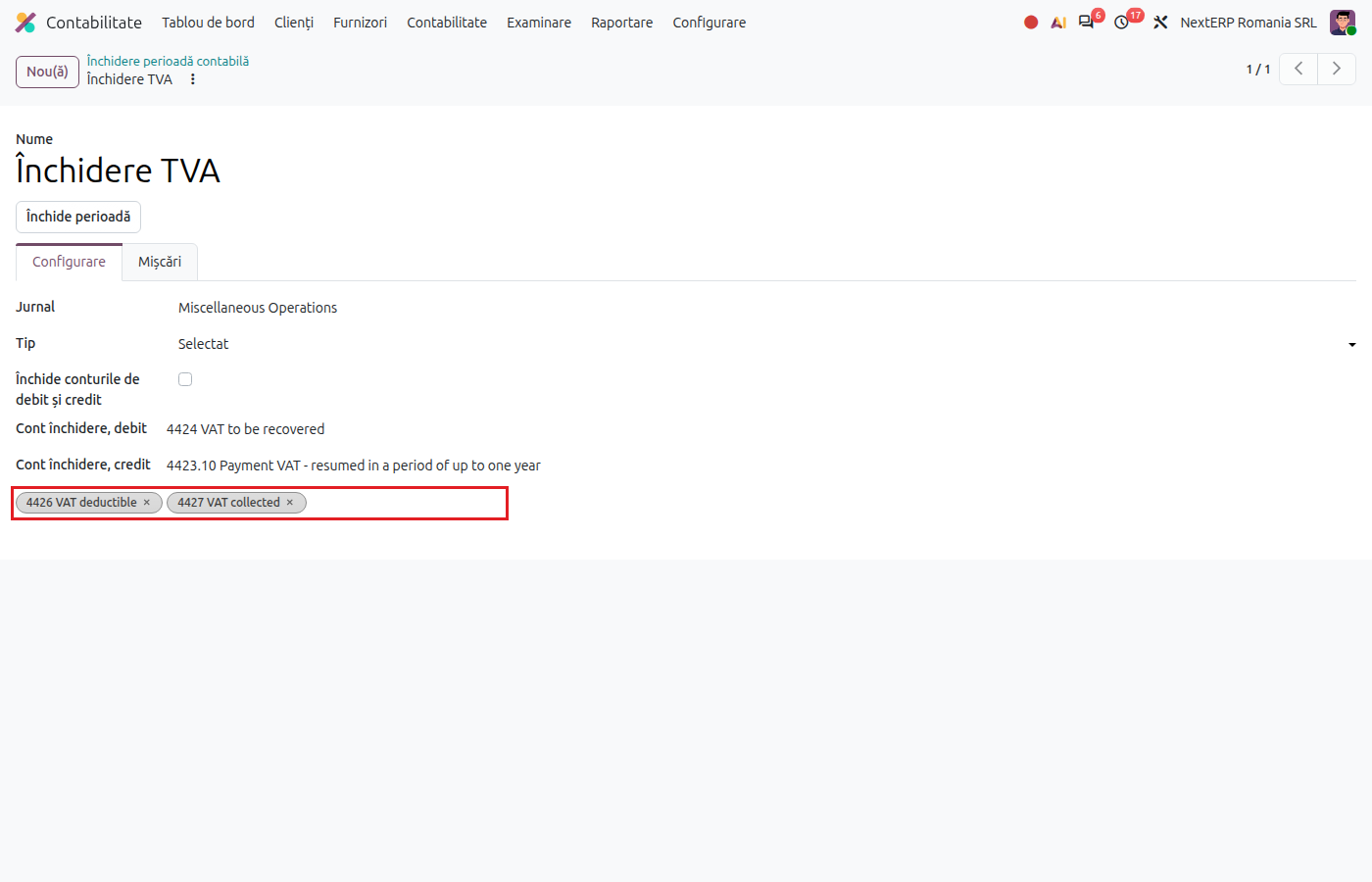
Open Accounting › Accounting › Account Period Closing and choose the VAT model (for example "VAT closing"). On the model, Type = Selected, Accounts to close = 4426 and 4427, Closing account, debit = 4424 and Closing account, credit = 44231 (VAT payable). Click Close Period, fill in Date Start and End Date with the month and confirm with Close Period.
6. Check the closing entry and the return
The generated entry appears in the Moves tab of the model. Check that 4426 and 4427 are at zero and that the difference is on 4423 (VAT payable) or on 4424 (VAT receivable). Then generate the VAT return (chapter ANAF returns and registers).
7. Lock the period
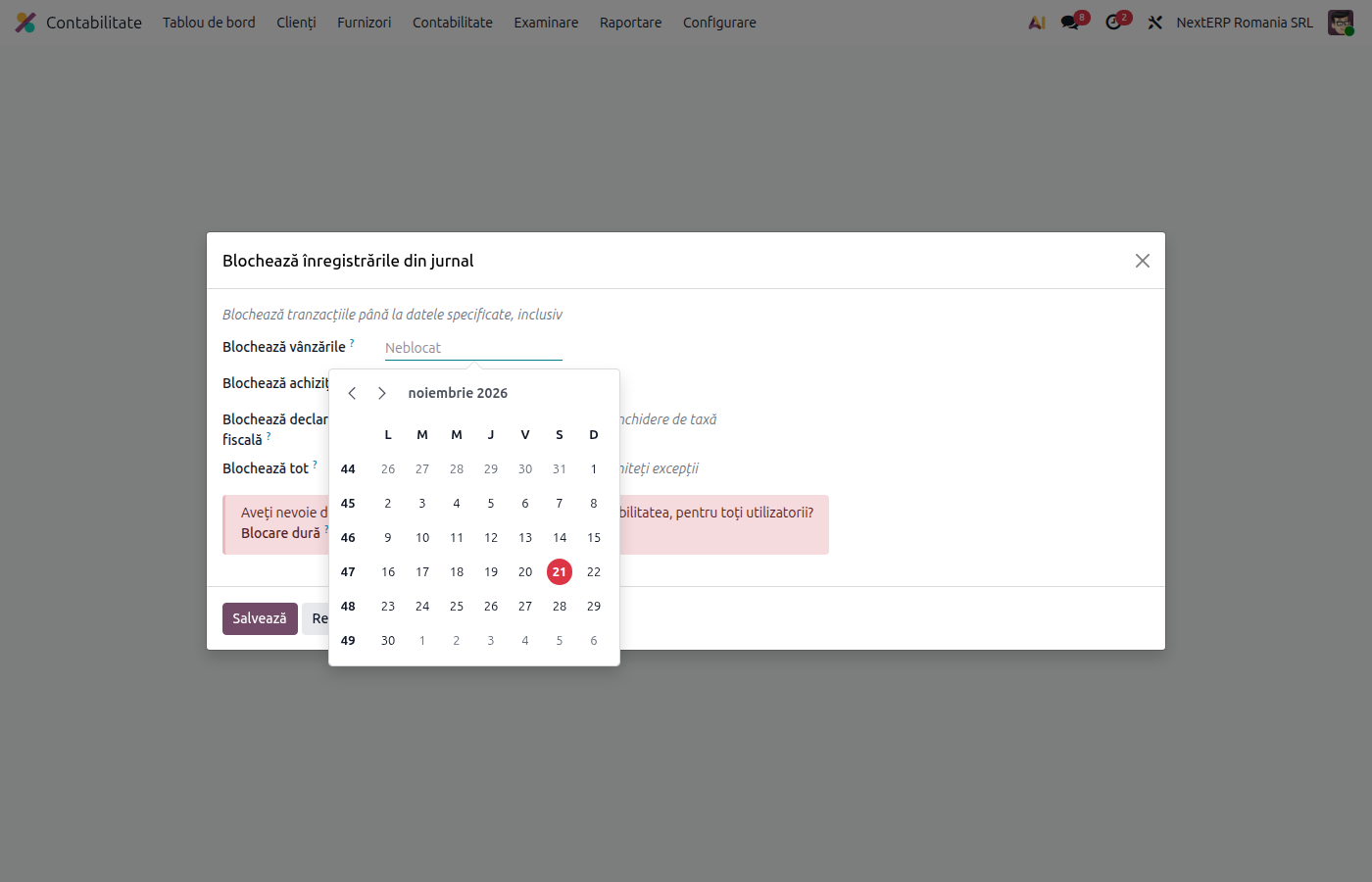
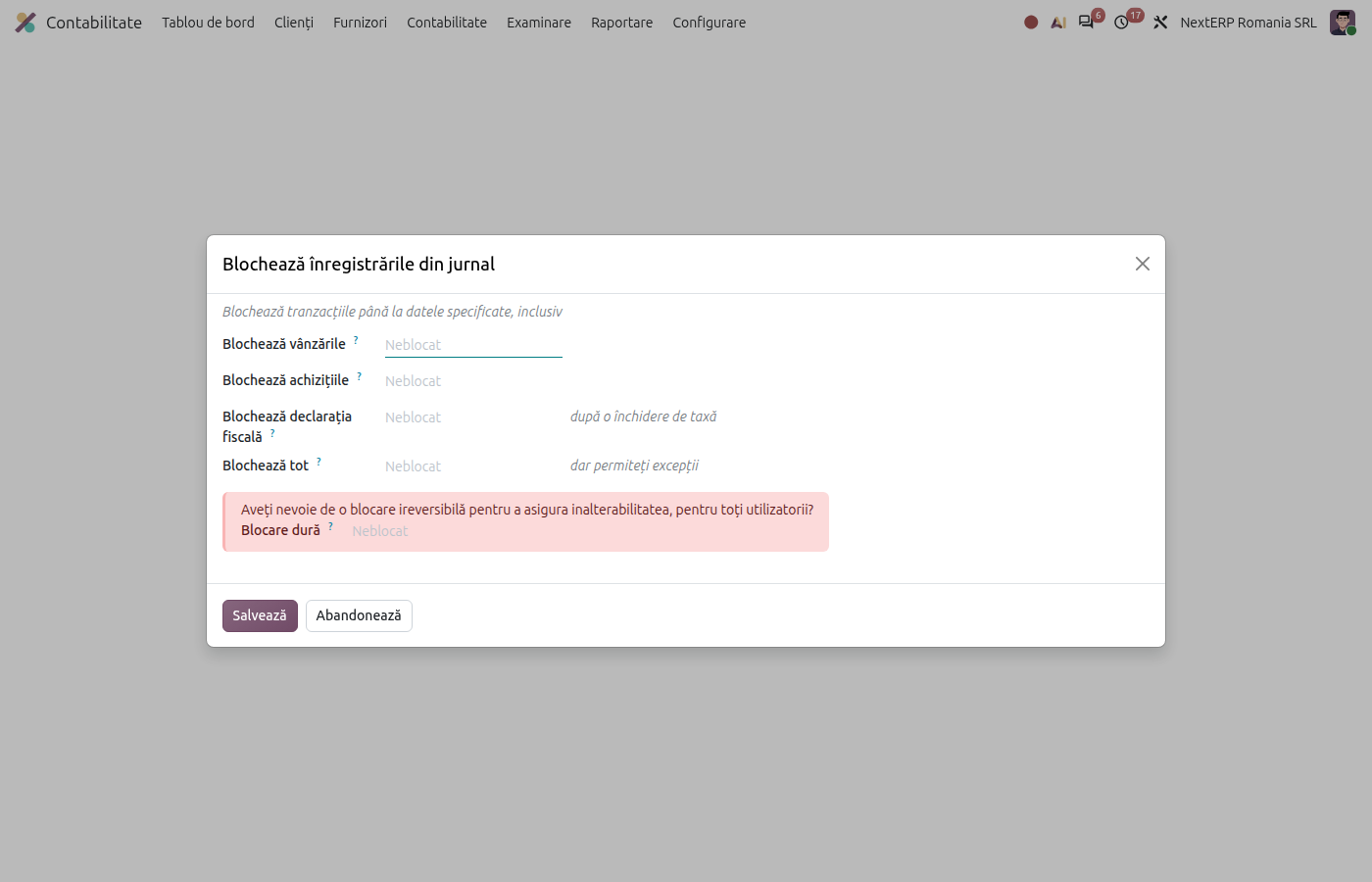
Open Accounting › Accounting › Closing › Lock Dates… and fill in Sales Lock Date, Purchase Lock Date or Global Lock Date with the last day of the month. After locking, no documents can be posted in the closed period.
Variants
Closing income and expenses every month
Some companies close income and expense accounts into 121 every month. Use Account Period Closing as well, with models of type Incomes and Expenses: see Year-end closing.
VAT closed from the tax returns
If the company generates the VAT return from Accounting › Accounting › Closing › Tax Returns, the VAT closing entry can be created from there. Use a single method: if you close VAT both from the model and from the return, the accounts are closed twice.
VAT on payment
Unrealized VAT (44281, 44282) is not closed; it stays in the balance until collection or payment. See VAT on payment.
Common mistakes
- Closing VAT before the last invoices. An invoice posted after the closing stays in 4426 or 4427. Delete the closing entry and run the closing again.
- Wrong period at closing. Odoo closes the balance of the chosen period. A period that overlaps an already closed month doubles the entry.
- Forgotten lock. Without a lock date, someone can post an invoice in a month that has already been declared.
For the accountant: legal framework, accounting entries, returns
Legal framework
- Legea contabilității nr. 82/1991 (the Romanian Accounting Law) and OMFP 1802/2014 (the Ministry of Finance order with the accounting regulations) — chronological recording and closing of accounts.
- Codul fiscal (Legea 227/2015) (the Romanian Fiscal Code), art. 323 — the tax period and the VAT return.
Accounting entries
Example: output VAT 2,100 lei, input VAT 1,260 lei.
VAT payable:
| DEBIT | CREDIT |
|---|---|
| 4427 — 2,100 | 4426 — 1,260 4423 — 840 |
VAT receivable (input 2,100, output 1,260):
| DEBIT | CREDIT |
|---|---|
| 4427 — 1,260 4424 — 840 |
4426 — 2,100 |
If the company has VAT payable and VAT receivable from previous periods, the offset is made with a manual entry 4423 = 4424, after the refund or offset decision.
Link with the ANAF returns
| Return | What it takes |
|---|---|
| D300 | the balances of 4426 and 4427 for the month, before closing, by rows and rates |
| D394 | the invoices of the month, by partner |
| D406 | all entries of the month, including the closing entry (SAF-T) |