Month-end closing · Article 05
Changing VAT rates
Applies to Odoo 19 · 20
When the law changes a VAT rate, Odoo does not change the existing taxes by itself. Taxes with the new rates exist in the Romanian chart of accounts; you set them on products, in the settings and on fiscal positions, starting from the effective date. The old taxes stay for corrections of documents issued before.
When to use
- On a legal change of rates (for example, from 1 August 2025: 19% → 21%, and 9% and 5% → 11%, with the exceptions provided by law).
- When a product moves from the standard rate to a reduced rate or the other way round.
Before you start
- Agree with the accountant on the date from which the new rate applies and on the list of exceptions.
- Check in Accounting › Configuration › Accounting › Taxes that the taxes with the new rate exist, for goods and services (for example 21% G, 21% S, 11% G, 11% S).
Steps in Odoo
1. Change the default taxes
In Accounting › Configuration › Settings, under Default Taxes, choose the new taxes for Sales Tax and Purchase Tax. They apply to products created from now on.
2. Update the products
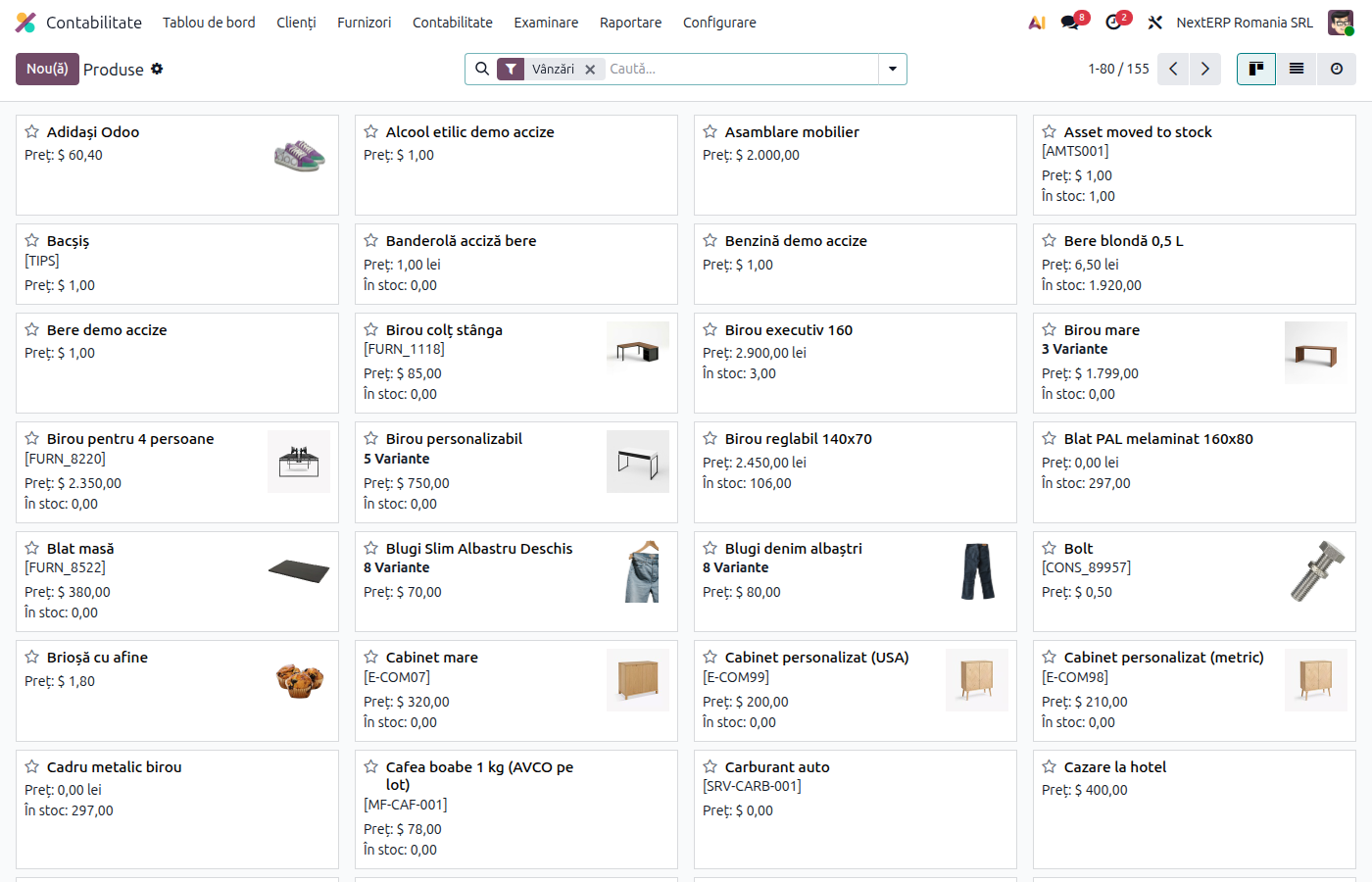
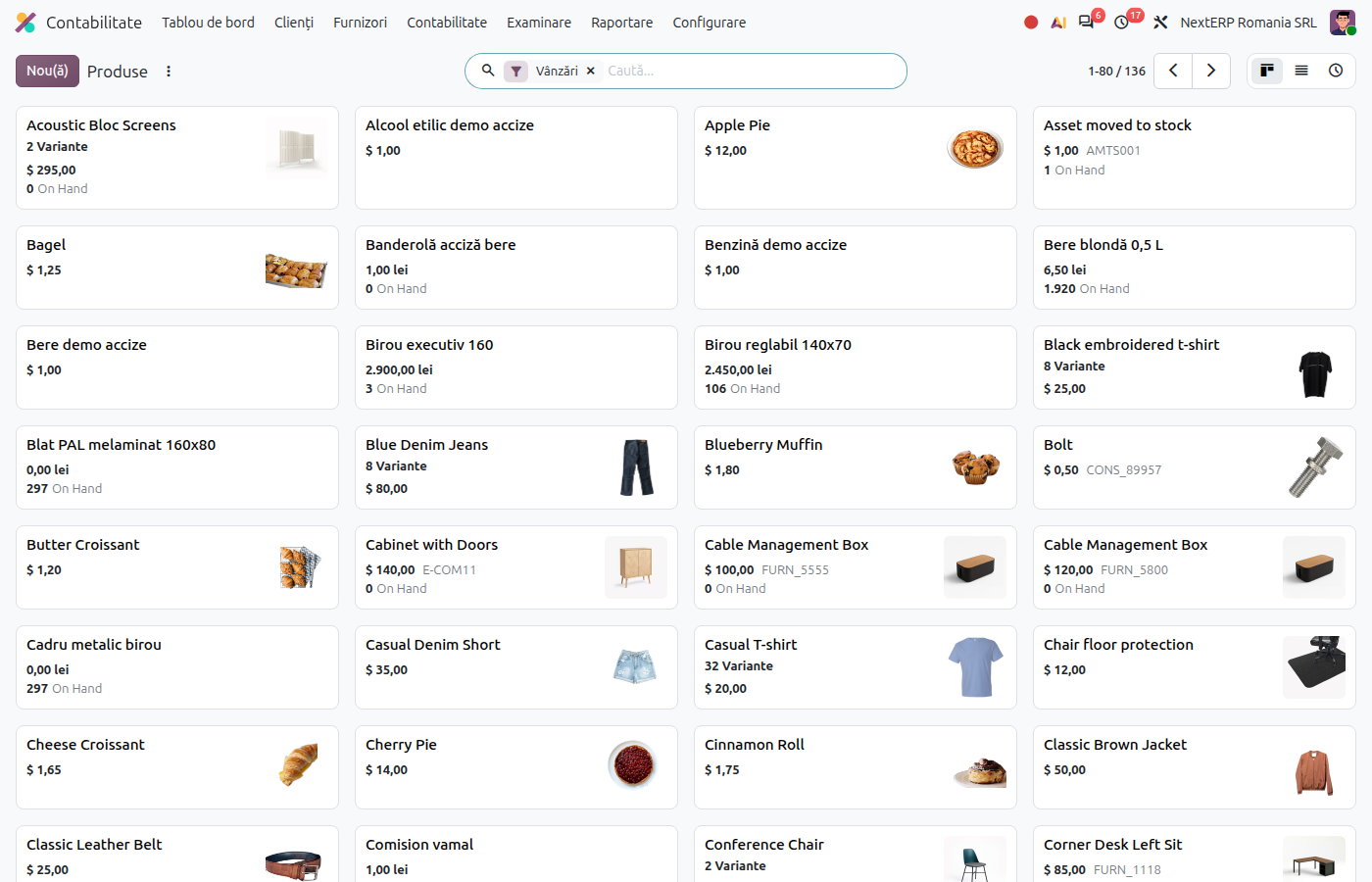
Open Accounting › Customers › Products in list view, add a custom filter on Sales Taxes equal to the old tax and select all results. Change Sales Taxes directly in the list and, separately, Purchase Taxes; Odoo applies the value to all selected rows.
3. Check the fiscal positions
In Accounting › Configuration › Accounting › Fiscal Positions, check the tax mapping (for example for VAT on payment or reverse charge). Add lines for the new taxes wherever there are lines for the old ones.
4. Update open documents
Quotations, uninvoiced orders, subscriptions and recurring invoices keep the taxes from when they were created. Open them and replace the tax on the lines for what is delivered after the change date.
5. Correct old documents with the old tax
A credit note for an invoice issued before the change takes the taxes of the original invoice. Do not replace them: the correction is made at the rate of that time.
6. Archive the old taxes later
Keep the old taxes active as long as corrections or VAT on payment collections from the old period may still appear. Then archive them from Taxes.
Variants
Down payment invoiced before the change
The down payment invoice stays at the rate of that time. On the final invoice, the deducted down payment line keeps the down payment tax, and the rest is invoiced at the new rate.
Delivery before, invoice after
The rate is determined by the date of the delivery or service (the chargeable event), not by the invoice date. On an invoice issued after the change for an earlier delivery, set the old tax manually.
VAT on payment
Invoices issued before the change and collected after keep the original rate; Odoo makes the VAT on the invoice due.
Common mistakes
- Forgotten products. Updated products do not cover orders already created. Check step 4.
- Old tax archived too early. A credit note for an old invoice can no longer be made correctly. Reactivate the tax.
- Fiscal positions without the new taxes. A customer with a fiscal position still gets the old tax. Complete the mapping.
For the accountant: legal framework, accounting entries, returns
Legal framework
- Codul fiscal (the Romanian Fiscal Code), art. 291 — VAT rates.
- Legea 141/2025 (Law 141/2025) — the 21% and 11% rates from 1 August 2025 and the transitional rules.
- Codul fiscal, art. 280–282 — chargeable event and chargeability; the applicable rate is the one on the date of the chargeable event.
Accounting entries
The accounts do not change; only the rate differs. Example: down payment of 300 lei invoiced at 19%, final invoice of 1,000 lei at 21%.
Final invoice:
| DEBIT | CREDIT |
|---|---|
| 4111 — 853 | 707 — 1,000 419 — −300 4427 — 210 4427 — −57 |
Link with the ANAF returns
| Return | What it takes |
|---|---|
| D300 (Decont de TVA, the VAT return) | operations at the old rates on the separate rows provided in the form (for example 9.1, 10.1, 11.1) |
| D394 (the domestic supplies and purchases statement) | the invoices, by rate |