Month-end closing · Article 10
Analytic accounting
Applies to Odoo 19 · 20
Analytic accounting shows costs and revenue by project, department, cost center or vehicle, independently of the chart of accounts. In Odoo, each invoice line or journal entry line can have an analytic distribution, and the analytic report adds them up. At month-end closing, check that no expenses are left without a distribution.
When to use
- You track profitability by project or by major customer.
- You allocate expenses to departments or cost centers.
- You track costs for each car or machine.
Before you start
- In Accounting › Configuration › Settings tick Analytic Accounting.
- Create the plans in Accounting › Configuration › Analytic Accounting › Analytic Plans (for example "Departments", "Projects").
- Create the analytic accounts in Accounting › Configuration › Analytic Accounting › Analytic Accounts, each in its plan.
Steps in Odoo
1. Set the distribution on documents
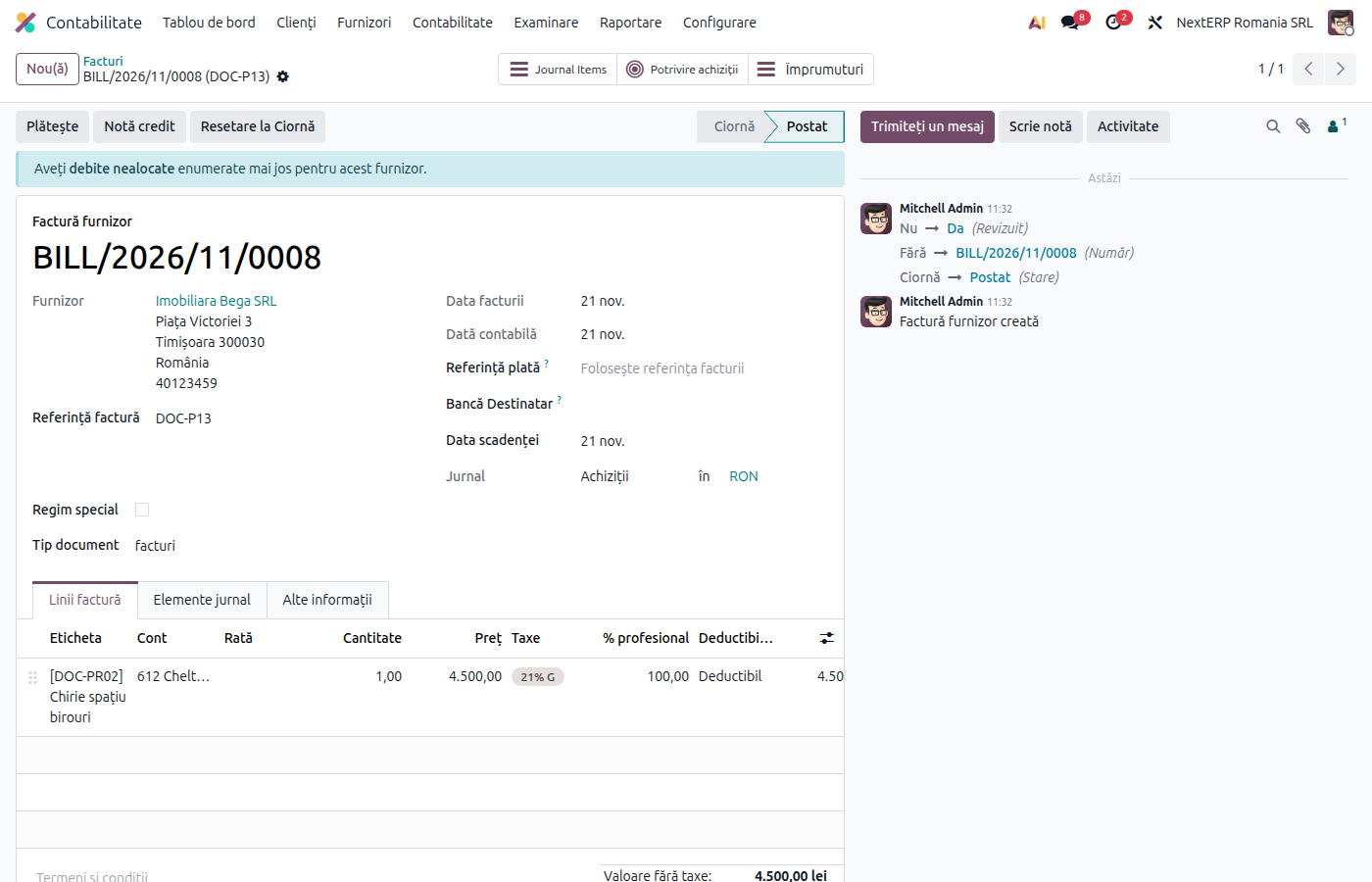
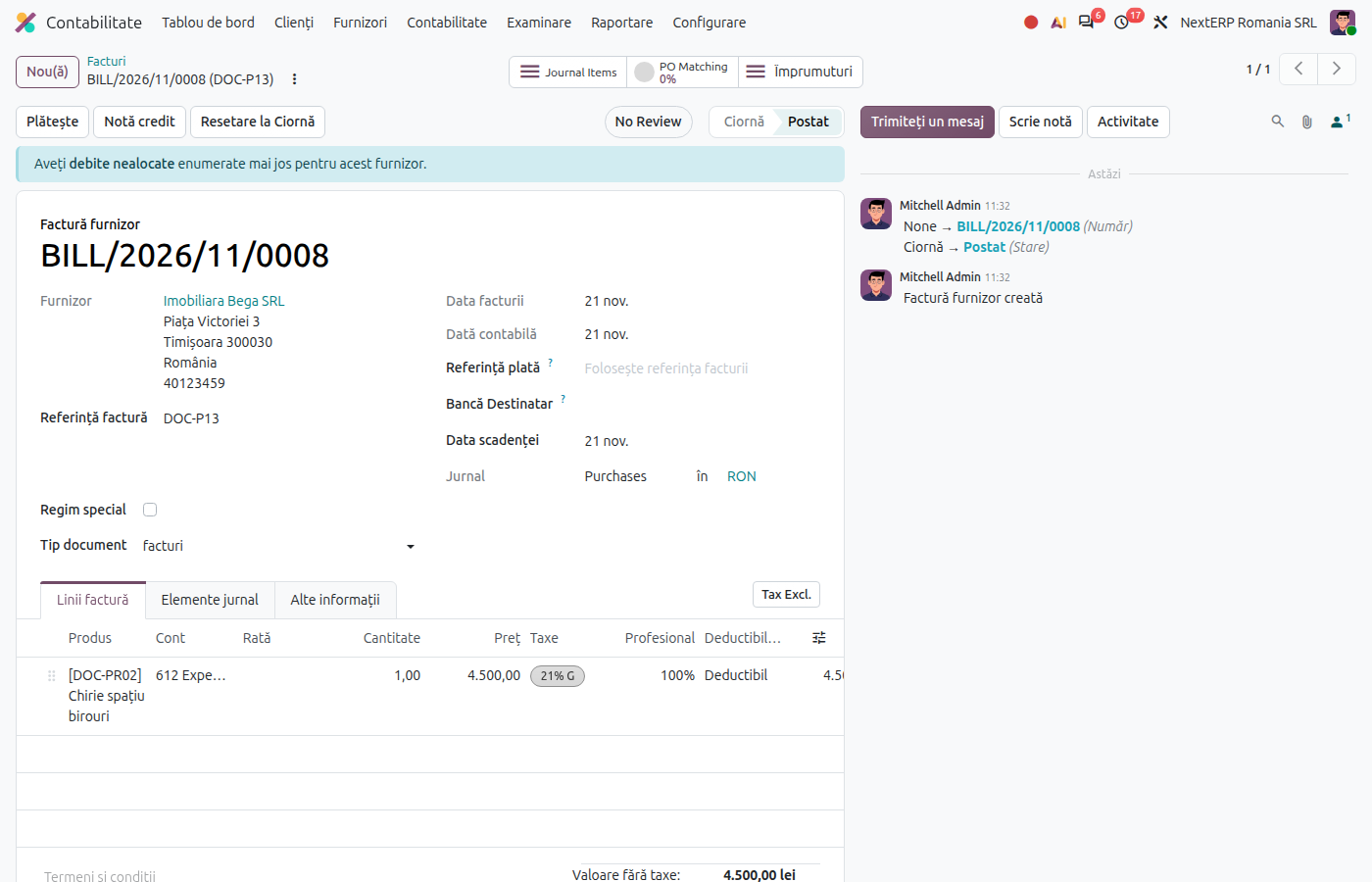
On the invoice line or the journal entry line, fill in Analytic Distribution: one or more analytic accounts, with percentages (for example 60% Production, 40% Sales).
2. Automate the distribution
In Accounting › Configuration › Analytic Accounting › Analytic Distribution Models, define rules by account, partner or product (for example all bills on 6022 from a fuel vendor go to "Cars"). Odoo fills in the distribution automatically.
3. Check at month end
From Accounting › Accounting › Transactions › Analytic Items or from the general ledger of the expense accounts, look for class 6 lines without a distribution and complete them.
4. Read the report
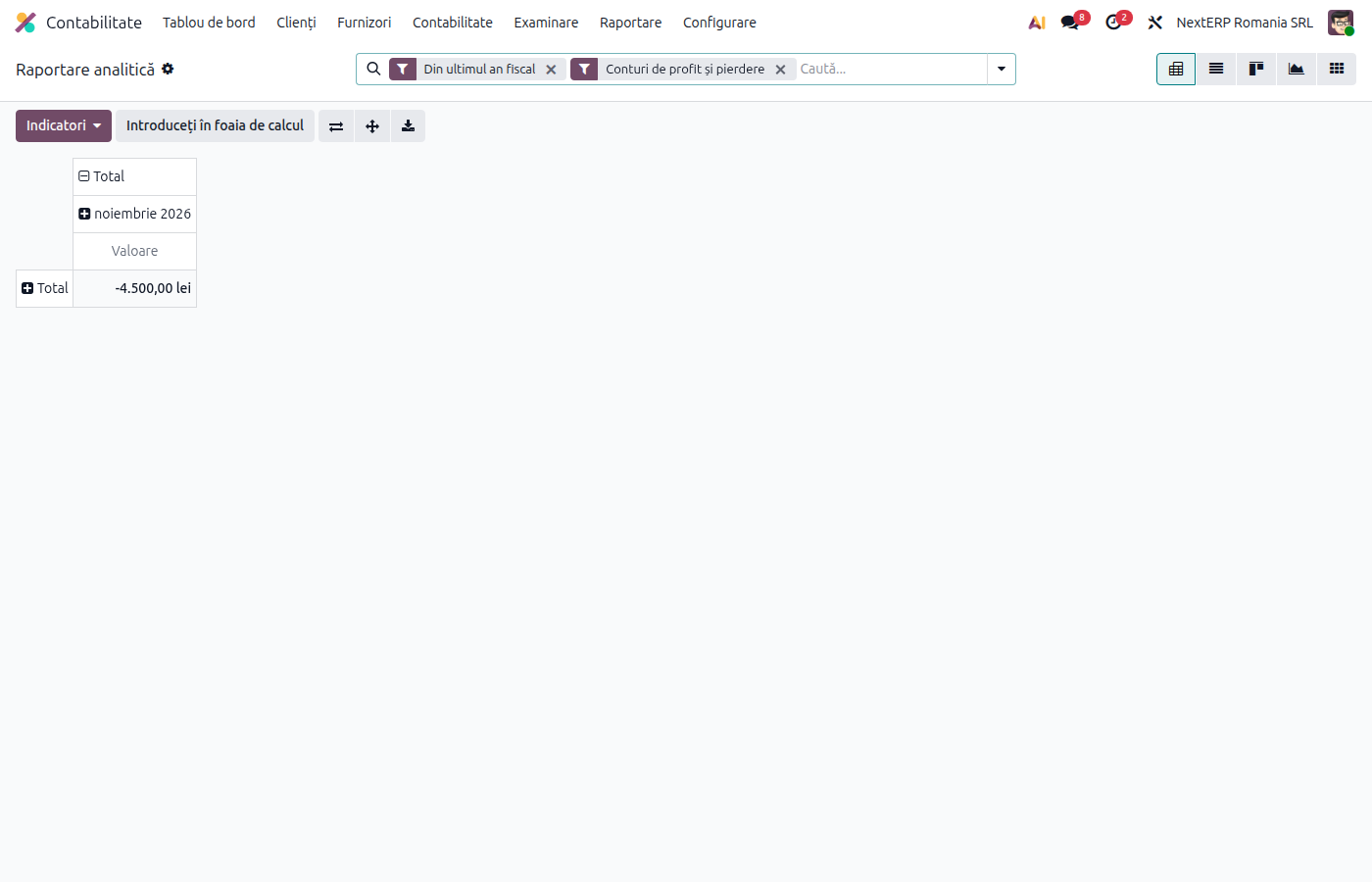
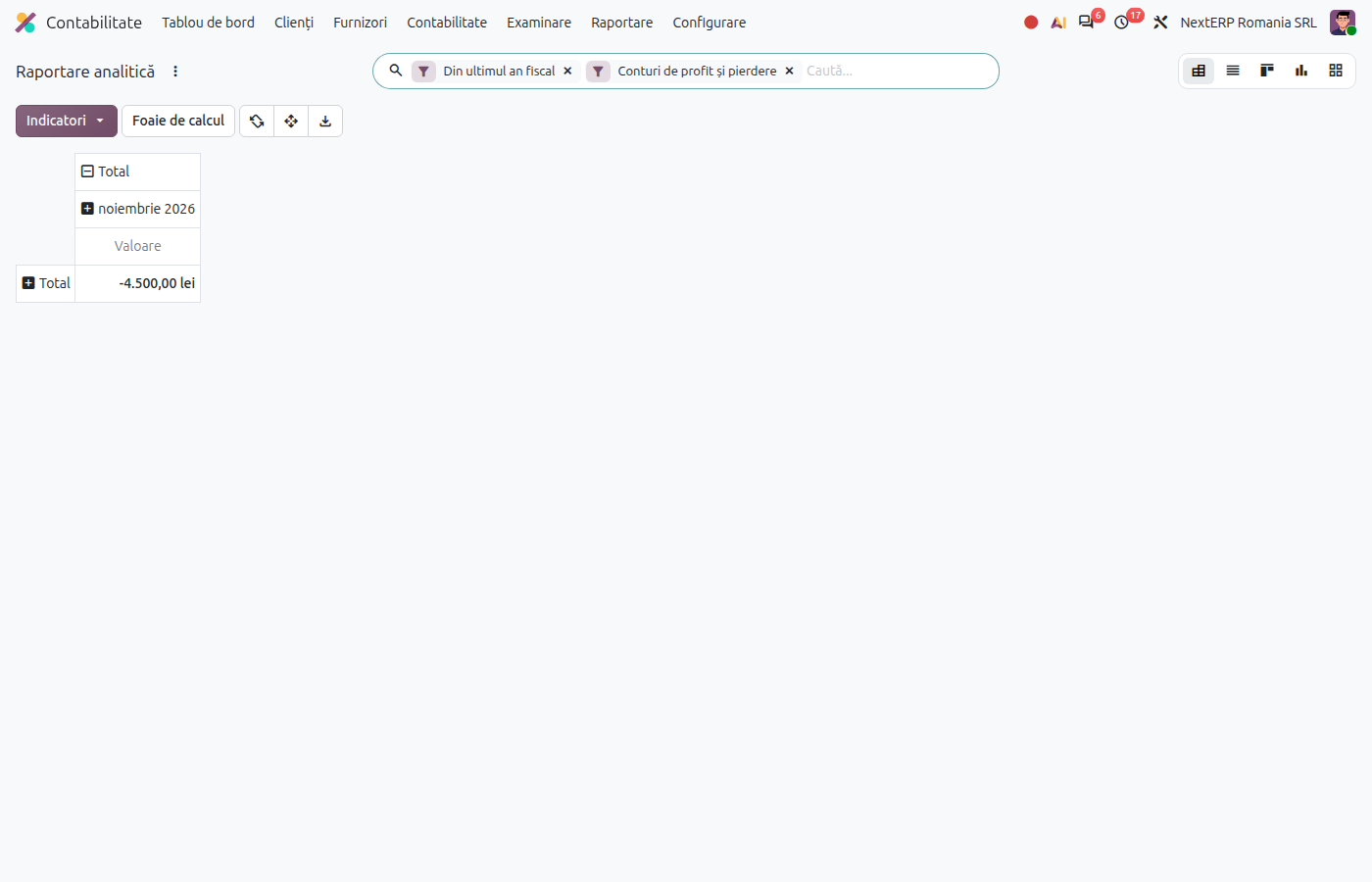
Open Accounting › Reporting › Management › Analytic Report. Group by plan, analytic account and financial account.
Variants
Allocating a shared expense
A shared expense (rent, utilities) is allocated directly on the invoice, with percentages by department. For an allocation made at month end, use a journal entry with the same amounts on debit and credit, but with different distributions.
Analytic accounting by project
If you use the Project app, each project has its own analytic account; timesheets and linked invoices add up in the same account.
Common mistakes
- Distribution filled in only on some invoices. The report shows incomplete costs. Use distribution models for frequent accounts.
- Percentages that do not add up to 100%. Odoo allows partial distributions; the rest stays unallocated.
- Analytic accounting used instead of general ledger accounts. Analytic accounting does not replace the accounts required by law; it is only for internal reporting.
For the accountant: legal framework, accounting entries, returns
Legal framework
- OMFP 1802/2014 (the Ministry of Finance order with the accounting regulations) — management accounting is optional and is organized according to the company's needs; class 9 accounts can be used or replaced with the analytic accounting in the software.
Accounting entries
Analytic accounting does not create journal entries: the accounting line stays the same, and Odoo creates analytic items next to it. Example: rent 2,000 lei, 60% Production, 40% Sales.
| DEBIT | CREDIT |
|---|---|
| 612 — 2,000 | 401 — 2,000 |
| Analytic account | Amount |
|---|---|
| Production | 1,200 |
| Sales | 800 |
Link with the ANAF returns
Analytic accounting does not appear in the returns. In D406 (SAF-T), only the general ledger accounts are reported.