Month-end closing · Article 03
VAT on payment
Applies to Odoo 19 · 20
Under the VAT on payment system (TVA la încasare, cash accounting for VAT), the VAT on an invoice becomes due only when the invoice is collected (on sales) or paid (on purchases). Until then it stays in the unrealized VAT account. Odoo automatically puts the right fiscal position on the invoice, based on ANAF data, and moves the VAT to the realized VAT account when the payment is reconciled.
When to use
- Your company is registered in the VAT on payment system.
- You buy from vendors registered in the VAT on payment system (even if your company is not).
- At closing, you check what unrealized VAT is left in the balance.
Before you start
- The Romania - VAT on Payment module is installed (in Accounting › Configuration › Settings, section Romania, checkbox VAT on payment).
- The Fiscal Position for VAT on Payment is set on the company (by default "Sistem de colectare TVA", from the chart of accounts).
- VAT on payment taxes have Tax Exigibility = Based on Payment; in the Romanian chart of accounts they are already configured.
Steps in Odoo
1. Check the partner
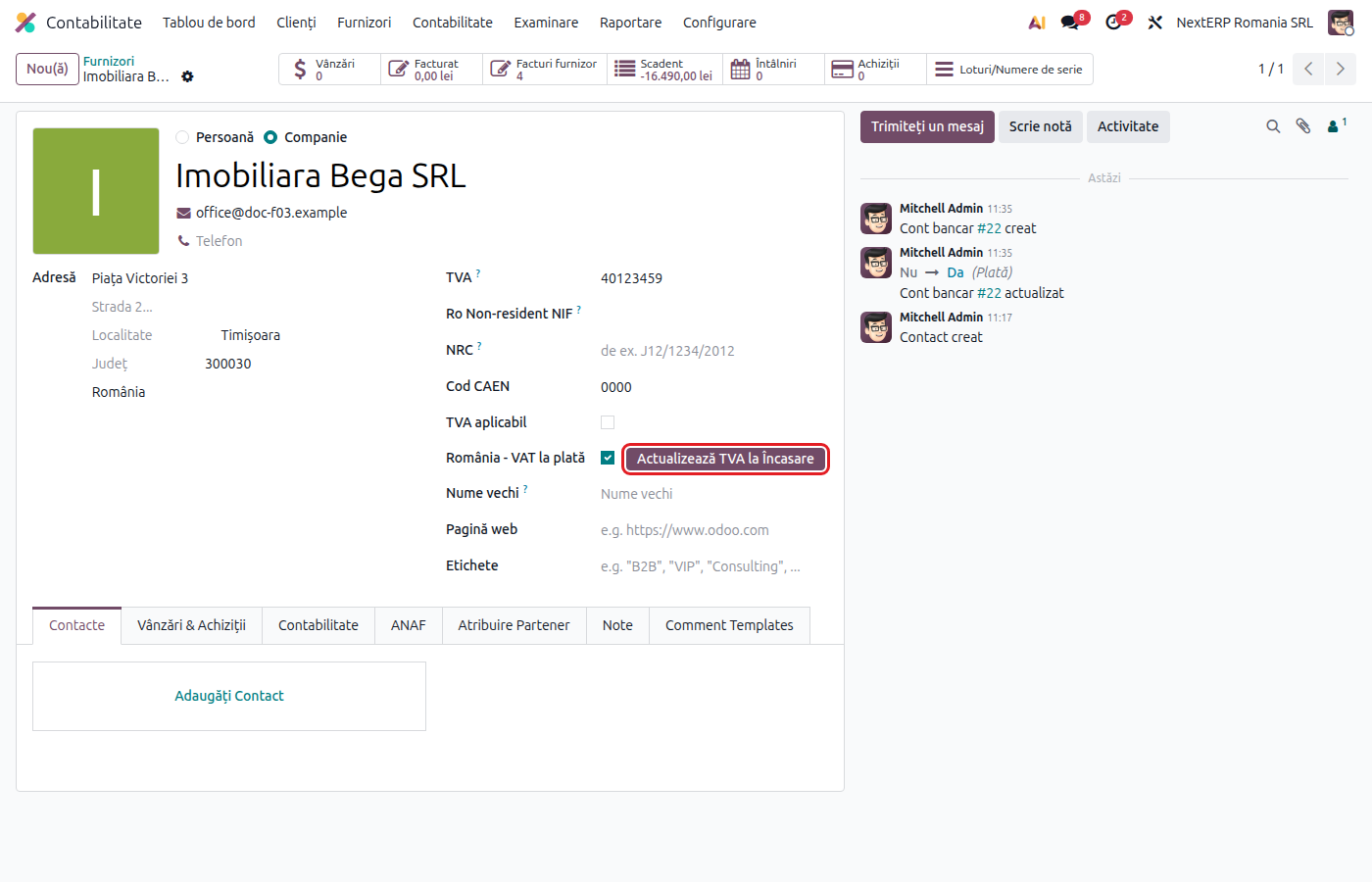
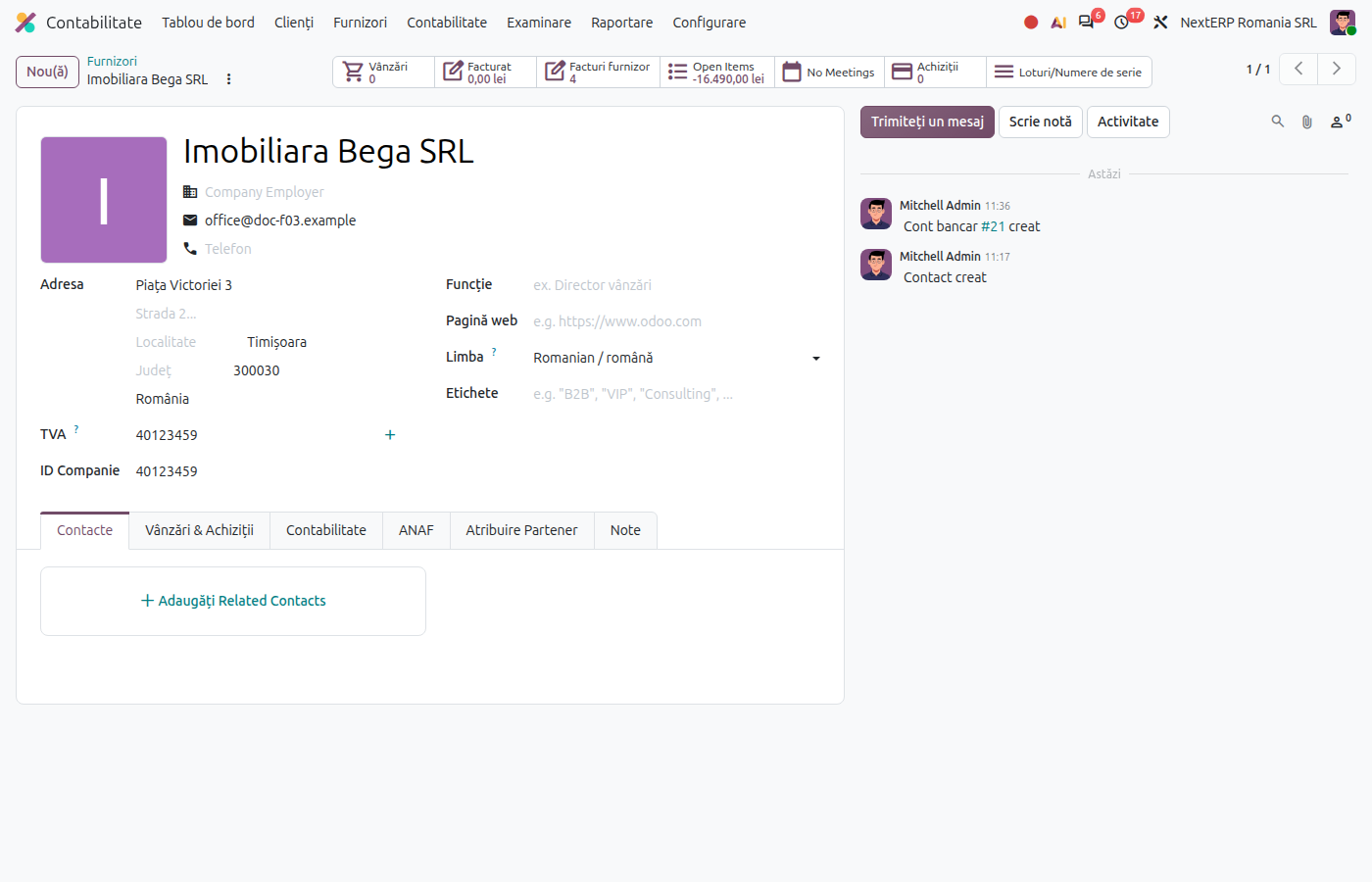
On the customer or vendor form (a company with a VAT number), the Romania - VAT on Payment checkbox shows whether the partner is registered. Click Update VAT on Payment for an up-to-date check. Odoo checks all Romanian partners daily, from the ANAF file.
2. Issue or record the invoice
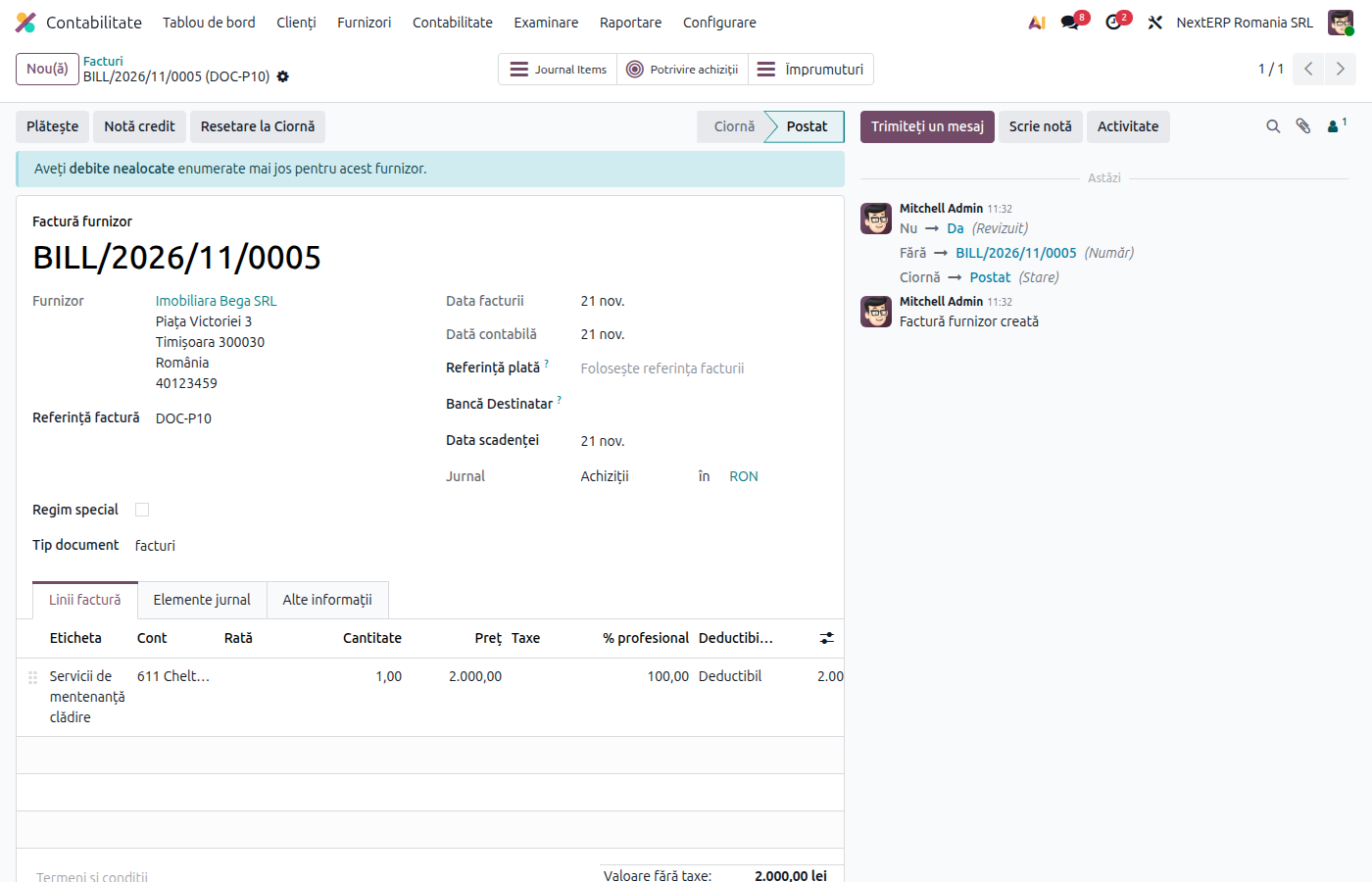
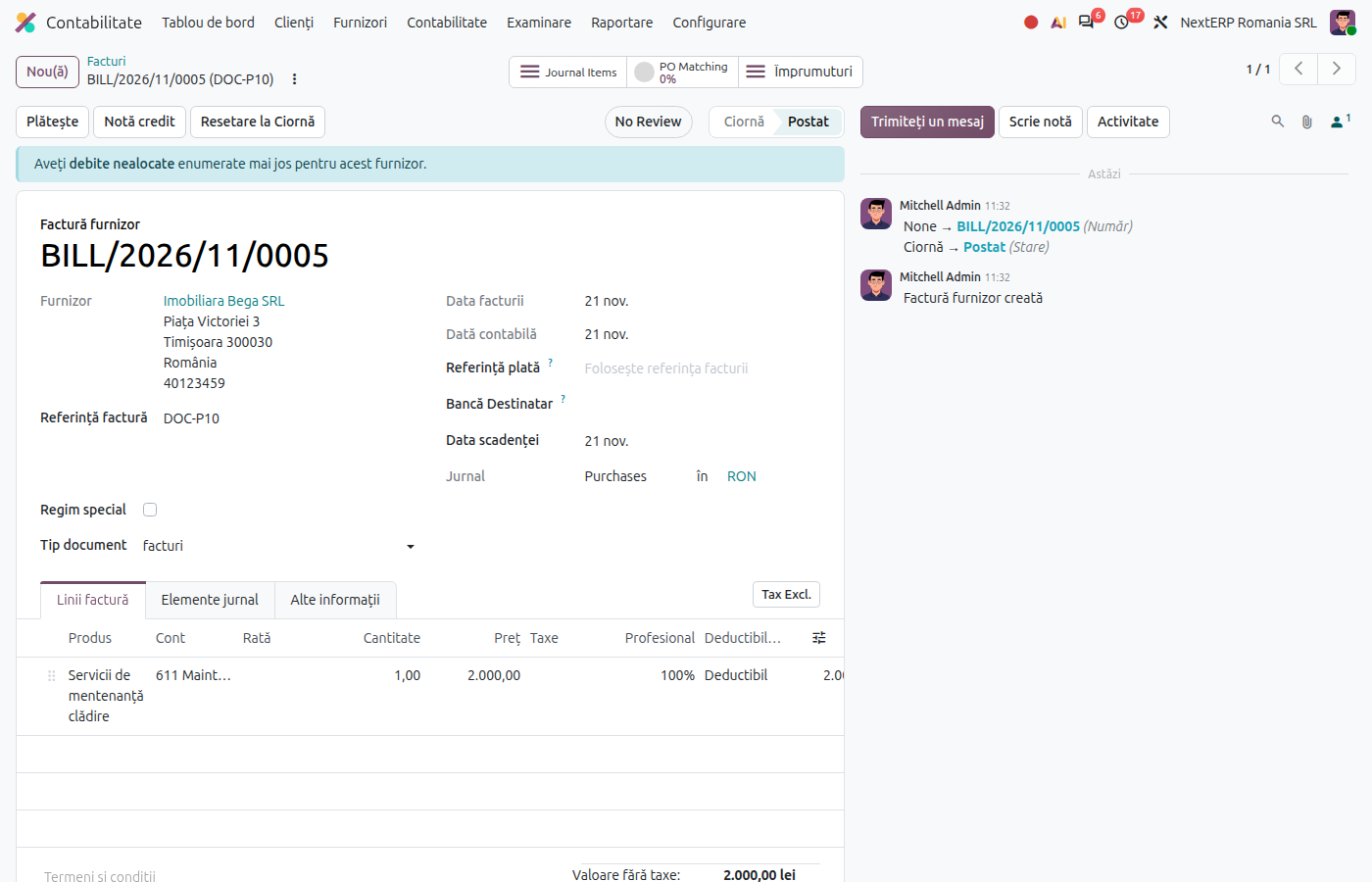
When you choose the partner, Odoo puts the VAT on payment fiscal position on the invoice if your company or the vendor was in the system on the invoice date. The taxes are replaced automatically with the VAT on payment ones. Post the invoice as usual.
3. Record the collection or payment
Reconcile the payment with the invoice (from the bank statement or with the Pay button on the invoice). On reconciliation, Odoo creates in the cash basis journal the entry that moves VAT from 44281 to 4427 (sales) or from 44282 to 4426 (purchases), in proportion to the amount paid.
4. Check the balance at closing
At month end, the balance of 44281 and 44282 must match the VAT on uncollected invoices and unpaid bills, respectively. Check it from the general ledger of the account, with the unreconciled lines.
Variants
Partial payment
Odoo moves to realized VAT only the part matching the amount paid. The rest stays in 44281 or 44282.
Offset
An offset between customer and vendor is also a reconciliation: the VAT becomes due for the offset amount.
Foreign partner
VAT on payment applies only between partners in Romania. For partners from another country, Odoo does not set the VAT on payment fiscal position.
Leaving the system
When the company leaves the system, invoices issued after the exit date use the regular taxes. Invoices issued before stay on VAT on payment until collected.
Common mistakes
- Fiscal position changed manually. If you replace the fiscal position on the invoice, the VAT goes directly to 4427 or 4426. Correct the invoice before posting.
- Invoice closed without a real payment. Reconciliation with a credit note or an offset makes the VAT due; check that the document is correct.
- Vendor that left the system. Odoo checks the invoice date; if you enter an old invoice, check that the fiscal position matches the situation on that day.
For the accountant: legal framework, accounting entries, returns
Legal framework
- Codul fiscal (the Romanian Fiscal Code), art. 282 para. (3)–(8) — the VAT on payment system, the threshold and registration in the ANAF register.
- Codul fiscal, art. 297 para. (2)–(3) — the right of deduction at payment, including for buyers from vendors registered in the system.
Accounting entries
Example: 1,000 lei + VAT 21%.
Sales invoice:
| DEBIT | CREDIT |
|---|---|
| 4111 — 1,210 | 707 — 1,000 44281 — 210 |
At collection (in addition to 5121 = 4111):
| DEBIT | CREDIT |
|---|---|
| 44281 — 210 | 4427 — 210 |
Vendor bill from a vendor in the system:
| DEBIT | CREDIT |
|---|---|
| 371 — 1,000 44282 — 210 |
401 — 1,210 |
At payment (in addition to 401 = 5121):
| DEBIT | CREDIT |
|---|---|
| 4426 — 210 | 44282 — 210 |
Link with the ANAF returns
| Return | What it takes |
|---|---|
| D300 (Decont de TVA, the VAT return) | the VAT due in the month of collection or payment |
| D394 (the domestic supplies and purchases statement) | the invoices in the month of issue, marked as VAT on payment, and the collections or payments |