Purchases · Article 07
Landed costs and imports with a DVI
Applies to Odoo 19 · 20
Transport, insurance, customs duties and fees are part of the cost of goods. In Odoo, you add them to the receipt through a landed cost, which spreads them over the products and increases the stock value. For imports, the DVI document in Odoo (Declarația vamală de import, the import customs declaration) does everything in one step: it spreads the customs duty and the customs fee over the goods and records the VAT paid at customs.
When to use
- The carrier bills you separately for the transport of the purchased goods.
- You import goods from outside the EU and receive the import customs declaration (DVI).
- You pay a customs fee, insurance or other costs related to a receipt.
Before you start
- The Landed Costs feature of Inventory is active and Romania - Stock Accounting Landed Cost is installed.
- The transport (or insurance) service has Is a Landed Cost ticked.
- For imports, install Romania - DVI; the foreign vendor's bill has the Extra-Community Regime position (see Tax treatment by vendor).
Steps in Odoo: transport and other costs
1. Record the carrier's bill
In Accounting › Vendors › Bills create the bill, with the transport service on the line. Confirm the bill.
2. Create the landed cost
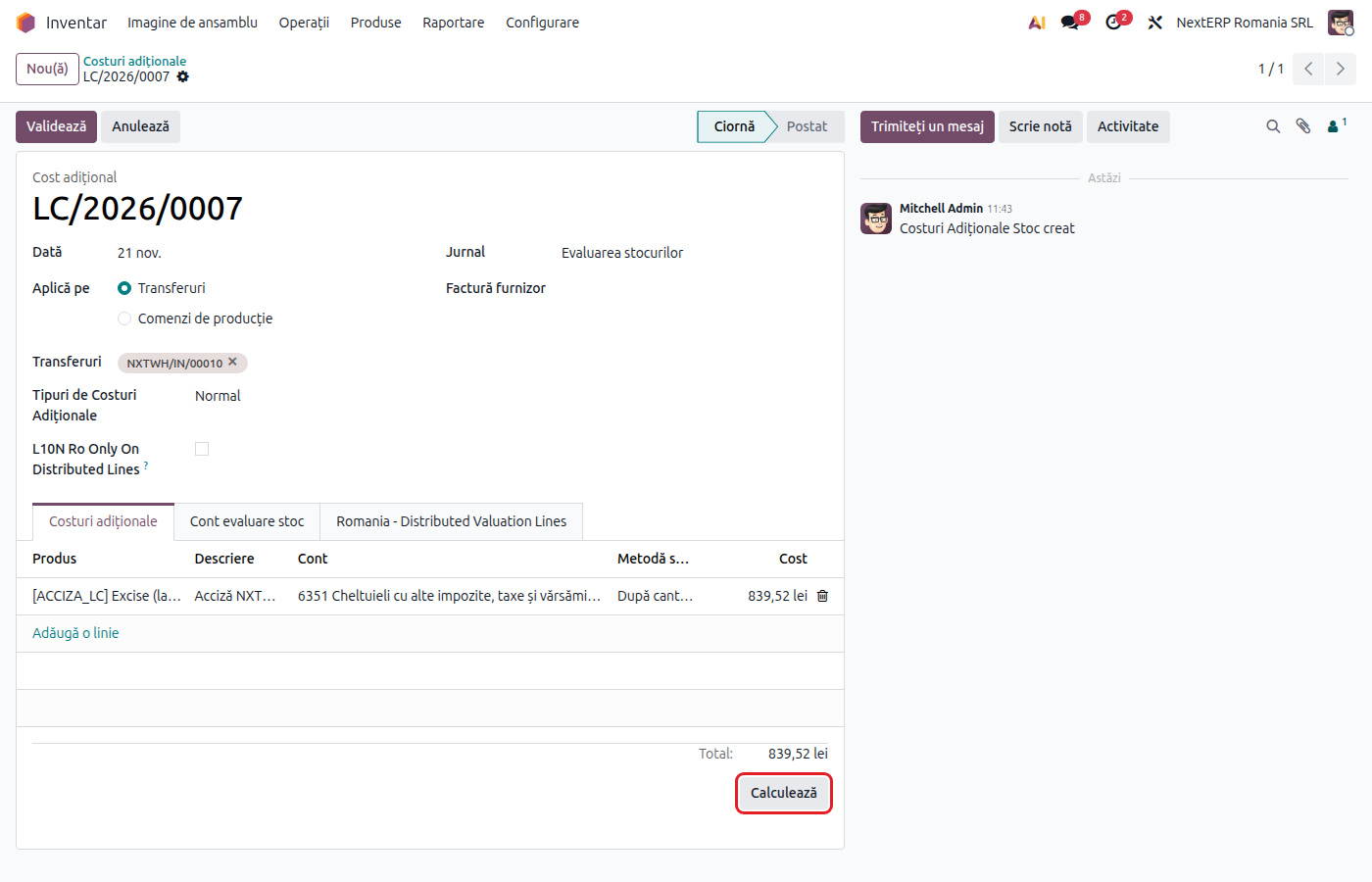
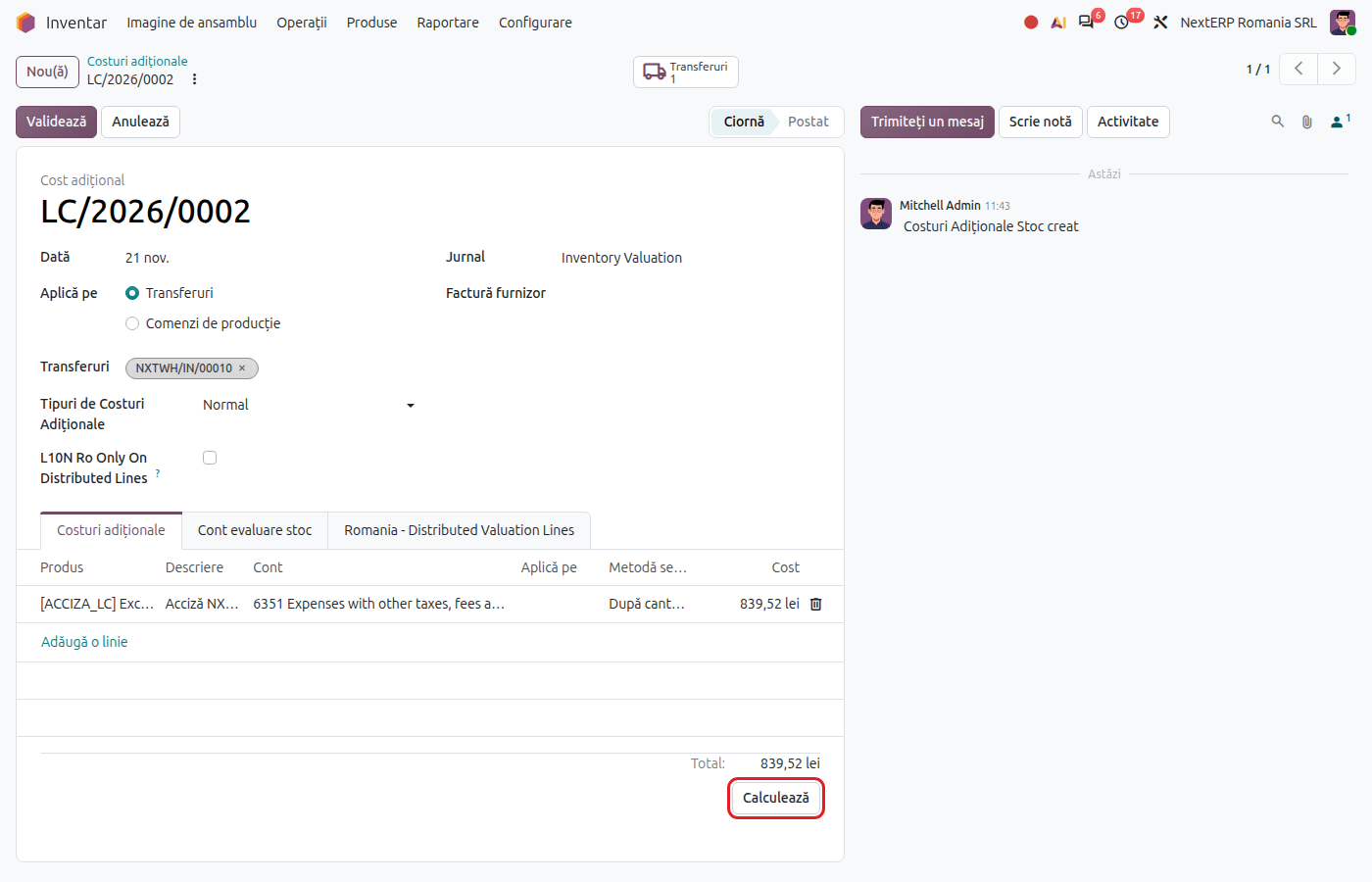
In Inventory › Operations › Adjustments › Landed Costs click New, choose the receipt (or receipts) and add the cost line with the amount and Split Method (By Quantity, By Current Cost, By Weight, By Volume or Equal).
3. Compute and validate
Click Compute, check how the cost is spread over the products, then Validate. The stock value increases by the allocated cost.
Steps in Odoo: import with a DVI
4. Create the DVI
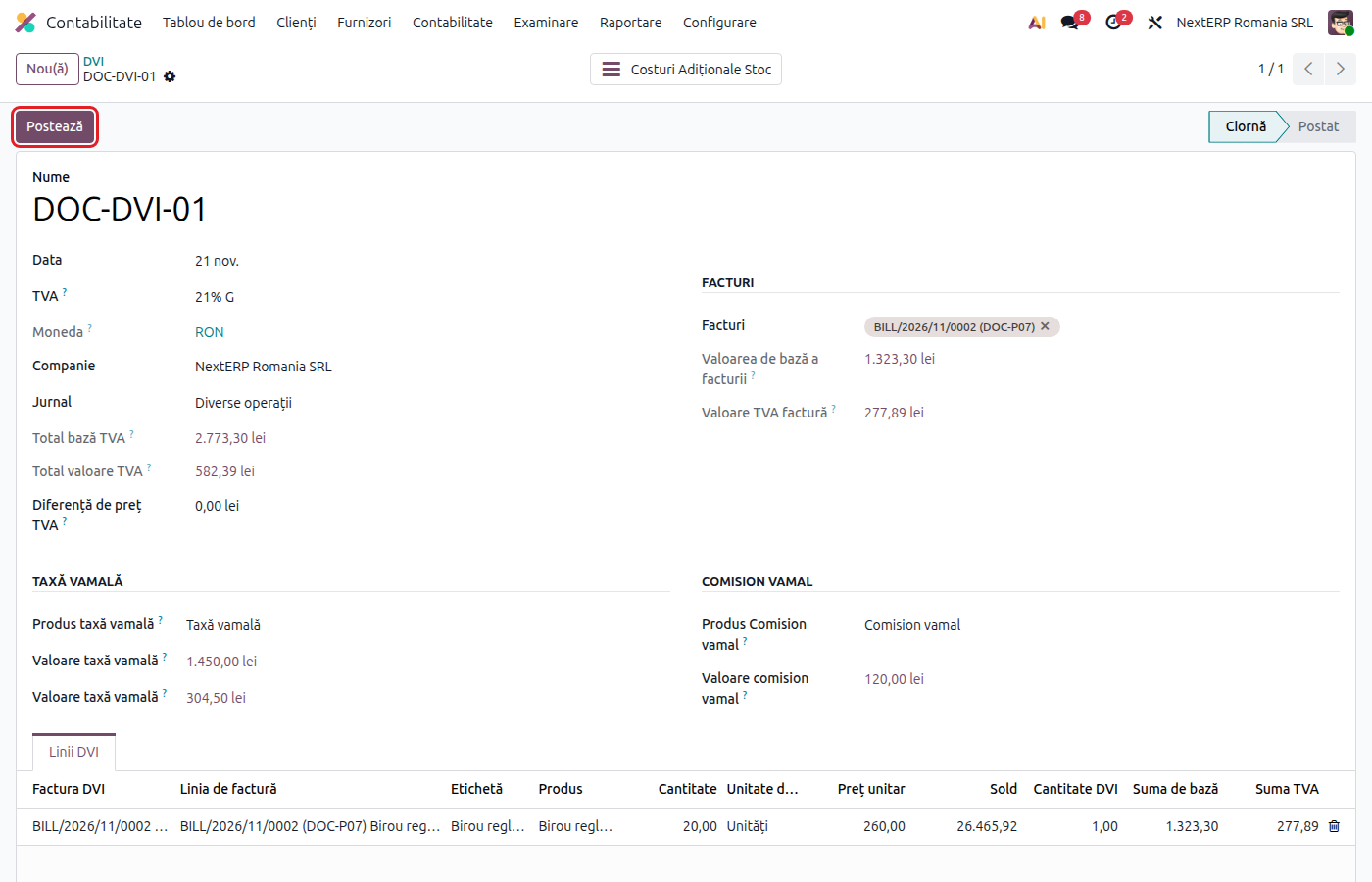
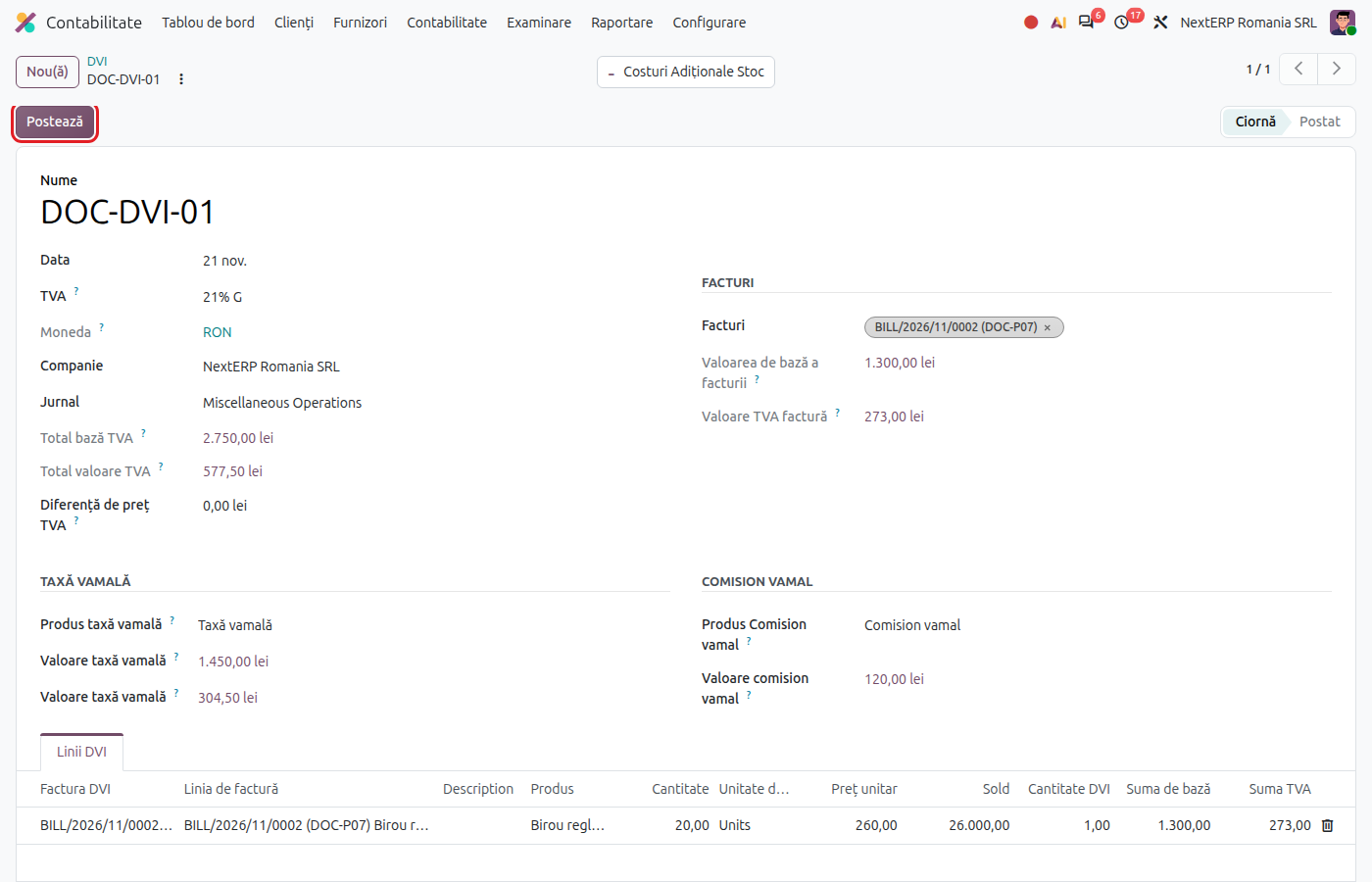
In Accounting › Accounting › Romanian DVI click New. Fill in the DVI number and date, the VAT tax (usually 21% G) and choose the foreign vendor's bill in the Invoices section. The goods lines are filled in from the bill.
5. Fill in the customs duties
Fill in Customs Duty and Customs Commission from the DVI. Odoo computes the VAT base (goods plus customs duty) and the VAT paid at customs; compare them with the DVI.
6. Post the DVI
Click Post. Odoo creates and validates the landed cost on the receipt (the customs duty and the fee go into the value of the goods) and records the VAT paid at customs as deductible.
Variants
The transport is on the vendor's bill
If the vendor bills the transport on the same bill, on a line with a service marked Is a Landed Cost, create the landed cost from the bill and choose the receipt.
Wrong DVI
On the posted DVI click Revert: Odoo cancels the landed cost and the VAT entry. Correct it and post again.
Deferred payment of import VAT
With a VAT deferment certificate (certificat de amânare a plății TVA), VAT is not paid at customs but self-assessed in D300 (Decont de TVA, the VAT return). The DVI flow stays the same for the customs duty; agree the VAT entry (4426 = 4427) with the accountant, because the DVI in Odoo records the VAT as paid at customs.
Common mistakes
- Landed cost after the goods were sold. The part of the cost that belongs to goods already sold can no longer increase stock. Validate landed costs right after the receipt.
- Transport recorded only as an expense (624). Stock stays undervalued and the cost of sales too low.
- DVI without the vendor's bill. Odoo does not allow posting: link the foreign bill first.
- VAT put on the foreign vendor's bill. A bill from outside the EU has no Romanian VAT; the VAT comes from the DVI.
For the accountant: legal framework, journal entries, returns
Legal framework
- OMFP 1802/2014 (the Romanian accounting regulations) — the purchase cost includes customs duties, transport and other directly attributable costs.
- Codul fiscal (the Romanian Fiscal Code), art. 289 — the taxable base on import (customs value plus customs duties and ancillary costs); art. 326 para. (4) — deferred payment of VAT at customs.
Journal entries
Example: imported goods of 1,000 lei, customs duty 100 lei, customs fee 10 lei, VAT at customs 21% × 1,100 = 231 lei.
Foreign vendor's bill:
| DEBIT | CREDIT |
|---|---|
| 371 — 1,000 | 401 — 1,000 |
Customs duty and fee, through the DVI (landed cost):
| DEBIT | CREDIT |
|---|---|
| 371 — 110 | 446 — 100 447 — 10 |
VAT paid at customs:
| DEBIT | CREDIT |
|---|---|
| 4426 — 231 | 446 — 231 |
Accounts 446 and 447 are closed by the payment to customs (446 = 5121, 447 = 5121). Domestic transport billed separately: 624 = 401 at the bill, then the landed cost moves it to stock (371 = 624).
Link with the ANAF returns
| Return | What it takes |
|---|---|
| D300 | the VAT paid at customs, for imports; with deferred payment, both output and input VAT |
| D394 | does not include imports |
| D406 (SAF-T) | the foreign bill, the DVI entry and the landed cost |
D394 is the domestic sales and purchases listing and D406 the SAF-T file.