Purchases · Article 08
Services, rent and utilities
Applies to Odoo 19 · 20
Bills for rent, energy, phone, internet, accounting or software subscriptions come every month, without an order and without a receipt. Record them directly as vendor bills, on the right expense account. Because they repeat, the fastest way is to start from last month's bill.
When to use
- You receive the monthly rent or utilities bill.
- You pay a subscription (software, phone, security, cleaning).
- You receive a bill for services without a purchase order.
- You pay a yearly subscription that covers several months.
Before you start
- The vendor exists, with Vendor Payment Terms: see Configuration.
- Optionally, create service products for each expense (for example "Office rent"), with Expense Account and Purchase Taxes (21% S). The bill lines then fill in on their own.
Steps in Odoo
1. Create the bill
In Accounting › Vendors › Bills click New and choose the vendor. For a recurring bill, open last month's bill and use Duplicate from the actions menu.
2. Fill in the data
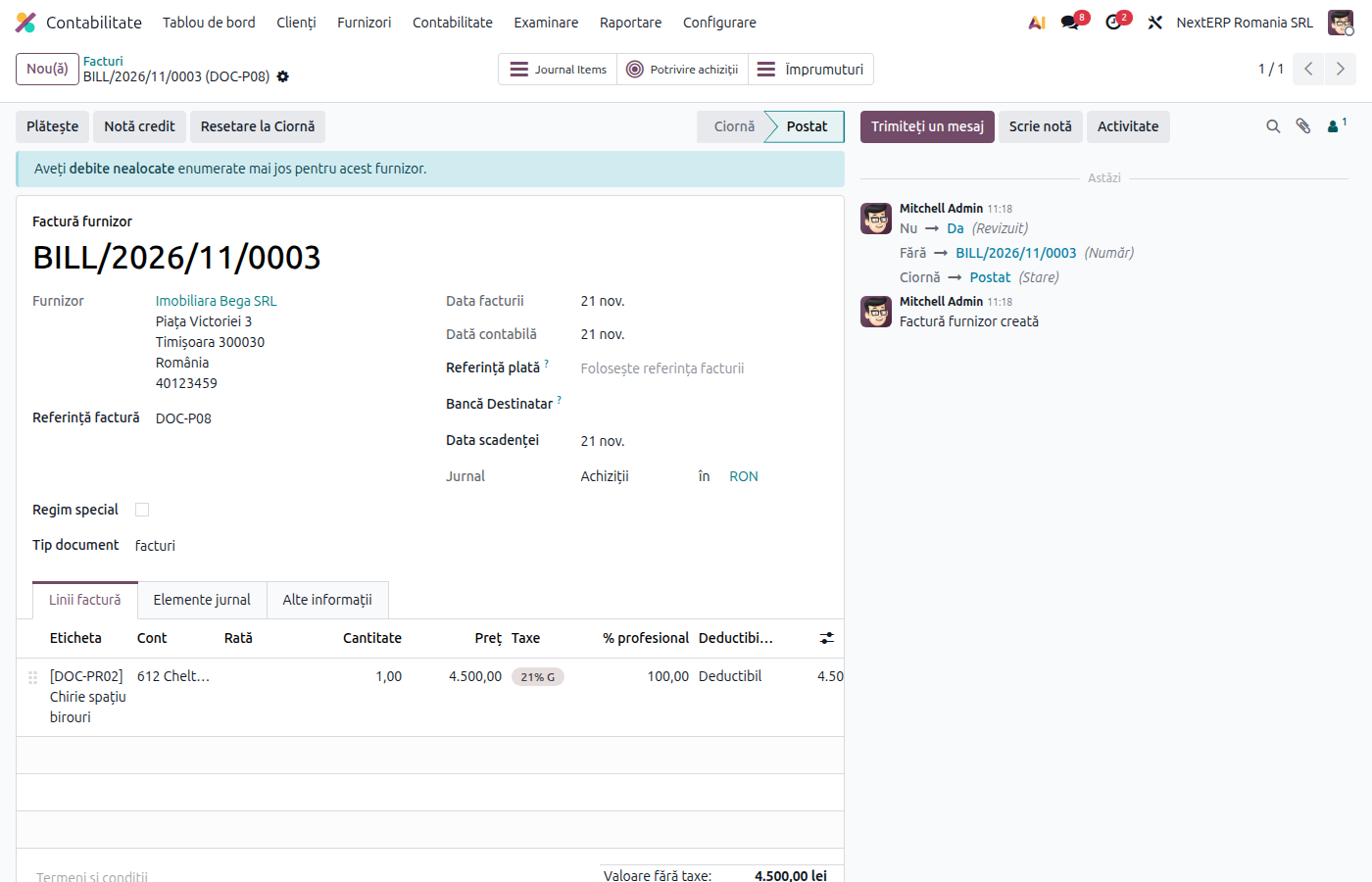
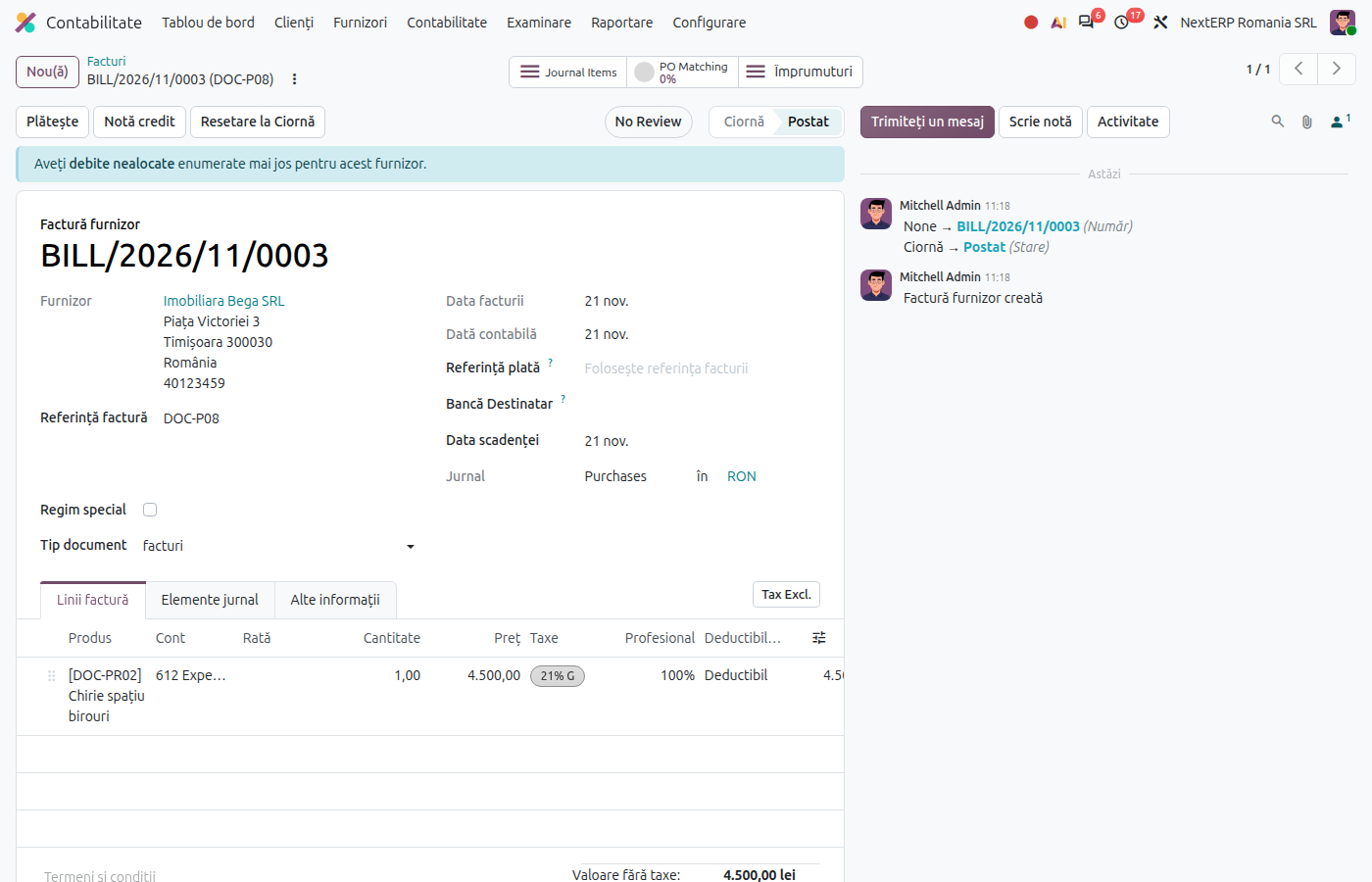
Fill in Bill Reference, Bill Date and Accounting Date. On the line choose the service (or the expense account directly), the amount and the tax.
3. Confirm the bill
Check the total against the bill you received and click Confirm.
Variants
The bill comes from e-Factura or by email
The draft appears in Accounting › Vendors › Bills. Fill in the service on the lines and confirm. For vendors with identical monthly bills, you can use Auto-post bills (see Vendor bill).
Subscription paid for a year
With the Enterprise edition, fill in Start Date and End Date on the bill line: Odoo automatically spreads the expense over the months of the period, through prepaid expenses (471). Without Enterprise, the accountant spreads it monthly.
Utilities re-billed to tenants
The vendor bill is recorded here; re-billing to tenants is done from the Sales and invoicing chapter, as a service invoice.
Service from a foreign vendor
The flow is the same; only the tax differs (reverse charge). See Tax treatment by vendor.
Common mistakes
- Goods tax on a service. Use the "S" taxes; otherwise the transaction appears on a different line in the returns.
- Duplicated bill without changing the reference and the date. The copy keeps last month's amount: update the reference, the dates and the amount.
- Yearly expense put entirely in one month. The result of the month is distorted. Spread it over the period.
- Rent from an individual treated as a normal bill. It has tax withholding rules: see Purchases from individuals.
For the accountant: journal entries and returns
| Expense | Account |
|---|---|
| Rent | 612 |
| Energy and water | 605 |
| Phone, internet, postage | 626 |
| Maintenance and repairs | 611 |
| Accounting, audit, consulting services | 628 or 622, by nature |
| Software subscriptions | 628 (or 205, if it is a capitalized licence) |
| Insurance | 613 |
Example: rent 1,000 lei + VAT 21%.
| DEBIT | CREDIT |
|---|---|
| 612 — 1,000 4426 — 210 |
401 — 1,210 |
Yearly subscription of 1,200 lei + VAT, spread monthly:
| DEBIT | CREDIT |
|---|---|
| 471 — 1,200 4426 — 252 |
401 — 1,452 |
Each month, for 12 months:
| DEBIT | CREDIT |
|---|---|
| 628 — 100 | 471 — 100 |
A service performed in the current month and billed next month is recorded manually on 408 at month-end closing; the details are in the chapter Accounting explained, article Recording purchases.
| Return | What it takes |
|---|---|
| D300 | deductible VAT, by rate |
| D394 | the bill, by the vendor's tax ID (CUI) |
| D406 (SAF-T) | the bill |
D300 is the VAT return (Decont de TVA), D394 the domestic sales and purchases listing and D406 the SAF-T file.