Purchases · Article 04
Vendor bill
Applies to Odoo 19 · 20
Record the vendor bill from the purchase order, so that it takes the products, prices and taxes and is checked against the received quantities. On confirmation, Odoo records the liability to the vendor, the deductible VAT and the stock entry (or closes account 408, if the goods came with a delivery note).
When to use
- You received the bill for goods that were ordered and received.
- You received the bill through e-Factura (the Romanian national e-invoicing system), by email or on paper and want to link it to the order.
- You want the bills of a trusted vendor to be posted automatically.
Before you start
- The order is confirmed, and for goods the receipt is validated: see Receiving goods.
- The products have a Control Policy set: see Configuration.
Steps in Odoo
1. Create the bill from the order
On the order click Create Bills. Odoo opens a draft bill with the quantities to bill: the received ones (On received quantities) or the ordered ones (On ordered quantities).
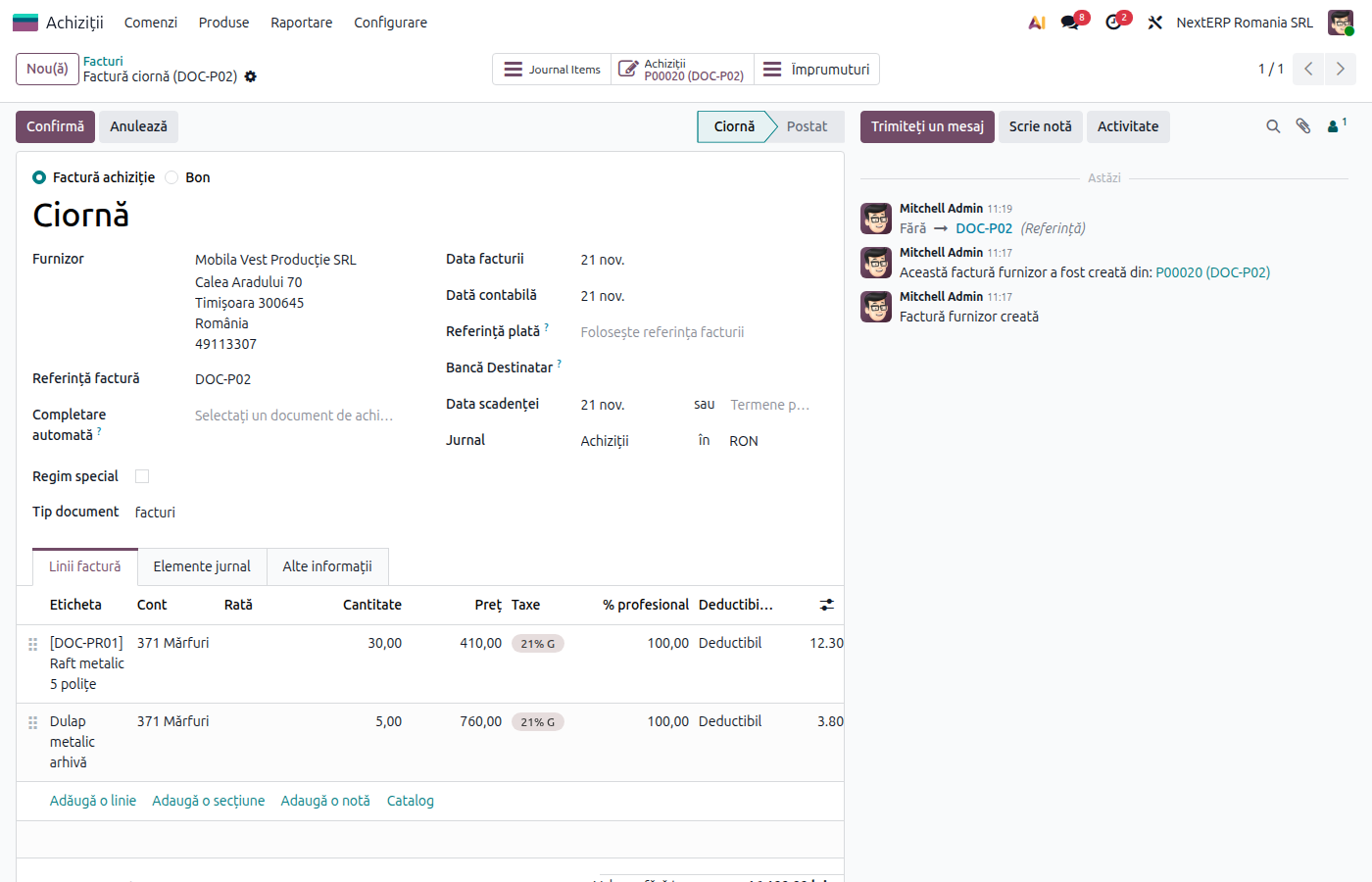
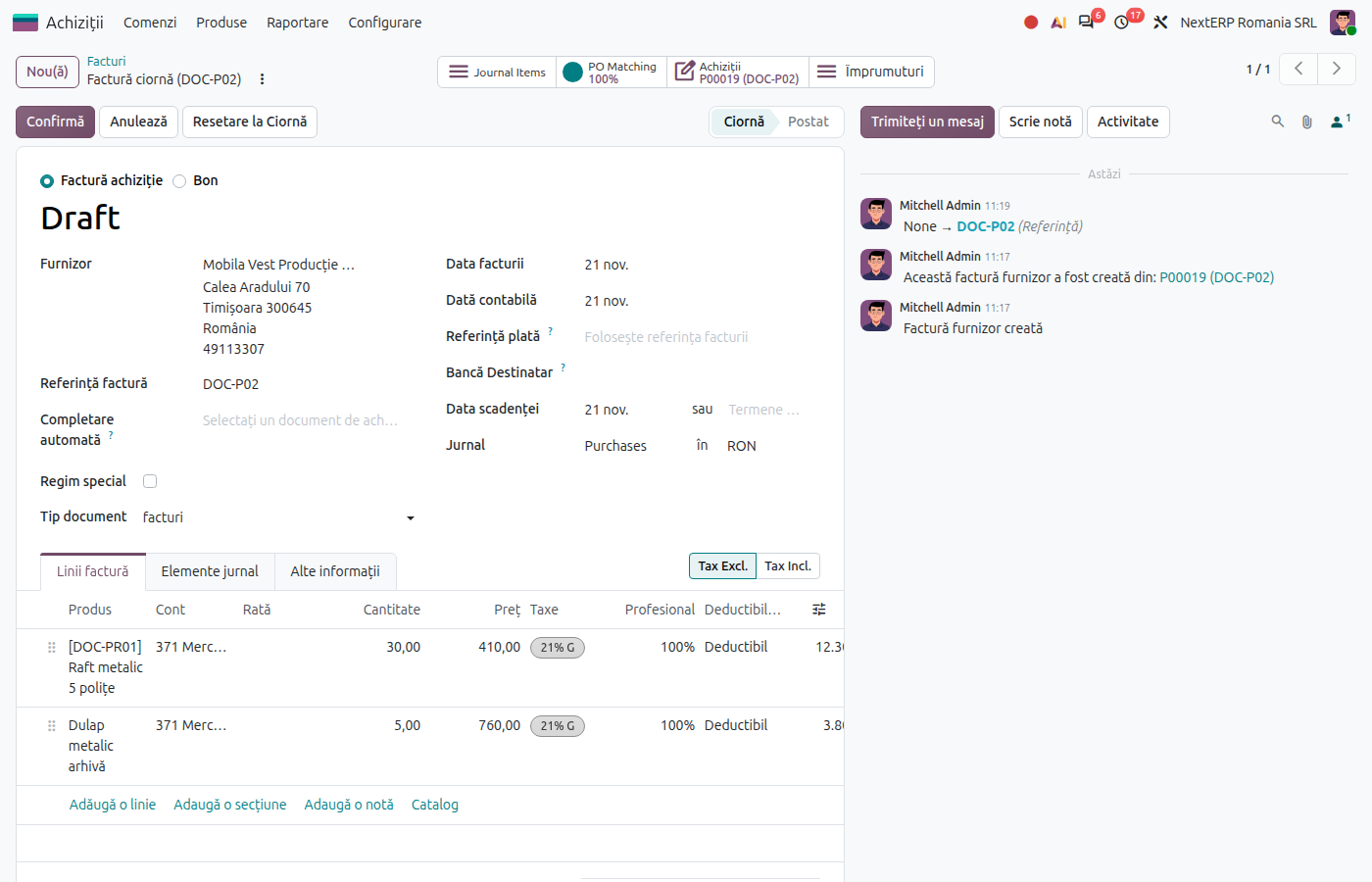
2. Fill in the bill data
Fill in Bill Reference (the vendor's invoice number) and Bill Date. Check Accounting Date: VAT is deducted in the period of the accounting date.
3. Check the lines against the vendor's document
Compare quantities, prices and taxes with the bill you received. If the price differs from the order, see Price differences.
4. Confirm the bill
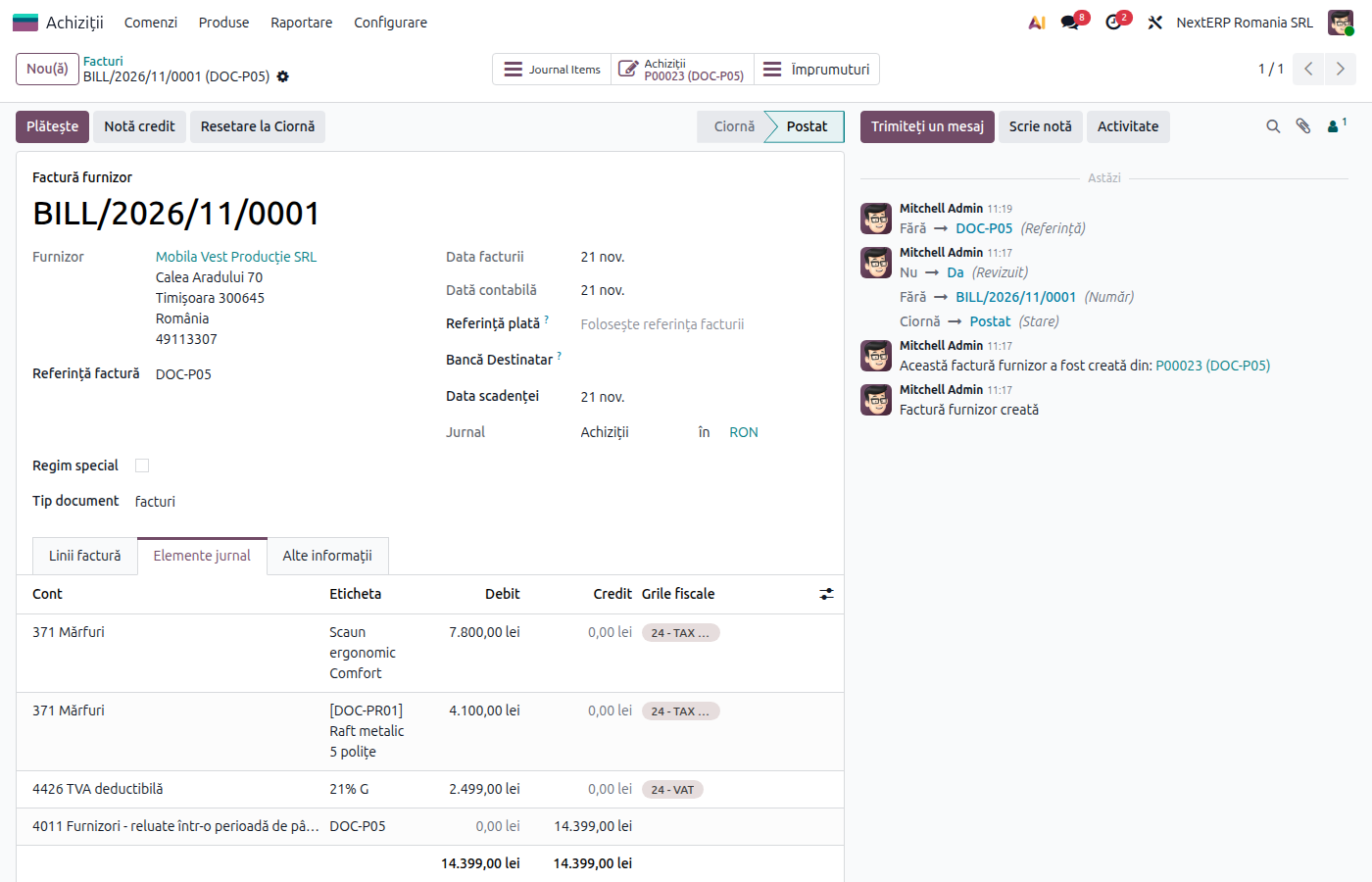
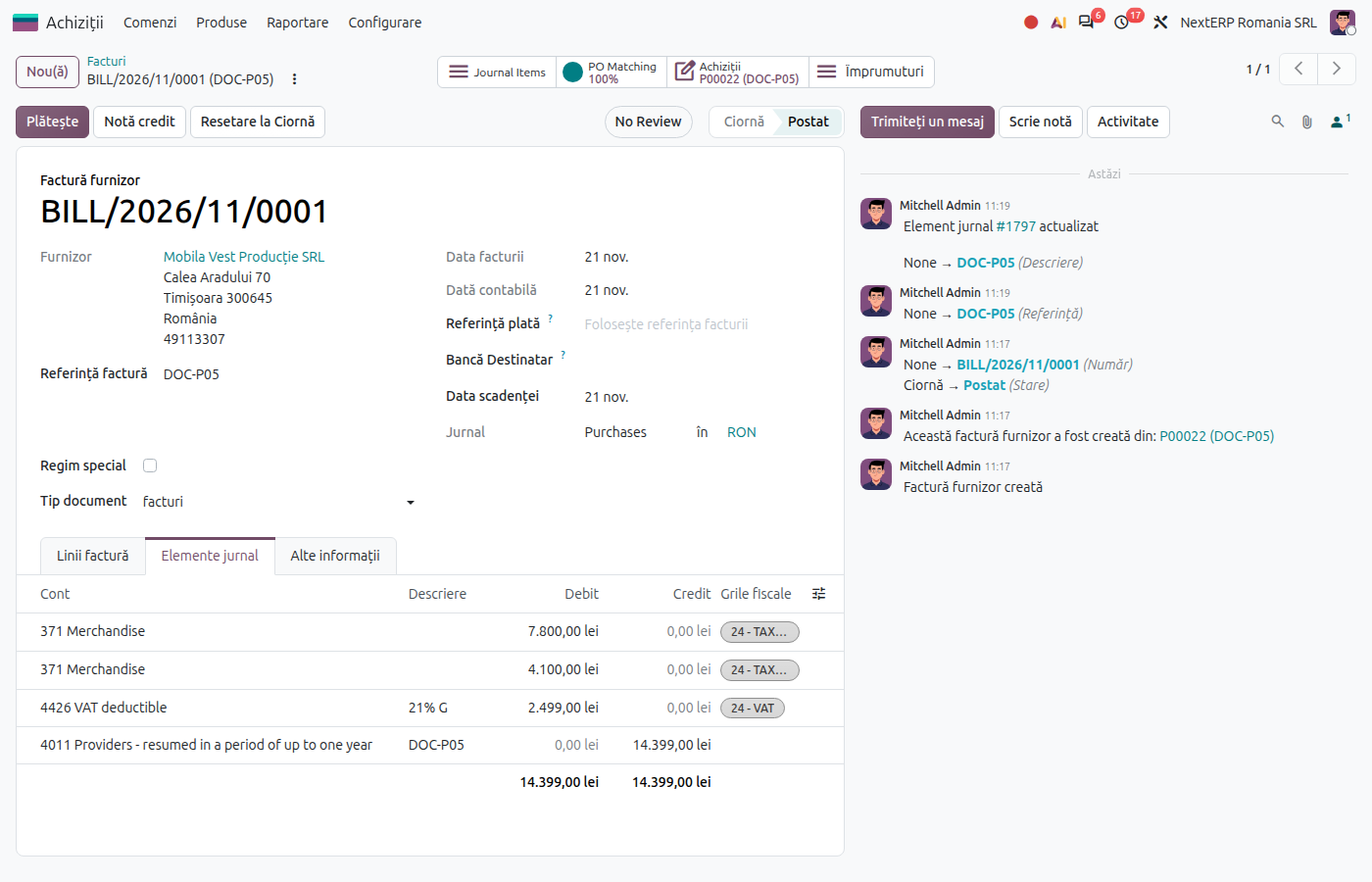
Click Confirm. The bill appears in Accounting › Vendors › Bills, and the order shows the billed quantity.
Variants
The bill comes by email or from e-Factura
Bills received at the email address of the purchase journal or downloaded from e-Factura appear as drafts in Accounting › Vendors › Bills. On the draft, choose the order in the Auto-Complete field: Odoo takes the order lines. The Upload button in the bill list reads a PDF or an image; automatic text recognition requires the Enterprise edition.
3-way matching
With 3-way matching active, the bill shows whether it should be paid: only when the billed quantities have been received. Use it so you do not pay for goods that have not arrived.
Automatic posting
On the vendor's Sales & Purchase tab, Auto-post bills can be Always, Never or Ask after 3 validations without edits. Use it only for vendors with repetitive, correct bills.
One bill for several orders
Create the bill from the first order, then add the other orders through Auto-Complete on the same draft.
Common mistakes
- Bill created manually, without an order. The bill does not close 408 for receipts with a delivery note and records the goods a second time. Start the bill from the order.
- Nothing to bill. With On received quantities, there is nothing to bill without a validated receipt. If the bill came before the goods, see Goods without a bill and bill without goods.
- Wrong accounting date. VAT is deducted in the month of the accounting date. A bill from last month received now is recorded with the date of receipt, not forced into the closed month.
- Duplicate bill. Odoo warns when the bill reference and the vendor repeat. Do not ignore the warning.
For the accountant: legal framework, journal entries, returns
Legal framework
- Codul fiscal (Legea 227/2015) (the Romanian Fiscal Code), art. 297–299 — the right to deduct and its conditions (original invoice or invoice from e-Factura).
- OMFP 1802/2014 (the Romanian accounting regulations) — accounts 371, 401, 408, 4426.
Journal entries
Example: goods of 1,000 lei + VAT 21%.
Bill for goods received without a delivery note:
| DEBIT | CREDIT |
|---|---|
| 371 — 1,000 4426 — 210 |
401 — 1,210 |
Bill for goods received with a delivery note (closes 408):
| DEBIT | CREDIT |
|---|---|
| 408 — 1,000 4426 — 210 |
401 — 1,210 |
Bill for services (for example transport):
| DEBIT | CREDIT |
|---|---|
| 624 — 1,000 4426 — 210 |
401 — 1,210 |
For companies that apply VAT on a cash basis (or for vendors that do), VAT goes to 4428 until payment. Bills in foreign currency are recorded at the rate of the bill date; for receipts with a delivery note in foreign currency, the exchange difference between receipt and bill is recorded automatically on 665 or 765.
Link with the ANAF returns
| Return | What it takes |
|---|---|
| D300 | deductible VAT, by rate |
| D394 | the bill from Romanian vendors, by tax ID (CUI) |
| D390 | the bill from EU vendors |
| D406 (SAF-T) | the bill |
D300 is the VAT return (Decont de TVA), D394 the domestic sales and purchases listing, D390 the EU recapitulative statement and D406 the SAF-T file.