Purchases · Article 03
Receiving goods
Applies to Odoo 19 · 20
When the ordered goods reach the warehouse, the storekeeper receives them in Odoo: checks the quantities against the order and validates the receipt. The stock increases immediately. If the goods come with a bill, their value is posted when the bill is recorded; if they come only with a delivery note (aviz), tick L10N Ro Notice and Odoo records the provisional liability on account 408.
When to use
- The goods arrive with the vendor's bill or delivery note.
- The vendor delivers only part of the order, the rest later.
- You want to print the receipt document with prices, for the warehouse file.
Before you start
- The purchase order is confirmed: see Request for quotation and purchase order.
- For a receipt with a delivery note, the Romania - Stock Accounting module is installed and account 408 is set on the company: see Configuration.
- For receipts in several steps (receipt, quality control, storage), see the Inventory chapter.
Steps in Odoo
1. Open the receipt
On the order click Receive or the Receipt button. Expected receipts are also in Inventory › Operations › Transfers › Receipts.
2. Mark the receipt as a delivery-note receipt, if needed
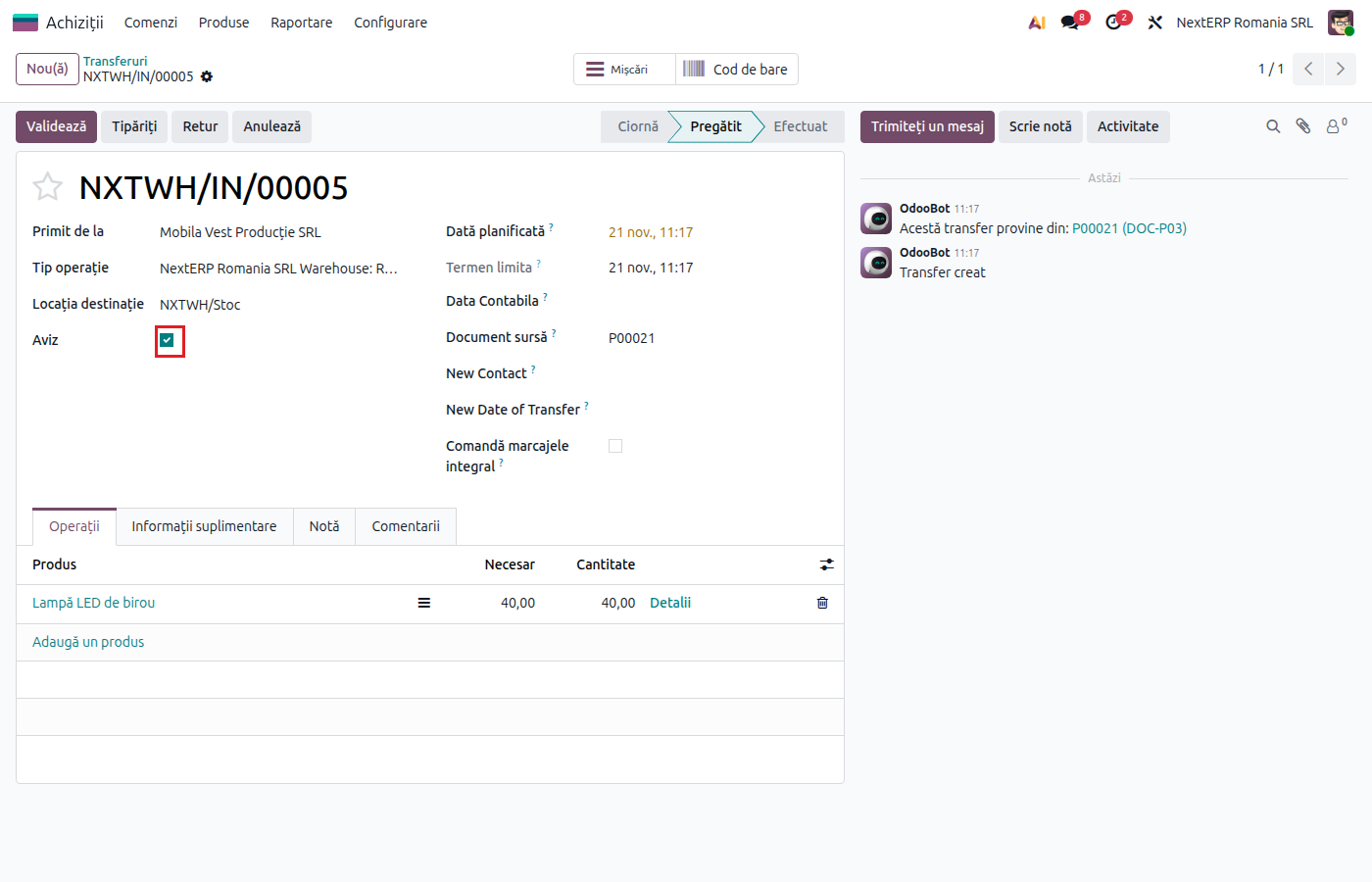
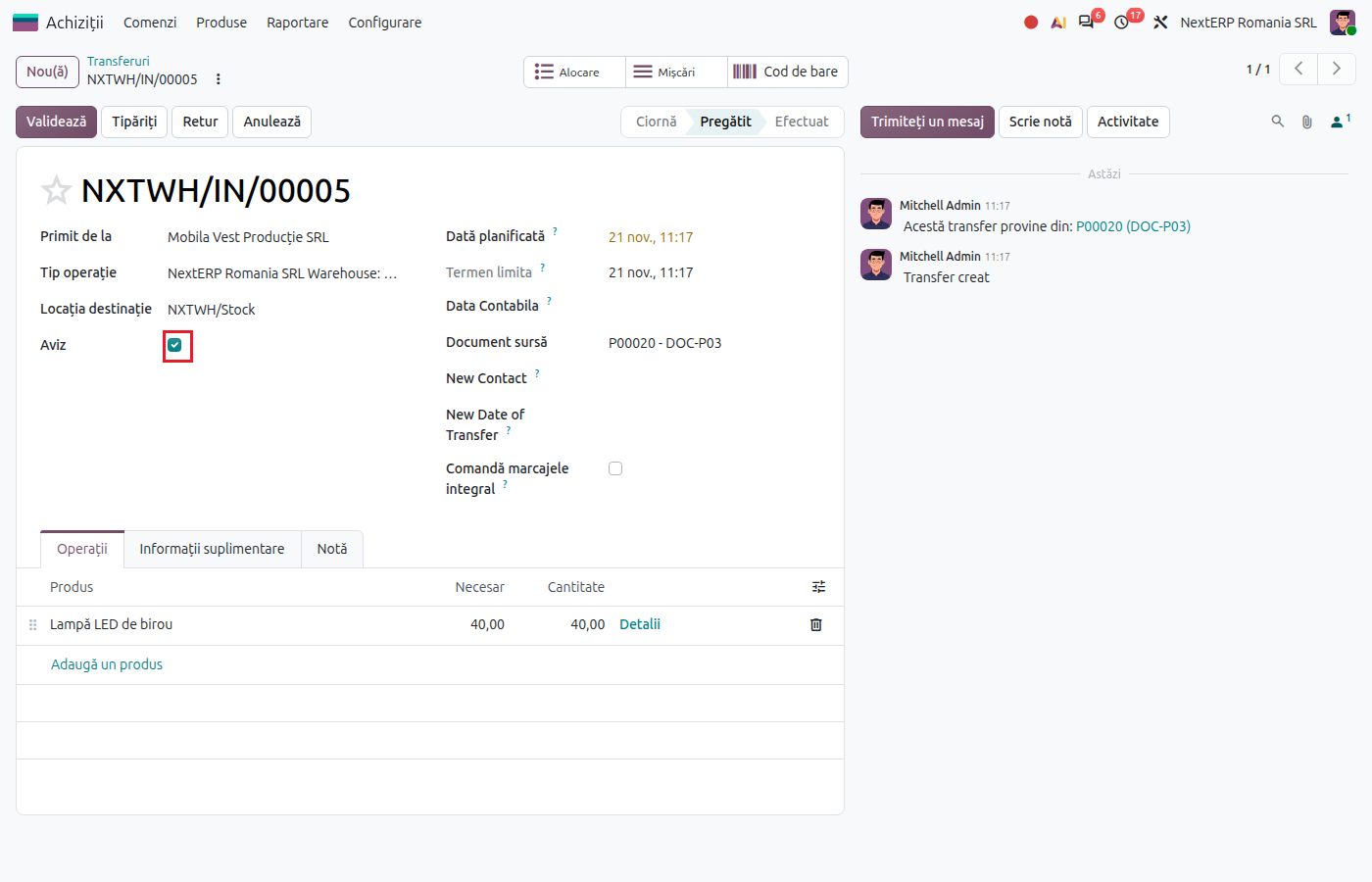
If the goods came without a bill, only with a delivery note, tick L10N Ro Notice. You can tick it only before validation.
3. Check the quantities
Compare the received quantities with the vendor's document and correct them on the lines if they differ. For products with lots or serial numbers, fill them in now.
4. Validate the receipt
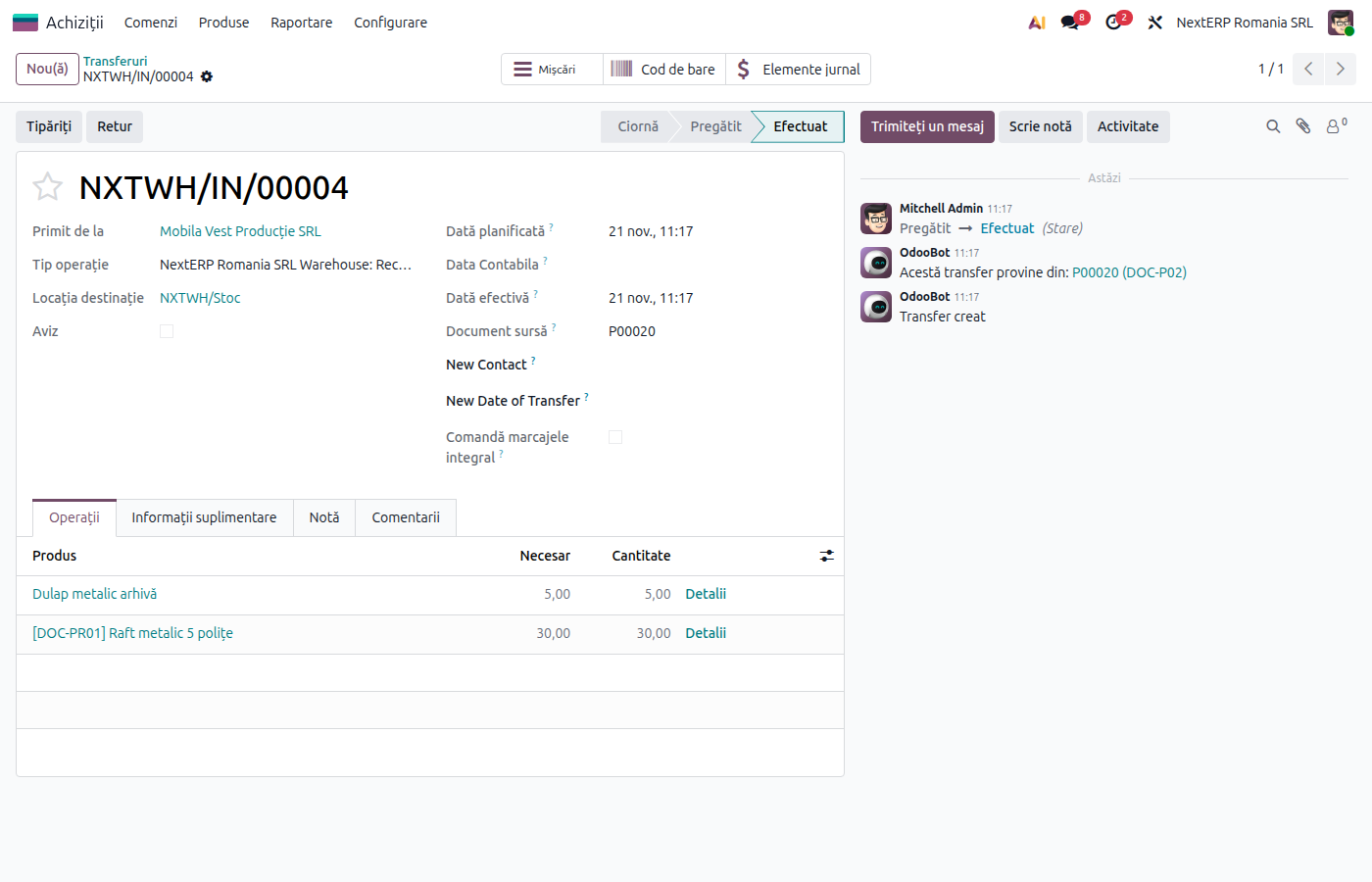
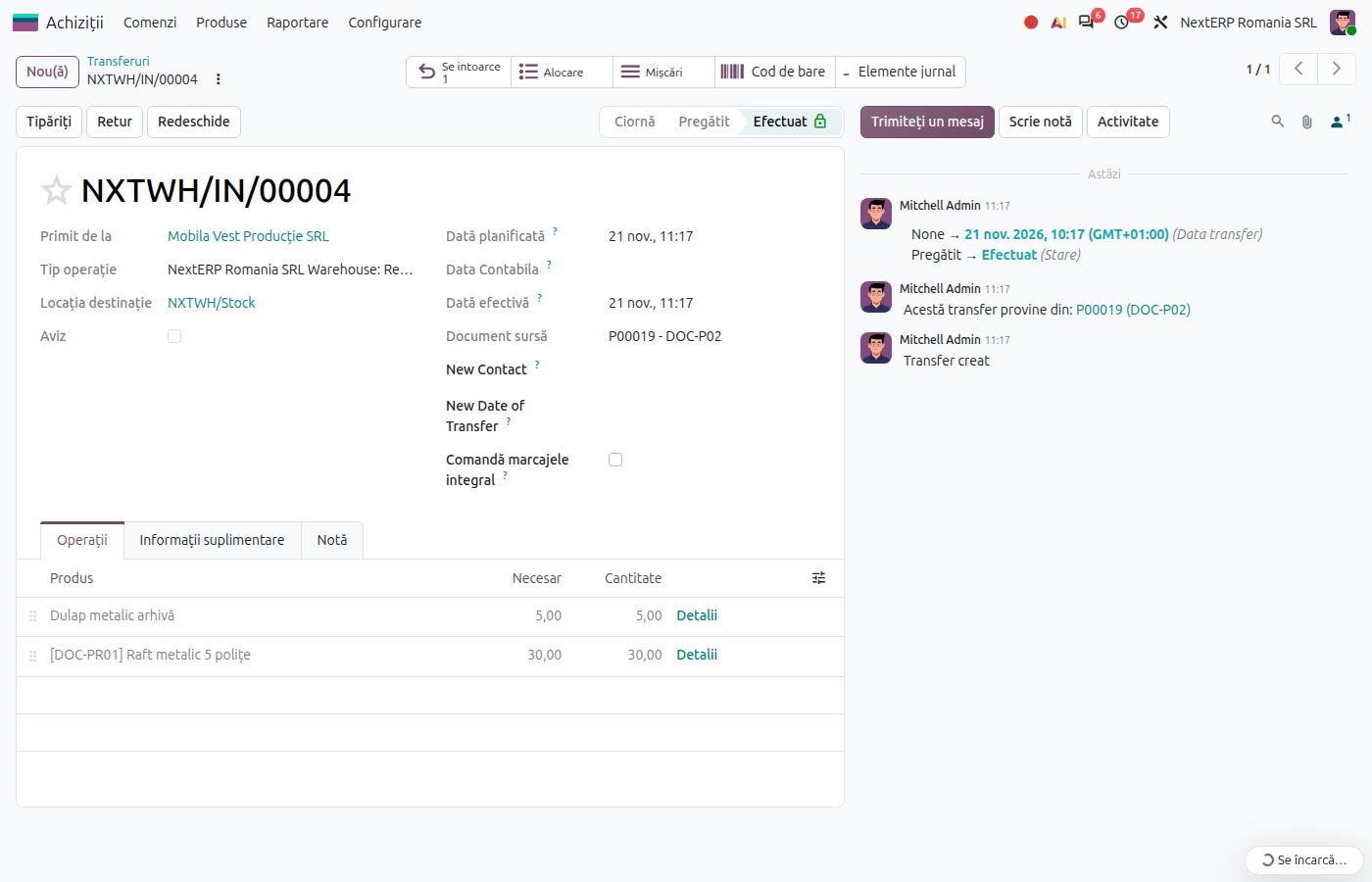
Click Validate. The goods enter stock at the order price. If you received less than ordered, Odoo asks whether to create a backorder for the rest.
5. Print the receipt document
Print the document from the receipt and have the receiving committee sign it. With the Romania - Stock Picking Valued Report module, the printed document contains prices and values.
Variants
Partial receipt
On validation, choose to create the backorder: an open receipt remains for the quantity not yet received. If the vendor will not deliver the rest, choose the option without a backorder.
Goods that arrived in a different month than the validation day
With the Romania - Stock Accounting Date module you can fill in the accounting date of the receipt (for example the last day of the previous month). Future dates are not accepted.
The bill arrived before the goods
See Goods without a bill and bill without goods: on the order use Reception in Progress, and the receipt moves the value from 327 to stock.
Common mistakes
- Delivery note checkbox forgotten. Without it, the receipt posts nothing until the bill. If the bill arrives next month, the warehouse stock does not match the balance of account 371 at month end.
- Delivery note checkbox ticked when the bill came with the goods. The entry on 408 is correct but useless: the bill closes it immediately. It is not an error, only noise in the reports.
- Received quantity larger than ordered. Odoo accepts it, but the bill will be controlled on the received quantity. Talk to the vendor before validation.
- Receipt validated without an order. A receipt created directly in Inventory has no order price and no link to the bill. Start the receipt from the order.
For the accountant: legal framework, journal entries, returns
Legal framework
- OMFP 1802/2014 (the Romanian accounting regulations for companies) — account 371 "Mărfuri" (goods) and 408 "Furnizori – facturi nesosite" (suppliers – invoices not yet received).
- Legea contabilității nr. 82/1991 (the Romanian Accounting Law) and the rules on supporting documents — the receipt and discrepancy note (nota de recepție și constatare de diferențe).
Journal entries
Example: goods of 1,000 lei + VAT 21%.
Receipt without a delivery note (the goods came with the bill): no entry at receipt; the bill records the stock entry directly (see Vendor bill).
Receipt with a delivery note:
| DEBIT | CREDIT |
|---|---|
| 371 — 1,000 | 408 — 1,000 |
VAT is not recorded at receipt: it appears on the bill, on 4426. Closing account 408 is explained in Goods without a bill and bill without goods.
Link with the ANAF returns
| Return | What it takes |
|---|---|
| D406 (SAF-T) | the stock move and, for a receipt with a delivery note, the entry 371 = 408 |
| D300, D394 | nothing at receipt; the VAT and the partner come from the bill |
D406 is the SAF-T file (Declarația informativă D406), D300 the VAT return and D394 (Declarația informativă privind livrările/prestările și achizițiile efectuate pe teritoriul național) the domestic sales and purchases listing.