Inventory · Article 03
Transfers between warehouses
Applies to Odoo 19 · 20
When you move goods from one warehouse to another or from one stock unit to another, you make an internal transfer. The quantity leaves one location and arrives in the other at the same cost. If the two locations have different stock accounts, Odoo also creates the transfer journal entry, through account 482.
When to use
- You supply a shop or a branch from the central warehouse.
- You move goods from one stock unit to another, with different storekeepers.
- You reorganize shelves in the same warehouse.
- You send goods between two warehouses, with the transport taking a few days.
Before you start
- Both locations exist: see Configuration.
- If the stock units have different stock accounts, the account is filled in on the location, and the product category has Allow stock account change from locations ticked.
Steps in Odoo
1. Create the transfer
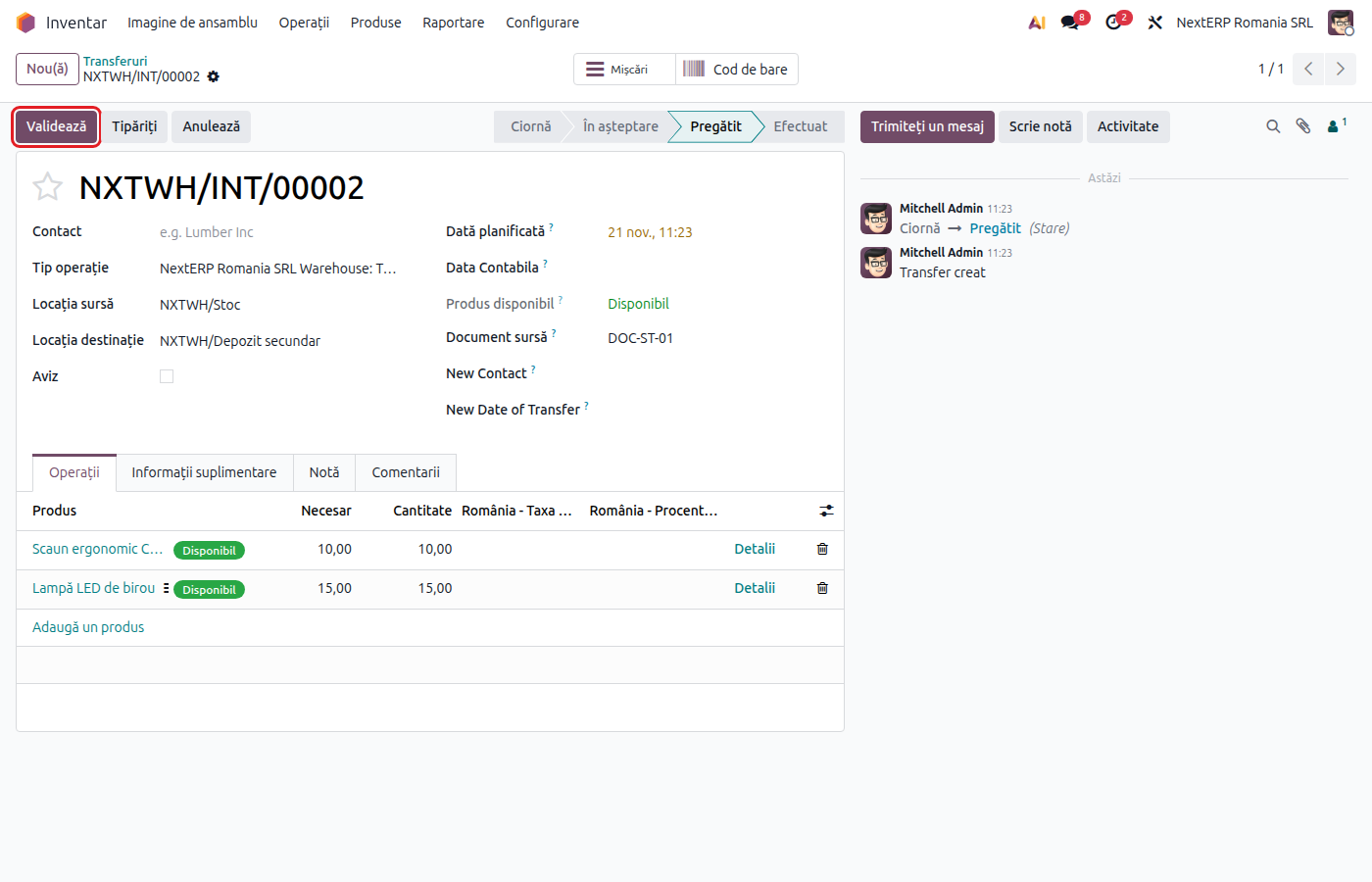
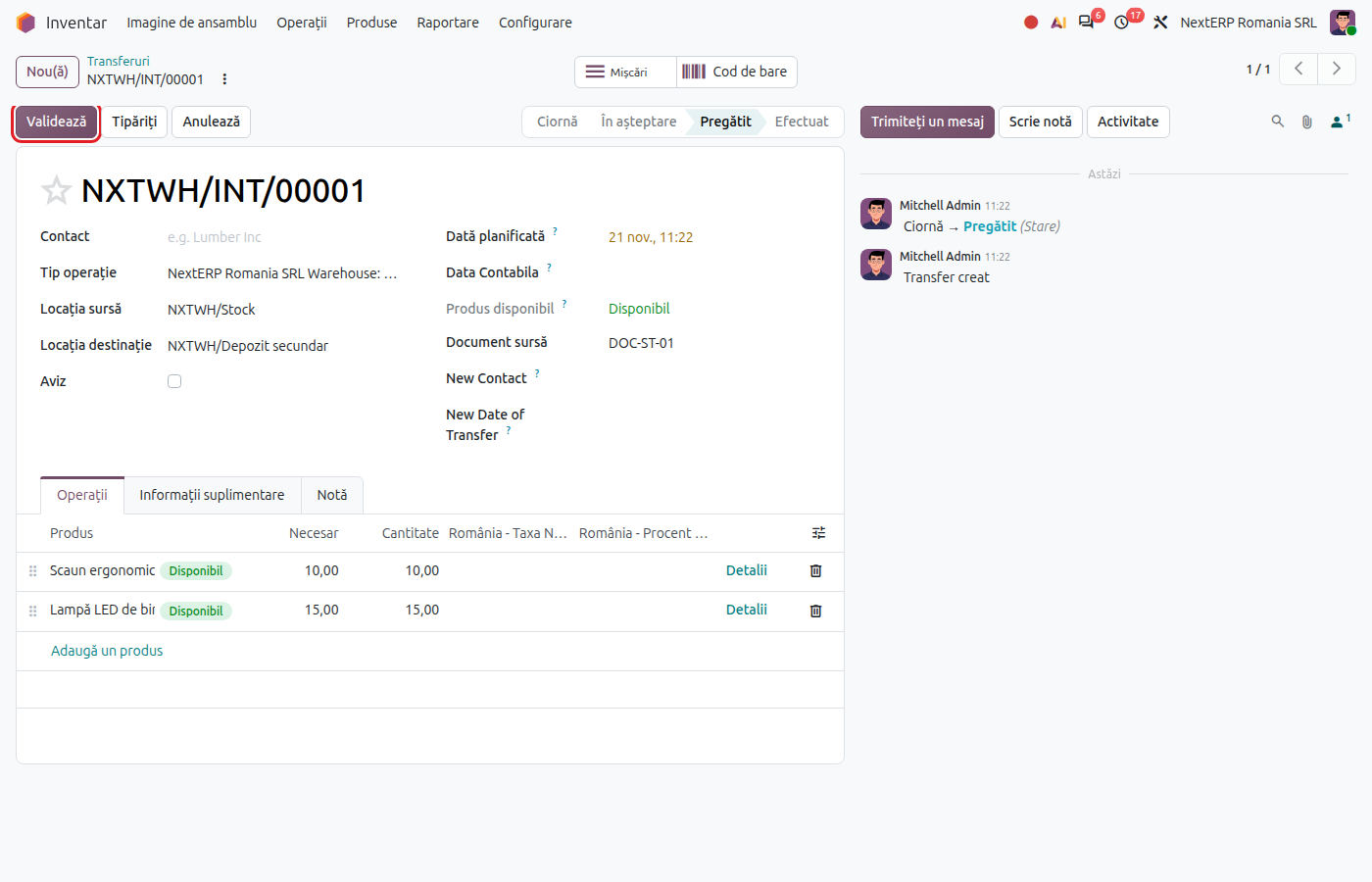
In Inventory › Operations › Transfers › Internal, click New. In Operation Type, choose the internal transfer of the warehouse the goods leave from.
2. Choose the locations
Fill in Source Location and Destination Location. For another warehouse, choose that warehouse's stock location.
3. Add the products
On the lines, choose the products and quantities. For products tracked by lots or serial numbers, choose the lot or serial number.
4. Validate the transfer
Click Validate. The goods leave the source location and enter the destination, at the cost they had in the source location.
Variants
Goods in transit (through a transit location)
When transport takes time, the transfer is made in two stages: from the source warehouse to a transit location, then from transit to the destination warehouse. Each stage is validated separately, on departure and on arrival. Between the two validations, the value sits on the transfer account (482) or on the transit location's account, if it has one.
Automatic replenishment between warehouses
On the warehouse being supplied, fill in the Resupply From field on the form with the source warehouse. Odoo creates the transfers itself when goods are needed. They are validated in the same way as above.
Transfer within the same stock unit
If the two locations have the same stock account, the transfer only moves the quantity; no journal entry is created.
Common mistakes
- Transfer with the wrong source location. Odoo finds no stock and the transfer stays waiting. Correct the source location before validation.
- Stock units with different accounts, but no entry. The Allow stock account change from locations tick on the category or the account on the location is missing.
- Goods left in transit. If the second stage is not validated, the balance stays on 482. Check transfers in transit every month.
For the accountant: journal entries
Example: goods costing 1,000 lei, from stock unit A (371.01) to stock unit B (371.02).
Direct transfer — on validation:
| DEBIT | CREDIT |
|---|---|
| 482 — 1,000 | 371.01 — 1,000 |
| 371.02 — 1,000 | 482 — 1,000 |
Transfer through transit — on departure:
| DEBIT | CREDIT |
|---|---|
| 482 — 1,000 | 371.01 — 1,000 |
On arrival:
| DEBIT | CREDIT |
|---|---|
| 371.02 — 1,000 | 482 — 1,000 |
The transferred cost is the cost in the source stock unit: for FIFO, the cost layers of the source location; for average cost, the average cost of the source stock unit, not the company-wide average. Details are in Stock valuation in the Romanian localization.
Internal transfers are not included in D300 (Decont de TVA, the VAT return) or D394 (the domestic supplies and acquisitions statement); transfer entries are included in D406 (SAF-T, the Romanian Standard Audit File for Tax).