Inventory · Article 01
Configuration
Applies to Odoo 19 · 20
Before the first stock moves, Odoo needs to know where the goods are kept (warehouses and locations), how their cost is computed and which account they are recorded on. In the Romanian localization, the stock account is chosen by product category and, if you want, by location: the same goods can sit on account 371 in one warehouse and on another account in another stock unit.
When to use
- You start managing stock in Odoo for the first time.
- You open a new warehouse or shop.
- You introduce a new product group (raw materials, inventory items, finished goods).
- You want a stock unit to have its own stock account.
Before you start
- The Romanian chart of accounts is installed and the company's country is Romania.
- The Romania - Stock Accounting module is installed (it is installed together with the localization).
Steps in Odoo
1. Enable locations
In Inventory › Configuration › Settings, tick Storage Locations. If you use receipt or delivery in multiple steps, also tick Multi-Step Routes. Click Save.
2. Create the warehouse
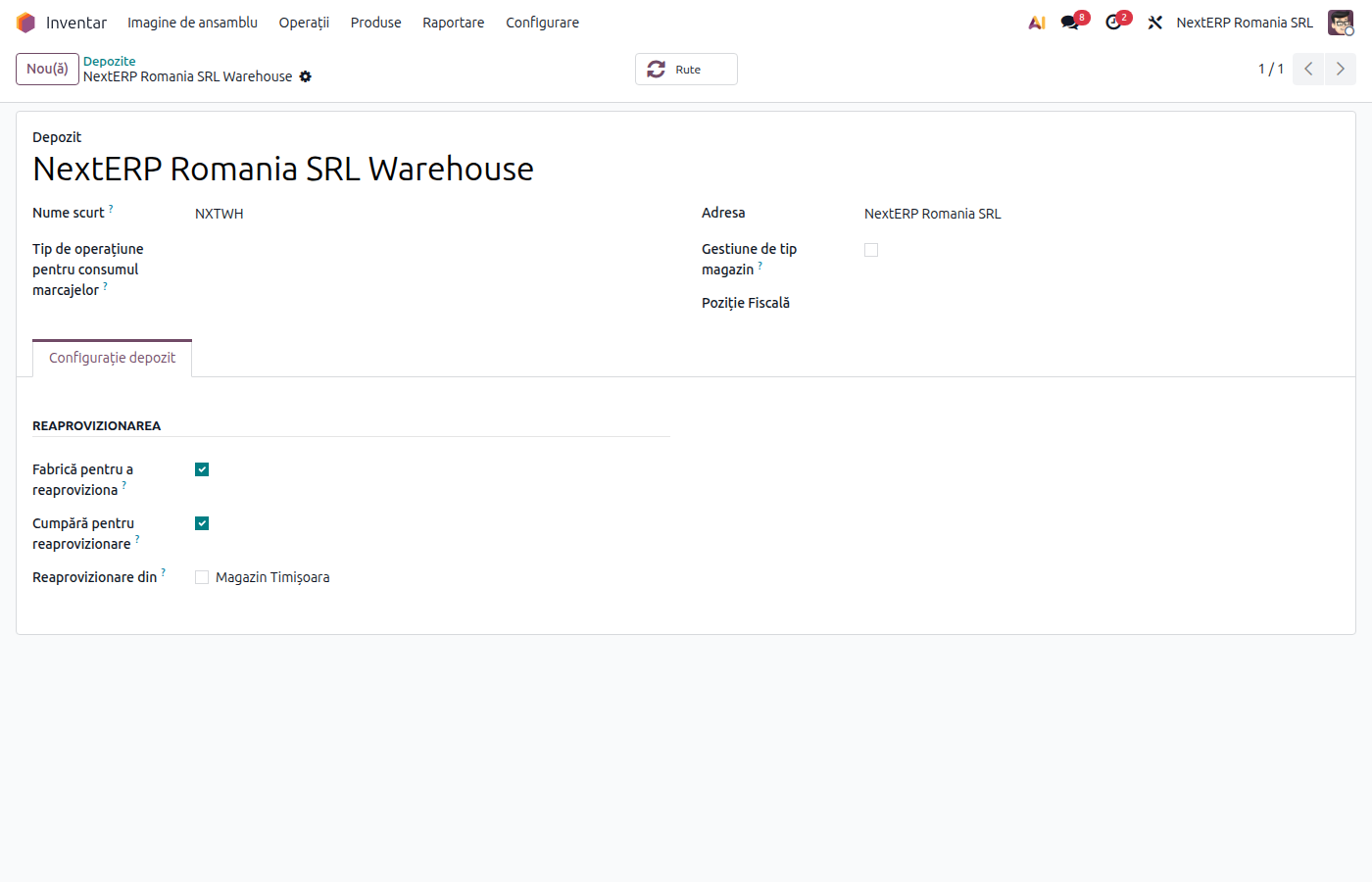
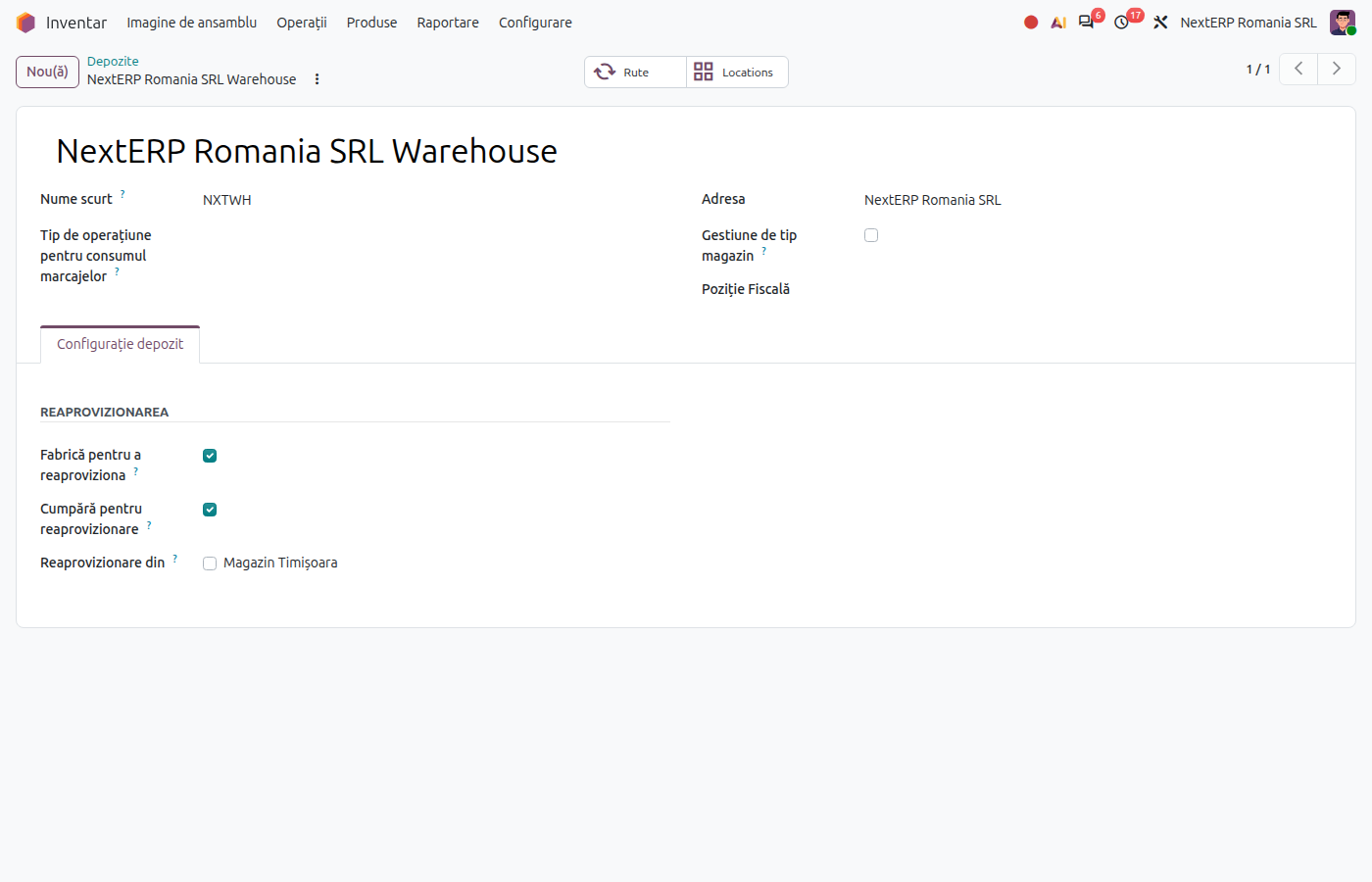
In Inventory › Configuration › Warehouse Management › Warehouses, click New and fill in the name and short code. Odoo creates the warehouse stock location and the operation types: receipts, deliveries, internal transfers and, in the Romanian localization, Consume and Usage Giving (giving items into use).
3. Add locations
In Inventory › Configuration › Warehouse Management › Locations, create the sub-locations you need (shelves, zones, stock units). For a stock unit with its own account, fill in Stock Valuation Account Romania on the location and, if needed, Income Account and Expense Account.
4. Configure product categories
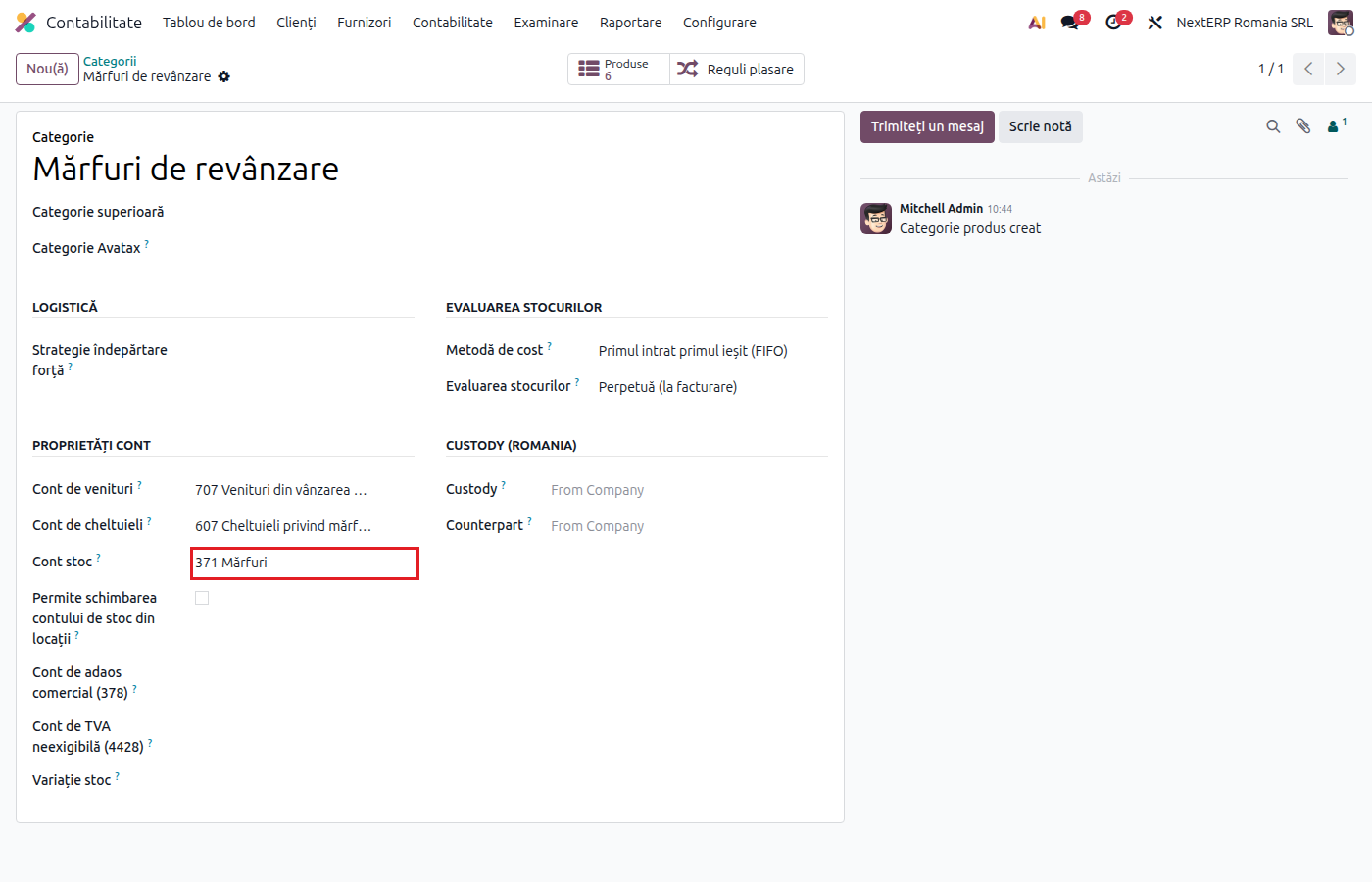
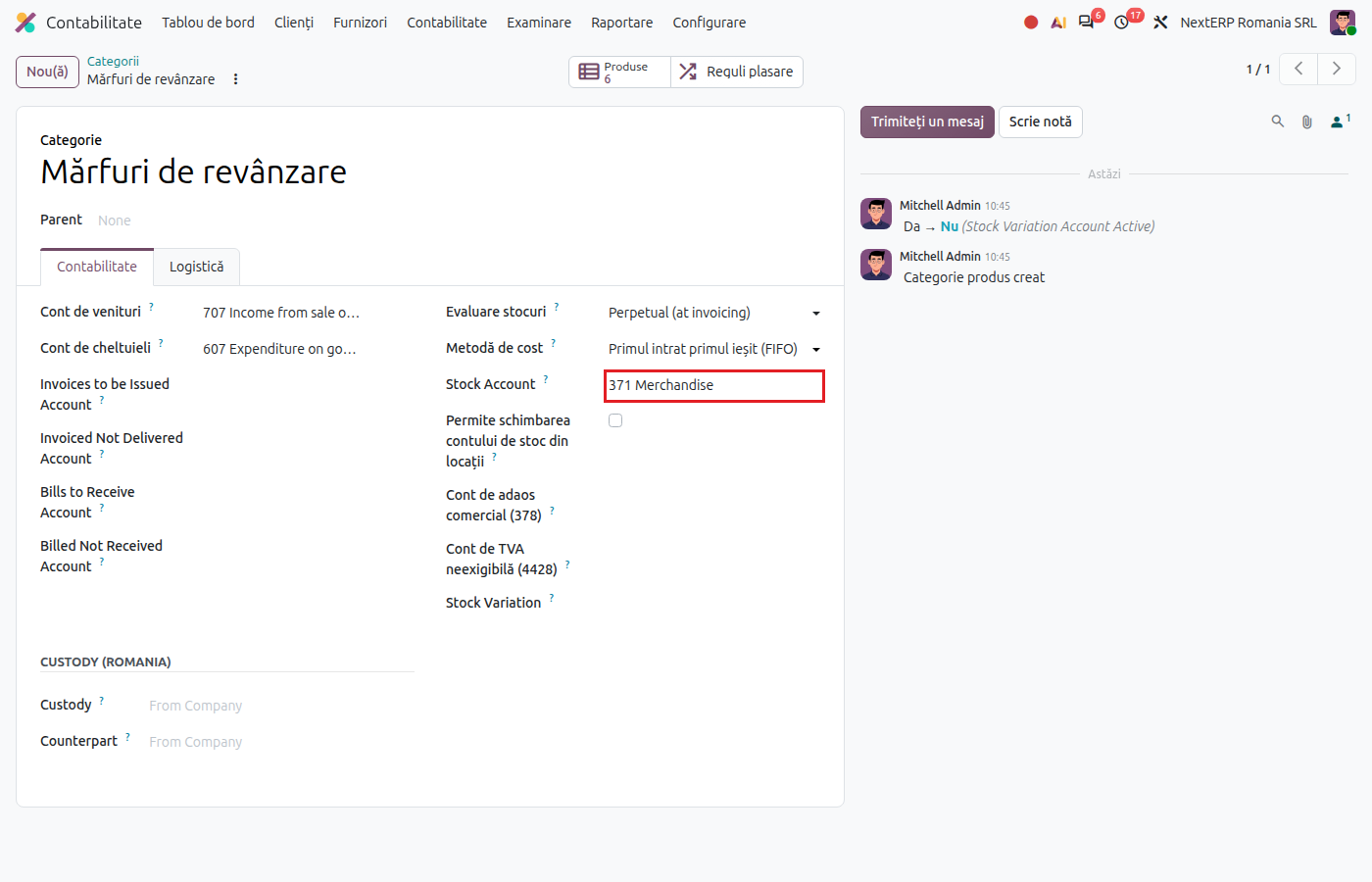
In Inventory › Configuration › Products › Product Categories, open each category and fill in Costing Method (usually First In First Out (FIFO)), Inventory Valuation set to perpetual valuation, and Stock Valuation Account (for example 371 for goods for resale, 301 for raw materials). Also fill in the category's expense account (for example 607 and 601 respectively).
5. Allow accounts per location
If you set accounts on locations in step 3, tick Allow stock account change from locations on the category. Without this tick, Odoo uses the category account in all locations.
6. Check the company accounts
In Settings › Romania, Stock section, check the accounts used by special moves: the transfer account between stock units (482), the account for receipts with a delivery note (408), the account for deliveries with a delivery note (418) and the account for items given into use (8035). The chart of accounts fills them in automatically; change them only if your accounting policy requires it.
Variants
A stock account for a single product
On the product form, in the accounting tab, you can fill in a product-specific stock valuation account. It takes priority over the category account.
Several stock units in the same warehouse
Create one location for each stock unit, with its own account. Moving goods between them creates a journal entry only if the locations have different accounts: see Transfers between warehouses.
FIFO per location
For companies in Romania, Odoo computes FIFO cost separately for each location. The setting is visible on your company, field FIFO per Location. Details are in Stock valuation in the Romanian localization.
Common mistakes
- Category without a stock account. When the first move is validated, Odoo refuses the operation and asks for the valuation account. Fill in Stock Valuation Account on the category.
- Accounts on locations without the tick on the category. The location account is ignored. Tick Allow stock account change from locations.
- Changing the category of a product that has stock. The existing stock does not move to the new category's account by itself: see Transformations and reclassifications.
- Costing method changed after moves exist. Product costs are recomputed. Decide on the method at go-live.
For the accountant: accounts, costing methods
Usual accounts per category
| Category | Stock account | Expense account |
|---|---|---|
| Goods for resale | 371 | 607 |
| Raw materials | 301 | 601 |
| Consumable materials | 302x | 602x |
| Inventory items | 303 | 603 |
| Finished goods | 345 | 711 |
| Packaging | 381 | 608 |
For finished goods, the category's expense account is 711: production is recorded as 345 = 711, and delivery as 711 = 345. See the Manufacturing chapter.
Legal framework
OMFP 1802/2014 (the Romanian accounting regulations order) allows FIFO, weighted average cost and standard cost; the chosen method is applied consistently and stated in the accounting policies. LIFO is not allowed.
Link to ANAF returns
The journal entries of stock moves are included in D406 (SAF-T, the Romanian Standard Audit File for Tax), like any other journal entry.