Receipts, payments and bank · Article 01
Configuration
Applies to Odoo 19 · 20
Each bank account and each cash desk of the company is a journal in Odoo, with its own ledger account and the payment methods it accepts. This article shows how to add a bank account or a cash desk and what to check on the payment methods. Usually the consultant prepares them during implementation; you use this article when you open a new account.
When to use
- You open a new bank account, in lei or in a foreign currency.
- You add a new cash desk (another work location, another currency).
- You want to send payment files to the bank or to collect by direct debit.
- You add a vendor's bank account so that you can pay them.
Before you start
- The company has the Romanian chart of accounts installed: see the Start here chapter, article Chart of accounts, journals and taxes.
- For foreign currency accounts, the currency is active in Accounting › Configuration › Accounting › Currencies.
- You have administrator rights in Accounting.
Steps in Odoo
1. Create the bank journal
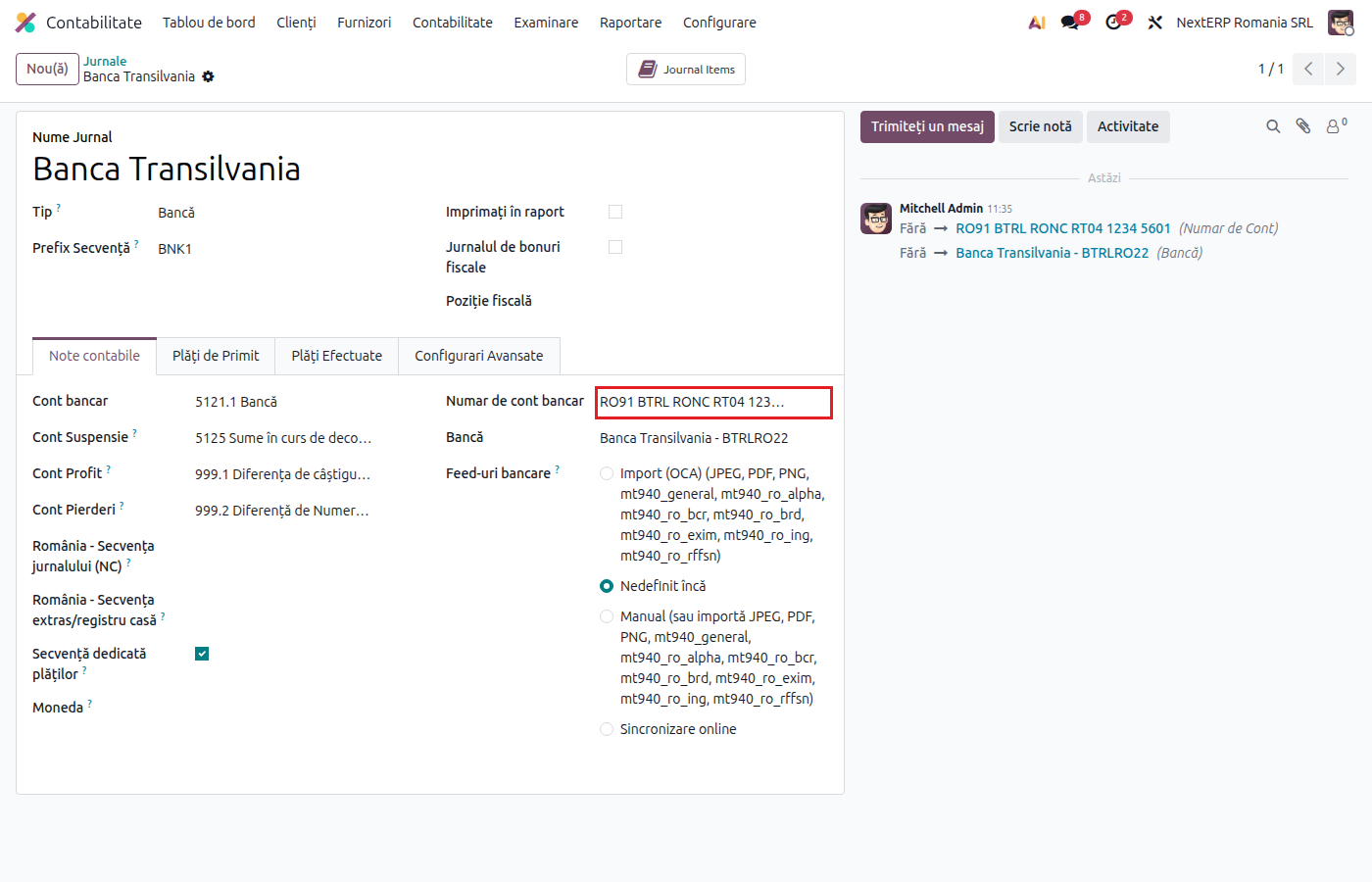
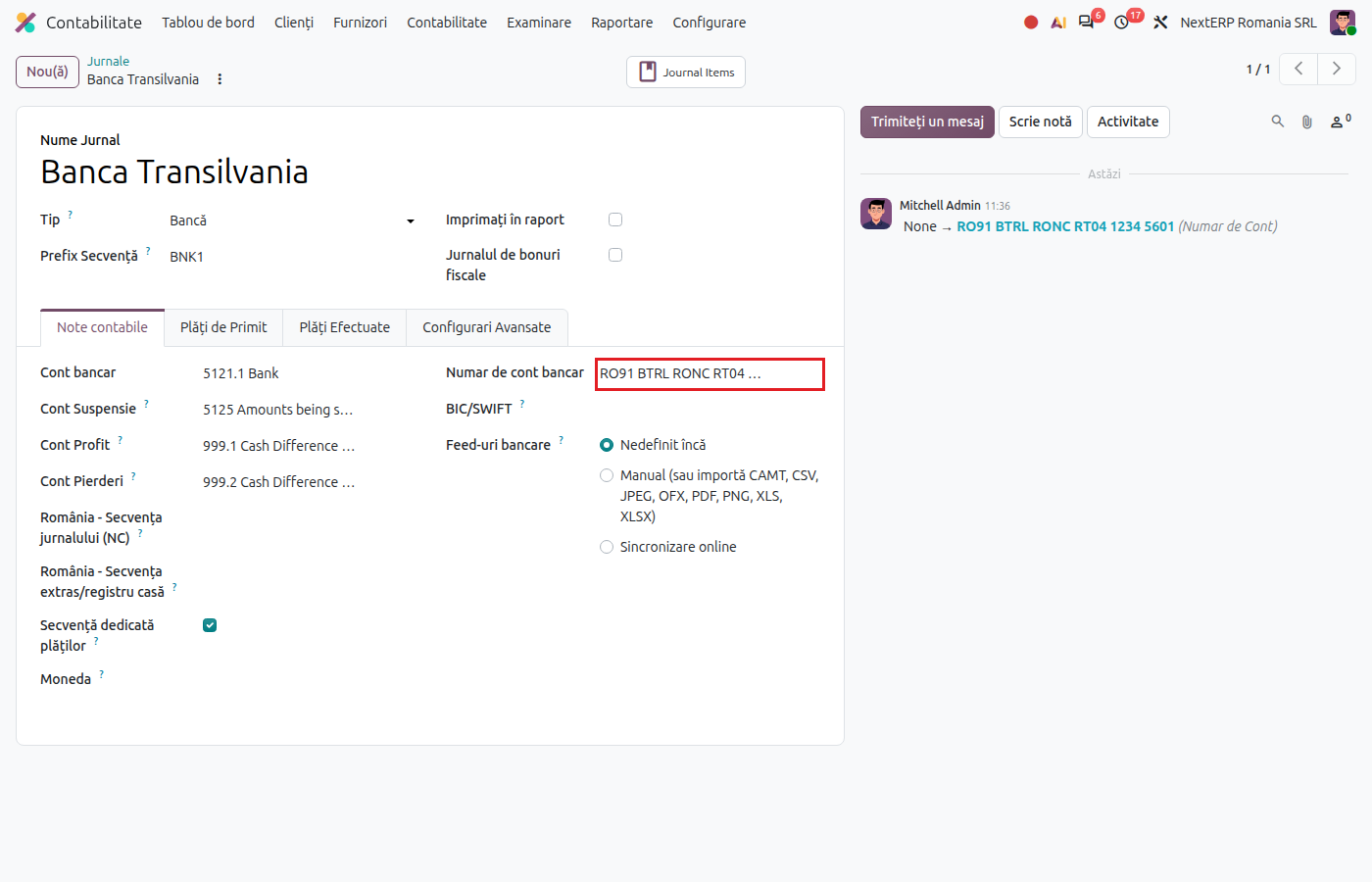
Accounting › Configuration › Accounting › Journals, click New. Fill in Journal Name (for example "BT lei"), choose the type Bank and enter the IBAN in Bank Account Number. Odoo checks the IBAN format and does not save a wrong code.
2. Check the ledger account and the currency
On save, Odoo creates the journal's ledger account in group 5121. For a foreign currency account choose the Currency and ask the accountant to change the journal's account to one in group 5124 before the first transaction.
3. Choose the payment methods
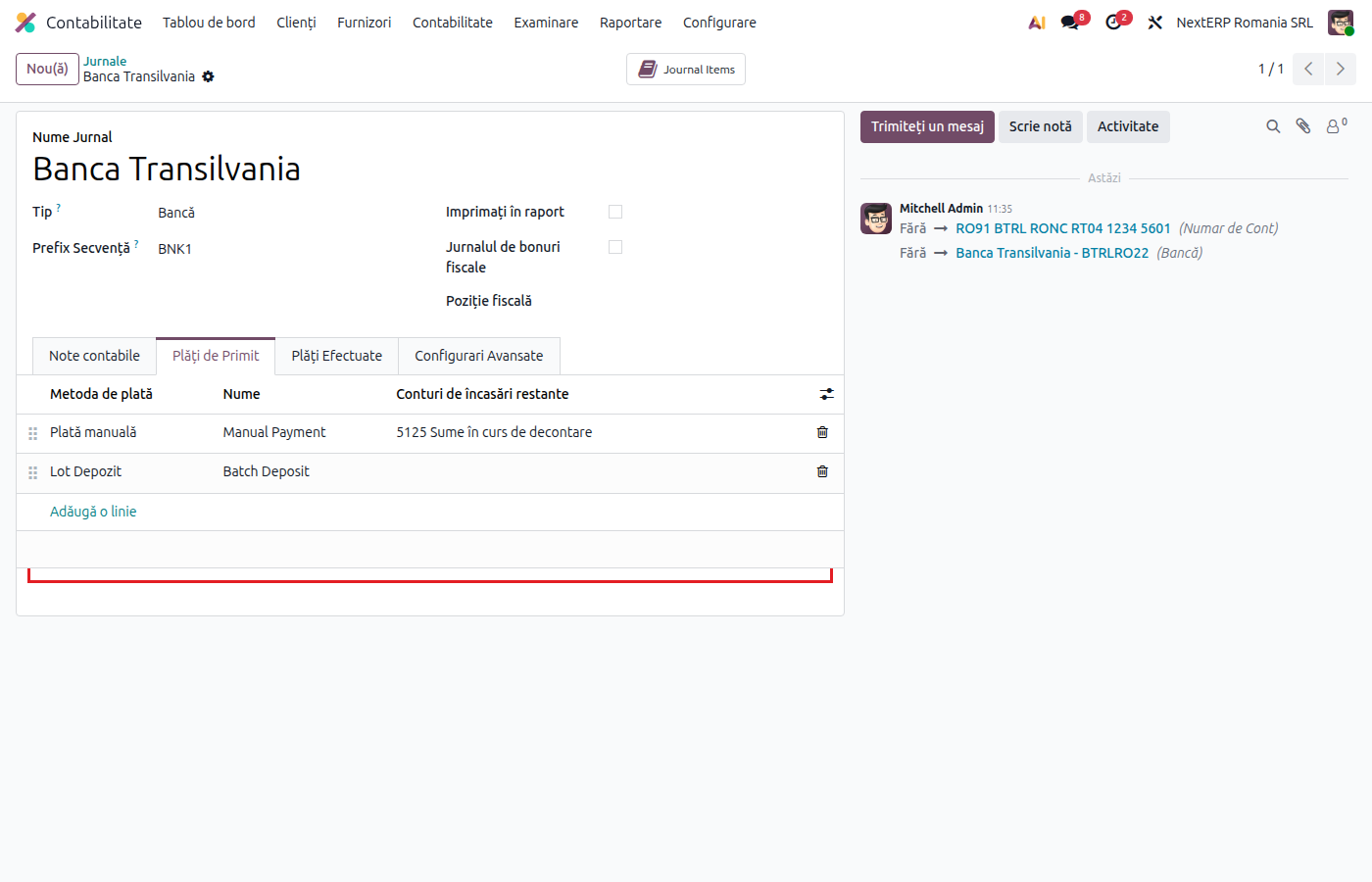
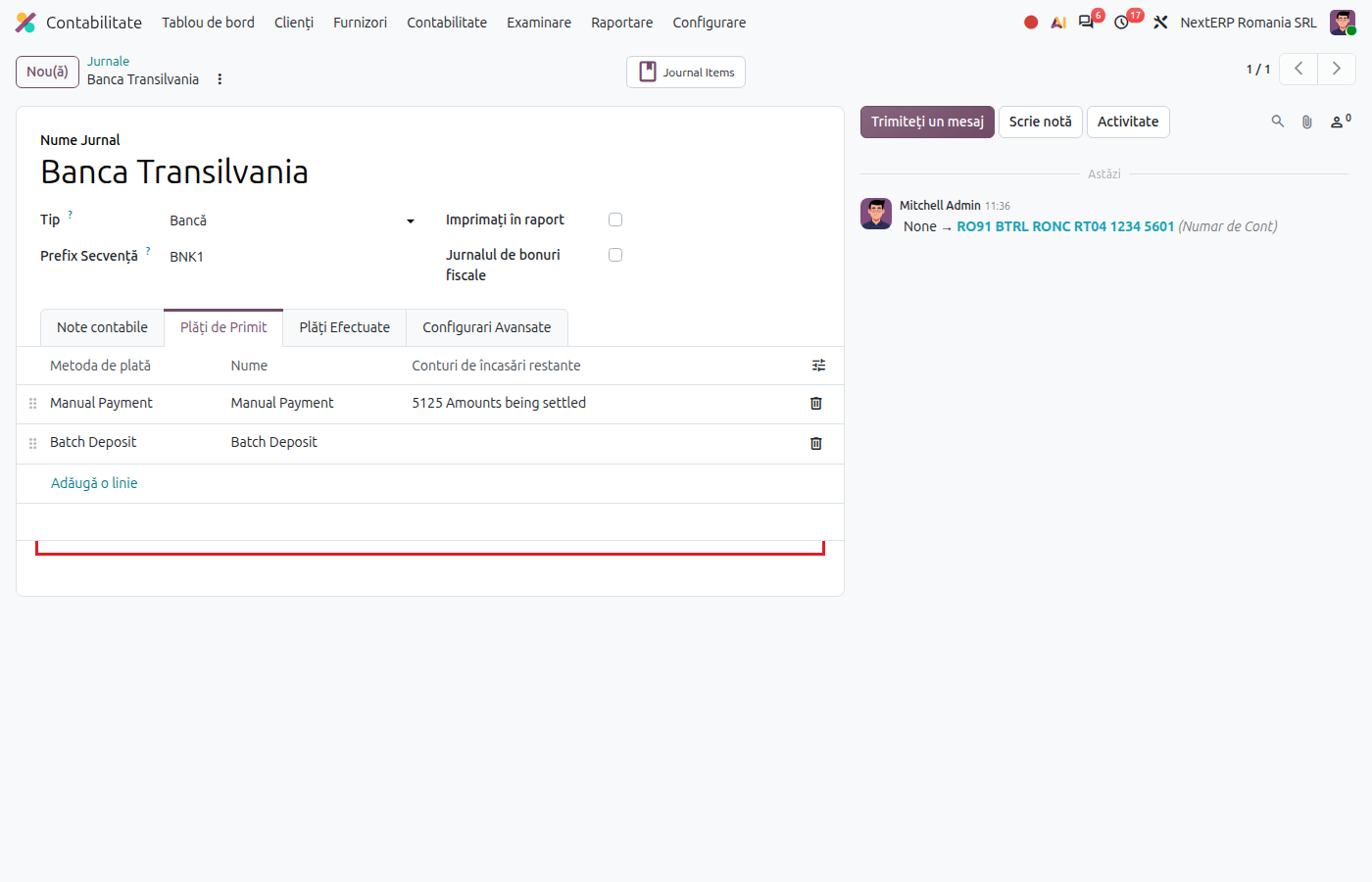
The Incoming Payments and Outgoing Payments tabs hold the journal's payment methods: Manual for ordinary payments, plus the methods added by other modules (payment files, direct debit). Keep only the methods you use.
4. Create the cash desk
Also from Journals › New, with the type Cash. The account is created in group 5311. The Romanian settings for numbering receipts and cash vouchers are in Cash desk: receipts and cash vouchers.
5. Add the partners' bank accounts
Open the partner form, tab Invoicing, and add the IBAN to the bank accounts. The account then appears as Recipient Bank Account when you pay the vendor and in the payment files.
Variants
Payment posted with an immediate journal entry
In the Incoming Payments (or Outgoing Payments) tab, the column Outstanding Receipts accounts (or Outstanding Payments accounts) is empty by default: the payment creates no journal entry until it is reconciled with the statement. If you want the payment to post an entry immediately on a clearing account (for example 5125), fill in the account in that column. The difference is explained in Recording a payment or receipt.
Automatic BNR exchange rate
For foreign currency accounts, the rate can be updated daily from BNR (the National Bank of Romania): Accounting › Configuration › Settings, option Automatic Currency Rates.
Common mistakes
- Foreign currency account on 5121. The account created automatically is in lei; for a foreign currency change it to 5124 before the first transaction, otherwise the revaluation and the trial balance come out wrong.
- The same IBAN on two journals. Imported statements land in the wrong journal. One IBAN, one journal.
- Payment methods left at random. A payment file method on a journal that does not use it appears on every payment and confuses users.
- Vendor without an IBAN. The payment can be recorded, but it is not included in the file for the bank.
For the accountant: accounts, legal framework
Legal framework
- OMFP 1802/2014 (the Romanian accounting regulations order) — the cash and bank accounts: 5121 (bank accounts in lei), 5124 (in foreign currency), 5311 (cash in lei), 581 (internal transfers).
Accounts used by the Romanian chart
| Situation | Account |
|---|---|
| Bank account in lei | 5121 (sub-account created automatically) |
| Bank account in foreign currency | 5124 (chosen manually) |
| Cash desk in lei | 5311 |
| Unidentified transactions at import | 5125 (the company's suspense account) |
| Transfer between own accounts | 581 |
| Exchange differences | 6651 / 7651 |
Link with the ANAF returns
| Return | What it takes |
|---|---|
| D406 (SAF-T) | the bank accounts of the company and of its partners, payments and receipts |