Returns setup · Article 09
The filing schedule
Applies to Odoo 19 · 20
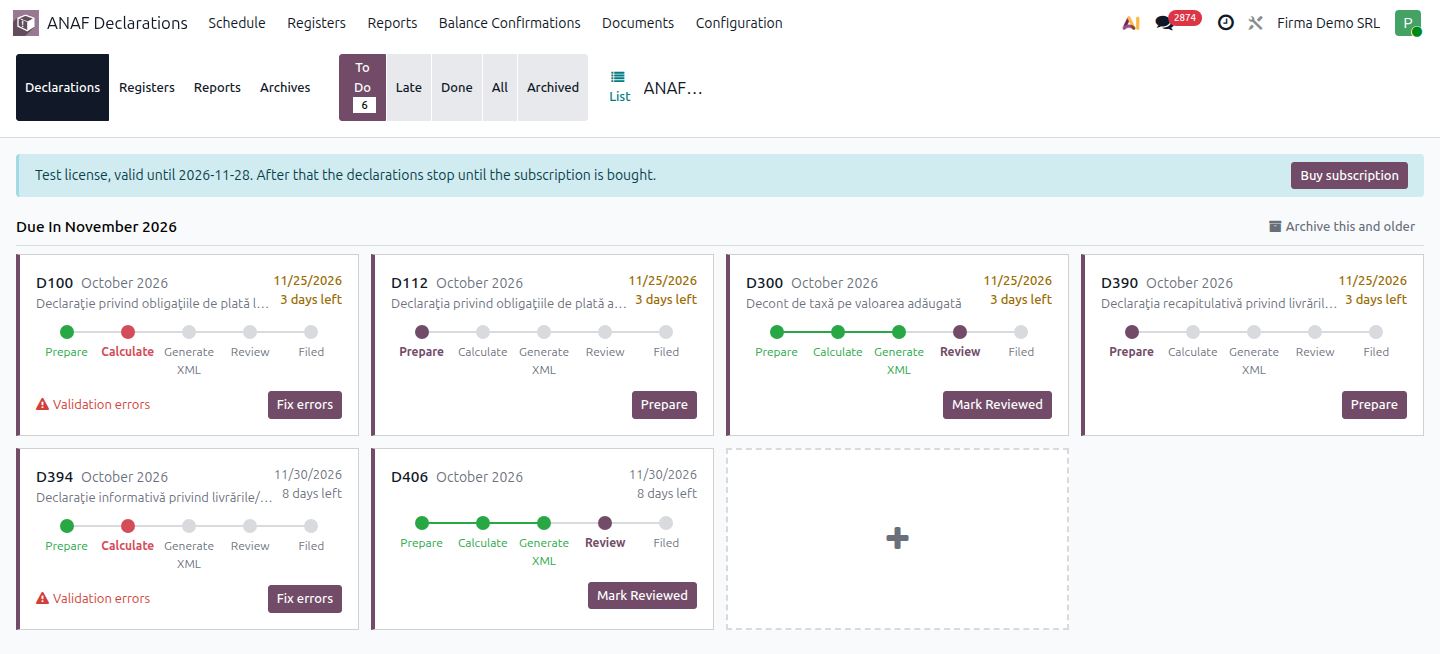
ANAF Declarations › Schedule is the working screen of the month: it shows, by deadline month, all the company's filings (returns, registers, reports and archives), with the deadline and status of each. Filings are created by themselves from the returns and registers confirmed in Declarations and Registers; on-request ones are added with the + card.
When to use
- Start of the month: see what you have to file and by when.
- You look for a late return or one already filed.
- You must add a filing that does not appear by itself (on request or a missing period).
Before you start
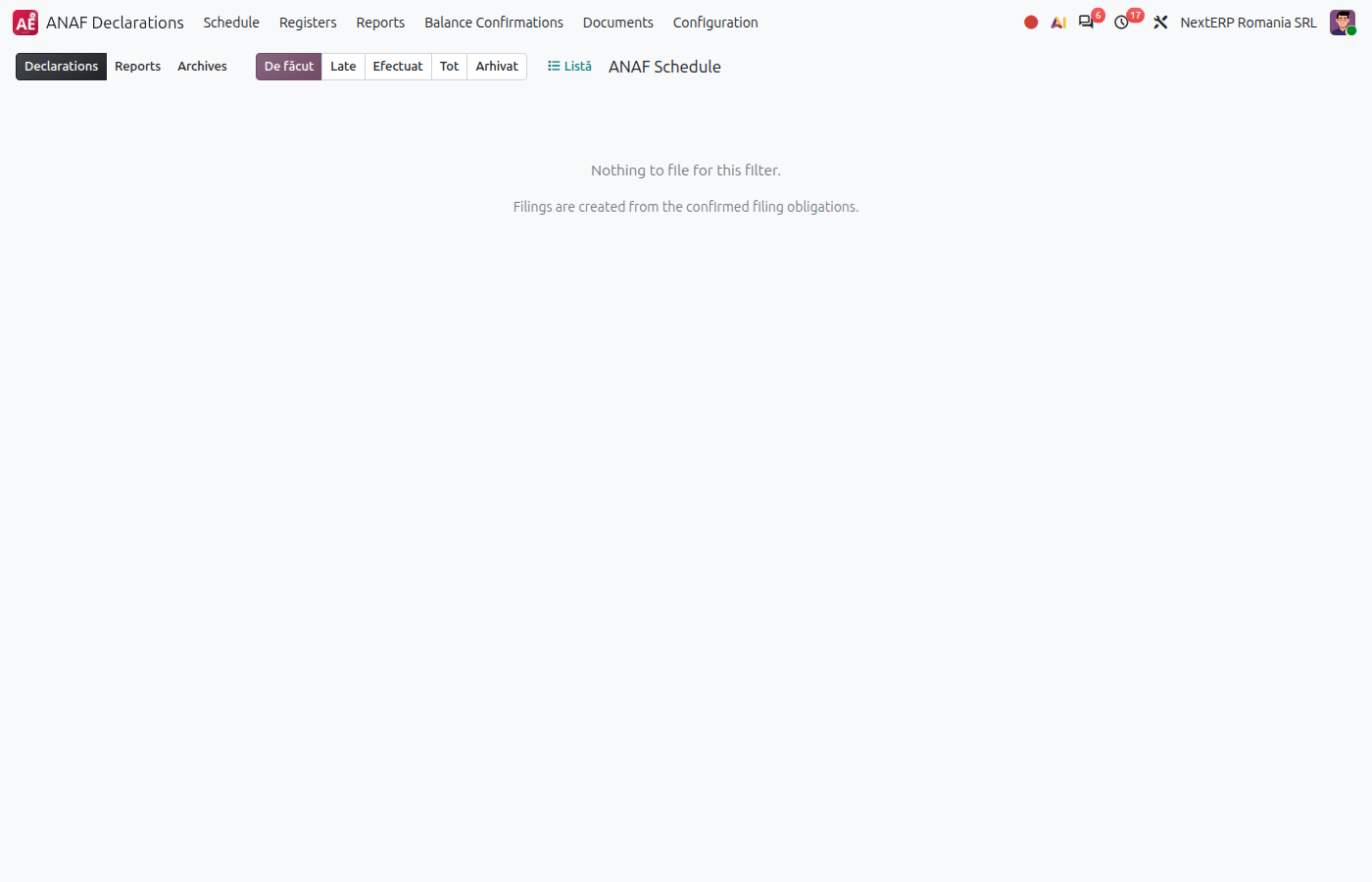
- The company's returns and registers are confirmed in Declarations and Registers. Without confirmed obligations, the screen says that filings are created from the confirmed filing obligations.
Steps in Odoo
1. Choose the segment
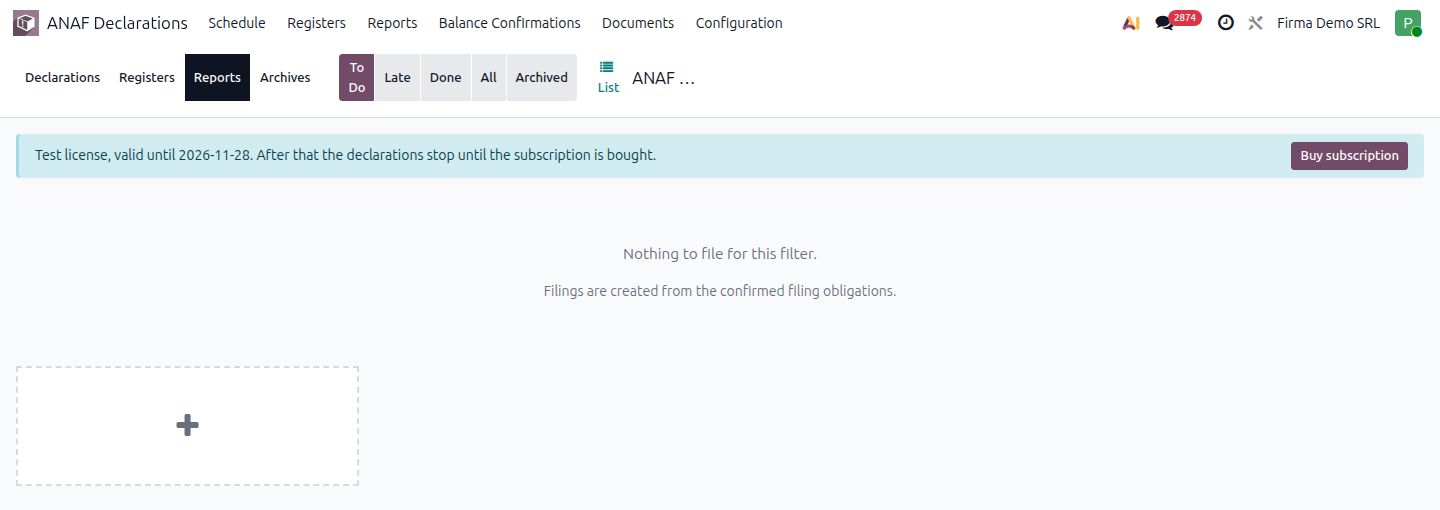
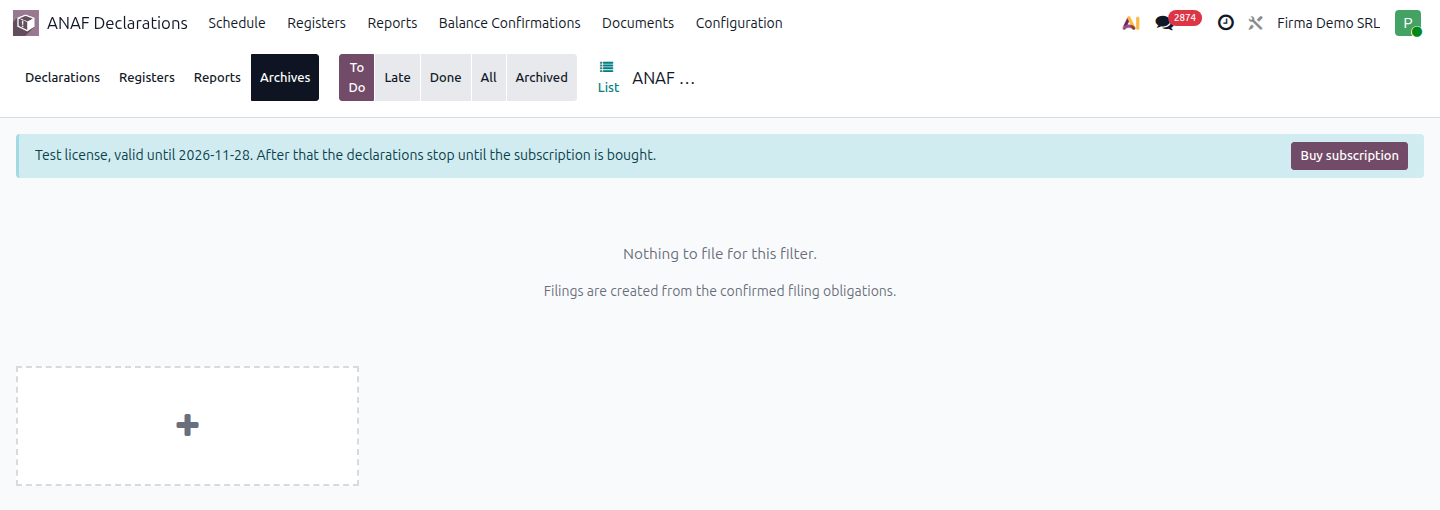
At the top there are four segments: Declarations, Registers, Reports and Archives. Each shows only filings of that kind.
2. Filter
The To Do, Late, Done, All and Archived filters narrow the list. By default you see what is left to do. Each card shows the deadline ("Due today", "%s days left" or "%s days late") and the status; a completed filing shows as Filed.
3. Work on the card
The card buttons follow the filing status: Prepare or Calculate opens the return document, Generate / Generate XML produces the file, Fix errors appears after a failed validation, Mark Reviewed and Mark as Filed close the steps. The full steps are in How to file a return; for registers and reports, Generate produces the files, downloaded from Files.
4. Add a filing with the + card
The + card (Add a filing manually) opens a new filing in the current segment, with last month's period and a deadline on the 25th filled in by default. Use it for on-request returns and for missing periods; the steps are in On-request returns.
5. Archive the ended months
On an ended month, Archive this and older archives all filings of that month and the older months, to keep the screen clean. They are shown with the Archived filter and can be brought back with Restore.
Common mistakes
- The return does not appear. Its obligation is not confirmed or is On Request. See Declarations and Registers or add it with the + card.
- Wrong deadline. The deadline comes from the obligation; fix the obligation, not the filing.
- Filing archived by mistake. The Archived filter, then Restore.
Filed returns and reports can also be found in ANAF Declarations › Documents.