Returns setup · Article 04
Declaration catalogue
Applies to Odoo 19 · 20
The catalogue shows the returns Odoo knows, with the ANAF versions of each. The data comes from the NextERP declarations server and is synchronised by itself; nothing is set up for the company in the catalogue.
When to use
- You want to see which version of a return applies from a given date.
- You look for the form on which the correction of a return is filed.
Steps in Odoo
1. Open the catalogue
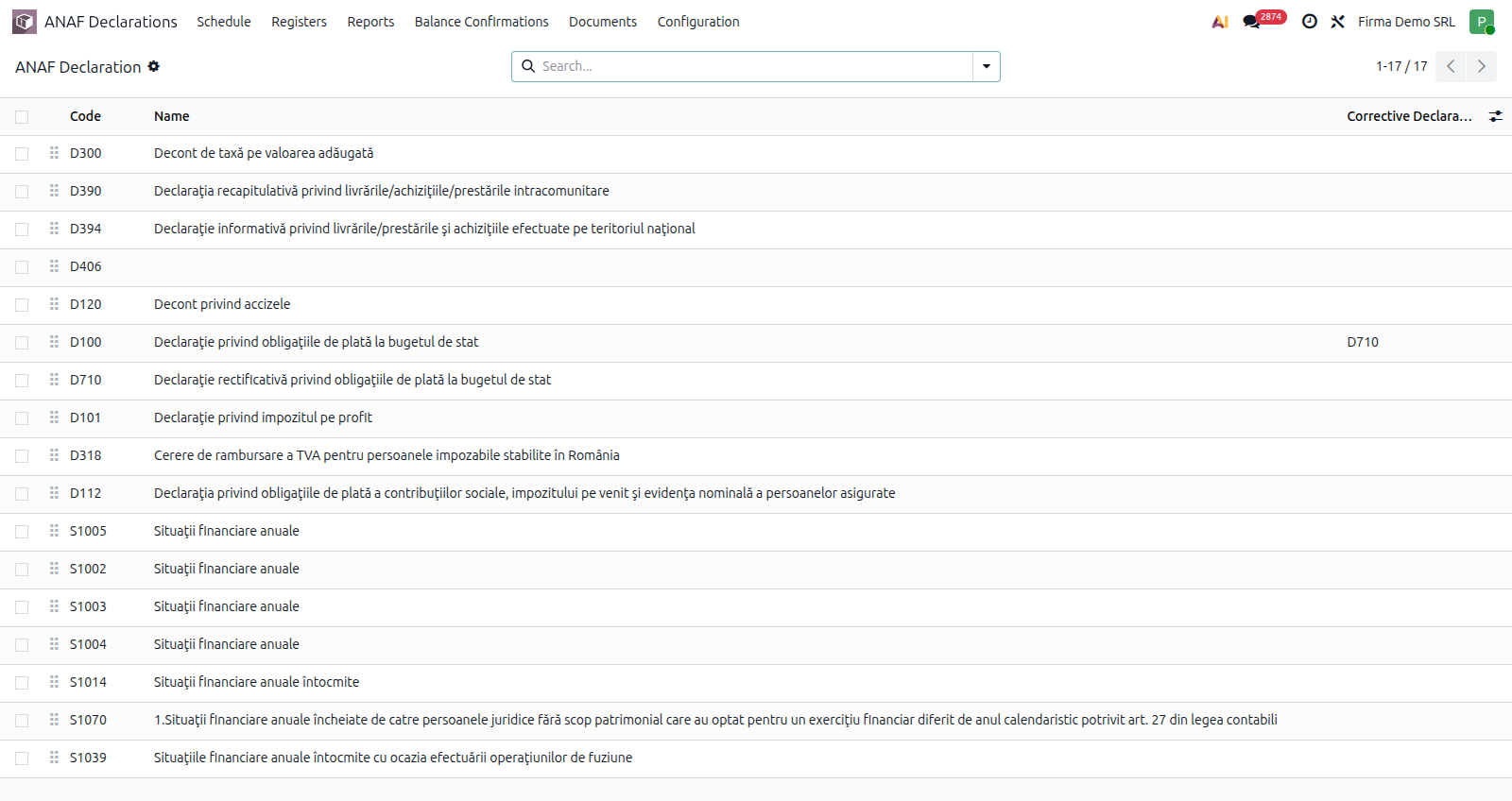
ANAF Declarations › Configuration › General › Declaration Catalog. Each row has the Code and the title of the return.
2. Look at the versions
Open the return. The Versions tab lists the ANAF versions, each with the date from which it applies; the current version is marked. The Corrective Declaration field shows the form on which the correction is filed, when it is another one (for example D710 for D100).
What changed in each version is described on the version pages of the ANAF returns chapter. Odoo picks the version by itself from the period of the return.
Common mistakes
- The return is missing from the catalogue. The catalogue is filled at synchronisation with the server; check the NextERP subscription.
- A catalogue return does not appear in the schedule. The catalogue does not say what the company files: the company's list is in Declarations and Registers.