Start here · Article 08
First returns
Applies to Odoo 19 · 20
After the first closed month come the first returns generated from Odoo: D300 (Decont de TVA, the VAT return), the D394 informative return (domestic sales and purchases) and, where applicable, D390 (the recapitulative statement of intra-Community supplies) and D406 (SAF-T, the Standard Audit File for Tax). The generation and filing steps are in the ANAF returns and registers chapter; this article shows what to check additionally at the first filing, when the returns connect to the balances taken over from the old system.
When to use
- You file the first monthly or quarterly return generated from Odoo.
- You check a return generated from Odoo against one prepared in parallel in the old system.
Before you start
- The first month is closed and checked: see First month-end closing.
- The localization's return modules are installed, and the company is configured in ANAF Declarations › Configuration.
Steps in Odoo
1. See which returns you have to file
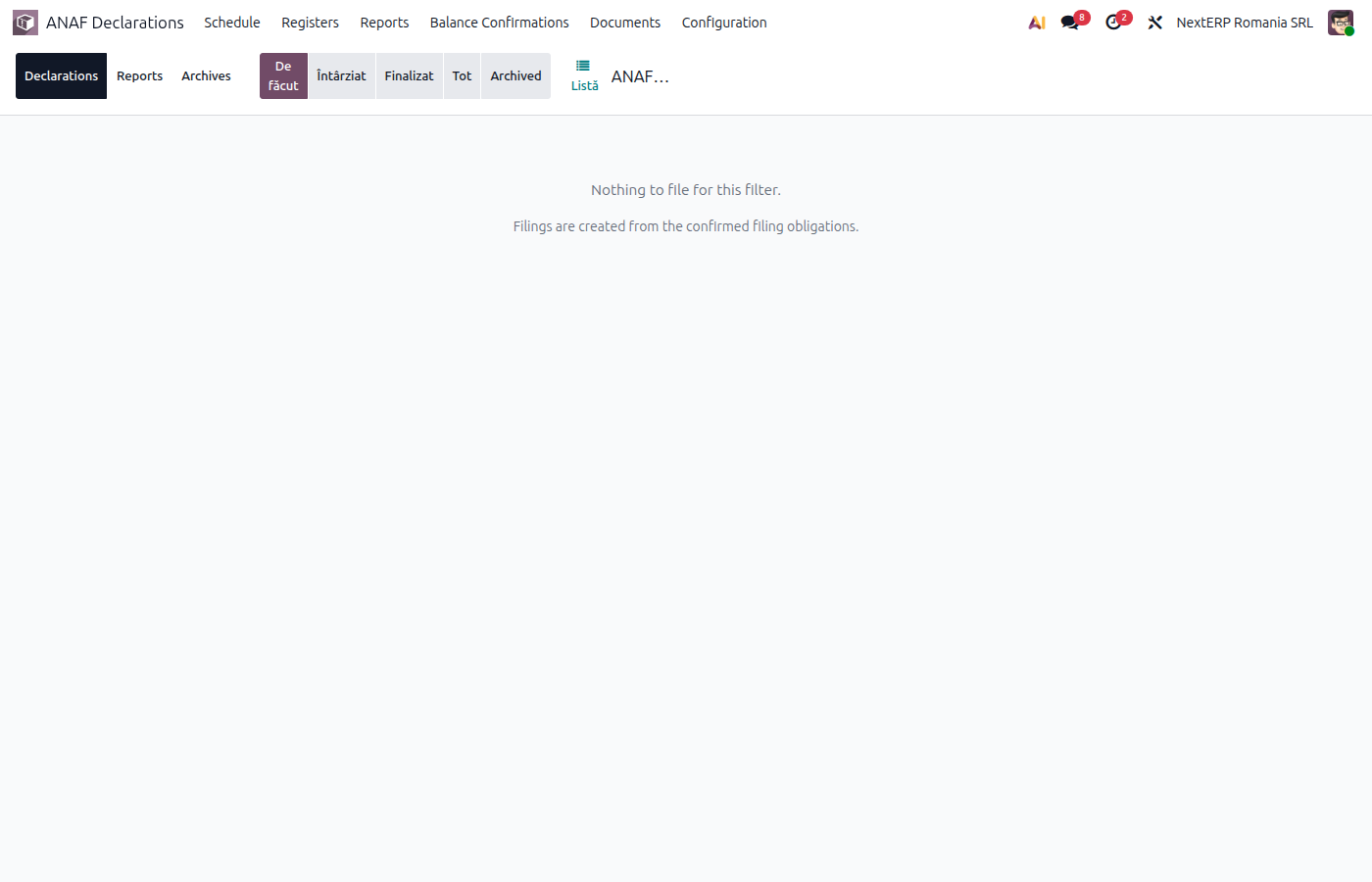
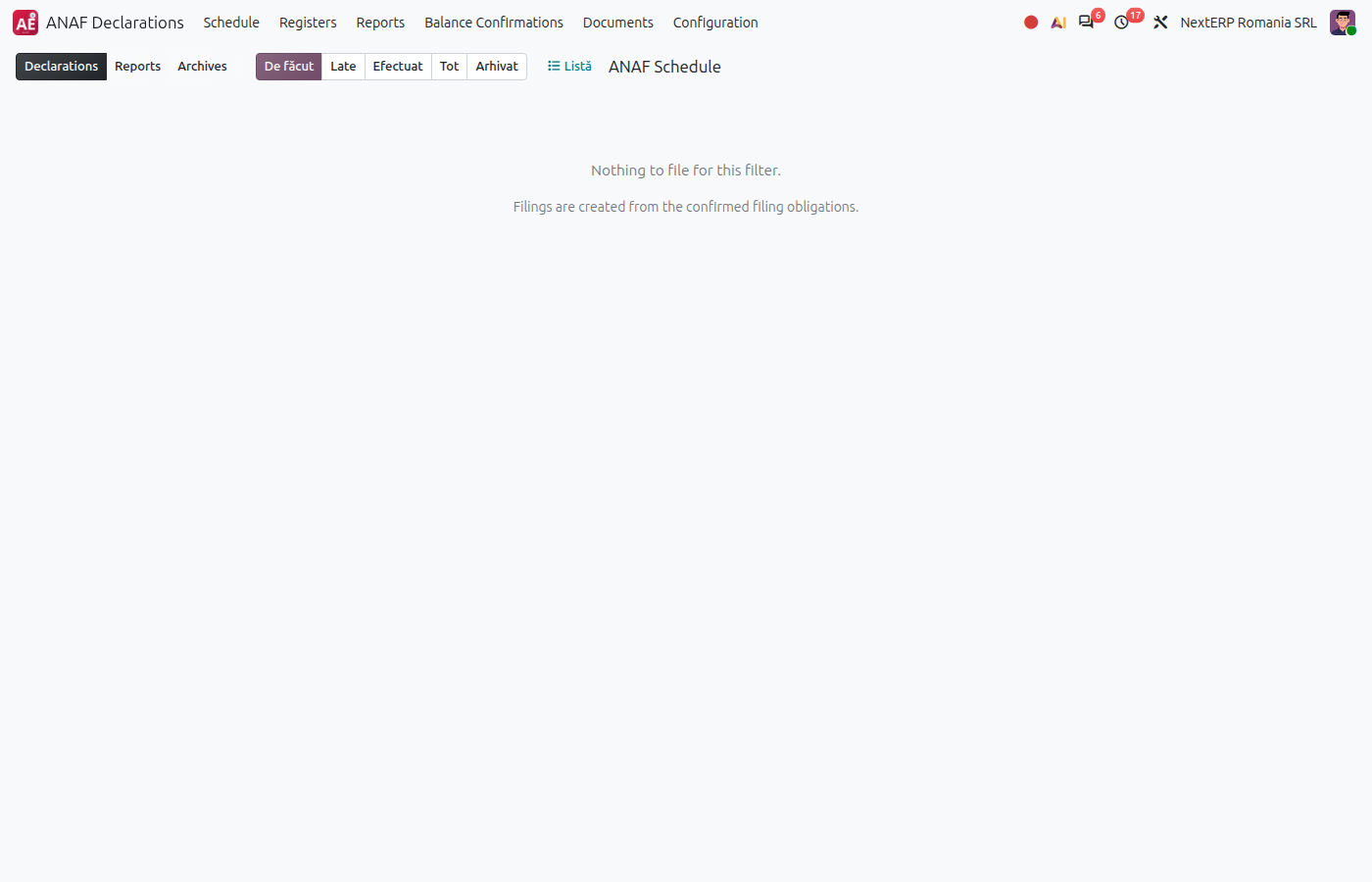
ANAF Declarations › Schedule shows the company's returns per period and their deadlines. Check that the list matches the company's obligations (vector fiscal, the company's registered tax obligations; the VAT reporting period).
2. Generate the return
Generate the return for the first period, as in the ANAF returns and registers chapter, How to file a return article.
3. Compare with the accounting records
Compare the amounts in D300 with the balances of the VAT accounts in the trial balance (4426, 4427, 4428). For D394, check the partners with the largest amounts and the invoices without a CIF.
4. Check the VAT balance carried forward
On the first return from Odoo, the VAT balance to be refunded or payable from the previous period comes from the last return filed from the old system. Check that it is filled in correctly.
5. Validate and file
Validate the file and file it, as in the ANAF returns and registers chapter. Keep the filed return and the receipt confirmation.
Variants
The first D406 (SAF-T)
The first D406 from Odoo takes the opening balances of accounts and partners from the opening entry: see Opening balances. Check that the partners have the CIF and the country filled in.
Returns in parallel
If you also kept the first month in the old system, compare the two returns line by line before filing. Differences usually point to a wrong tax or fiscal position on a document.
Common mistakes
- Invoices missing from D394. The partner has no CIF or country, or the invoice has an unusual tax. Correct the document and generate again.
- VAT balance carried forward wrongly. The next return starts from it; check it against the last return filed from the old system.
- Return filed before the month was closed. Documents entered after filing require a corrective return.
For the accountant: correlations to check
Correlations
| Return | Correlates with |
|---|---|
| D300 | the month's turnover on 4427, 4426, 4428 and the 4423 / 4424 balance |
| D394 | invoices to and from partners in Romania, per CUI (tax ID) |
| D390 | the intra-Community supplies and acquisitions in D300 |
| D406 | the trial balance and the balances per partner |
The details of each return are in the ANAF returns and registers chapter.