Special activities · Article 03
Excise - reports
Applies to Odoo 19 · 20
Two reports help you check excise duties before the return and meet the requirements of customs. The excise sales report shows what quantities you delivered to customers, by the authorization under which each lot came in. The summary statement shows the complete month: opening stock, receipts, issues, losses and closing stock, by excise product code, in the unit customs counts in, plus the excise due.
When to use
- You want to see how much you sold of the goods received under each authorization.
- You prepare the D120 return (Decont privind accizele, the excise duty return) and want to check the quantities.
- Customs asks you for the monthly statement of excise products.
Before you start
- Excise products are tracked by lots: the sales report takes the authorization from the lot, and deliveries without a lot do not appear in it.
- The receipts and deliveries of the month are validated.
Steps in Odoo
1. Open the excise sales report
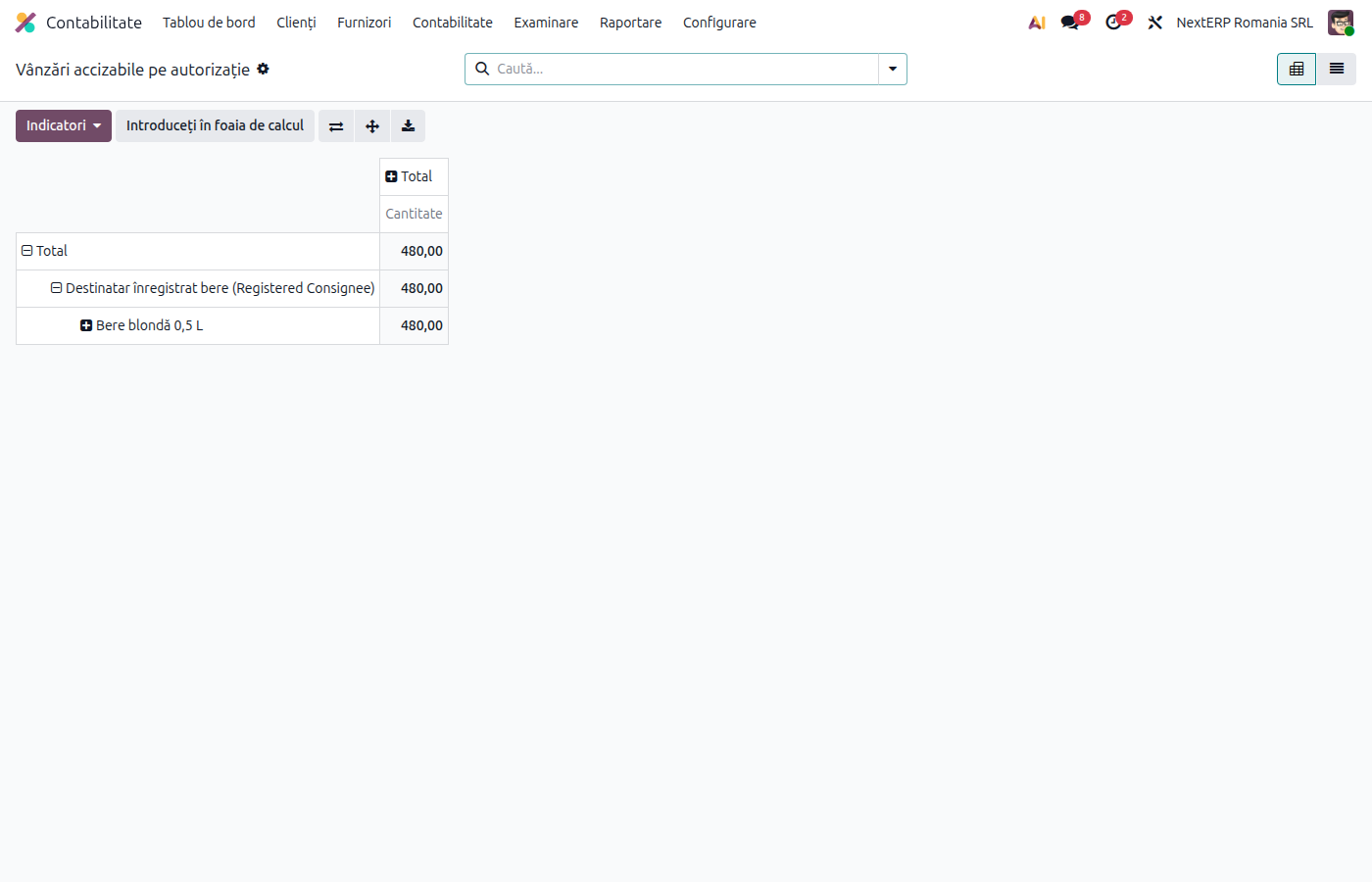
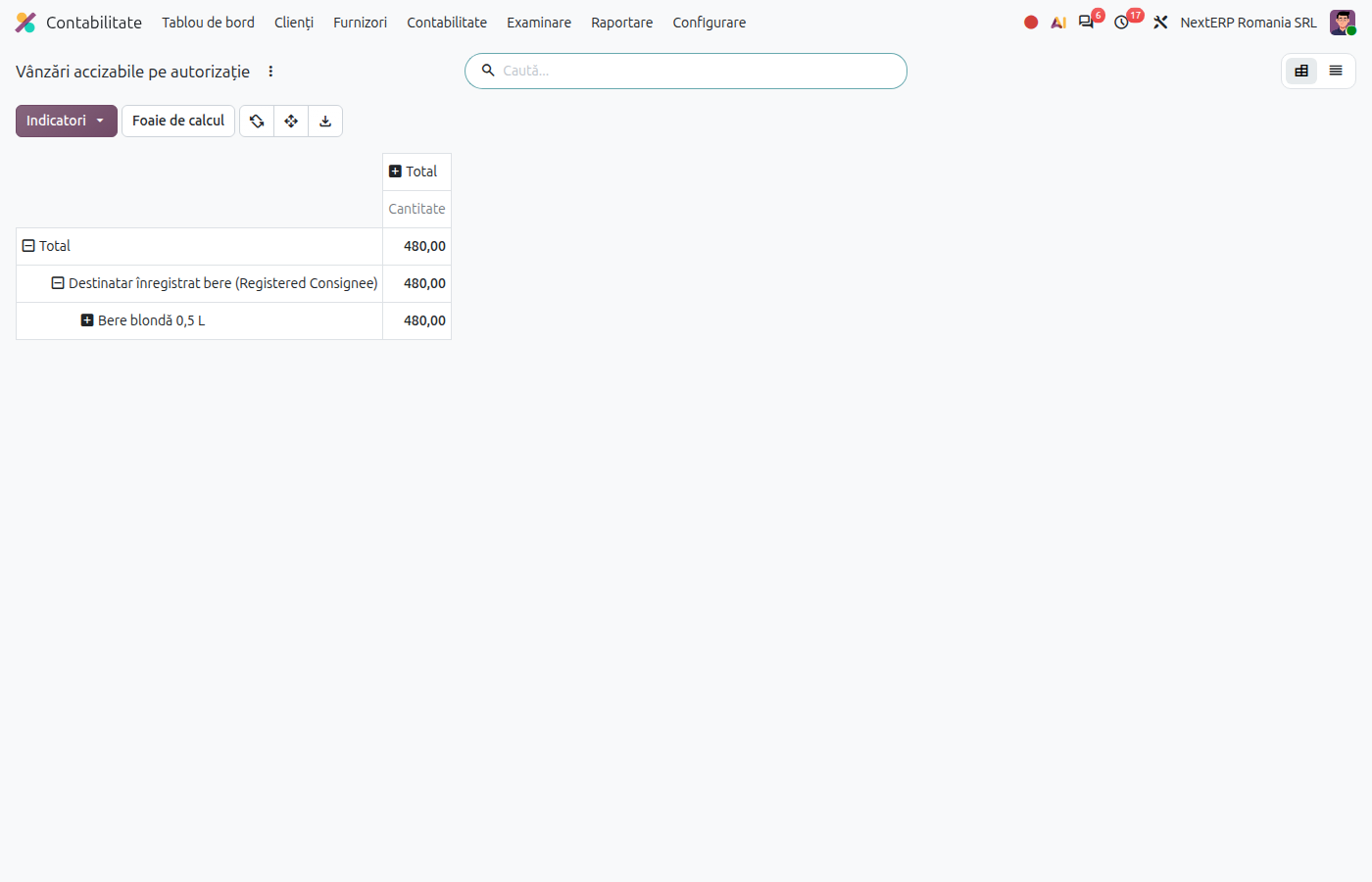
Accounting › Reporting › Excise Sales by Authorization. The report opens in the pivot table, with the quantities delivered to customers.
2. Group by what you need
Group by authorization, authorization type, product, excise category or lot, and filter the period. Switch to list view for each delivery, with its lot.
3. Print the monthly statement
Accounting › Reporting › Excise Statement. Choose the period (by default the previous month) and, if needed, the authorization, then click Print. The statement shows, by excise product code, the opening stock, receipts, issues, losses and closing stock, plus the excise due by tariff code.
Variants
Registered consignee
If you choose a registered consignee authorization, the statement lists only what was purchased under it.
Bulk and bottled
The same product appears on separate lines for bulk and bottled, based on the Excise Packing field on the product.
Common mistakes
- Empty sales report. The products have no lots or the deliveries are not validated. The report is not based on sales orders, but on validated deliveries.
- Quantities in the warehouse unit. The statement converts to the customs unit with the product's conversion ratio; a wrong ratio gives wrong quantities. Correct the product.
For the accountant: link with D120
The summary statement and the D120 return use the same excise calculation as the journal entries, so they must match. The excise in the statement for the month is compared with the credit turnover of the excise account 446 and with the total in D120 (chapter ANAF returns and registers, article D120 - the excise return).