e-Factura, e-Transport and SPV · Article 02
Sending invoices to e-Factura
Applies to Odoo 19 · 20
Invoices and credit notes issued by a company in Romania are transmitted to e-Factura (the Romanian national e-invoicing system). Odoo generates the XML file in the national format (CIUS-RO), uploads it to SPV (Spațiul Privat Virtual, the taxpayer's private online space at ANAF) and tracks the ANAF response: the invoice goes through the statuses Sent, then Validated or Refused. Sending can be done manually, from the list or automatically.
When to use
- You issue an invoice or a credit note to a company or an individual in Romania.
- You check whether ANAF has validated the invoices sent.
- You correct and resend a refused invoice.
Before you start
- The company is connected to SPV, as in Connecting to SPV.
- The company and the customer have a complete address (county, city, street); for Bucharest, the city is the sector.
- A business customer has a CUI (the Romanian tax identification number); an individual customer is marked as Person, not Company.
- Every invoice line has a tax, including exempt or reverse-charge lines.
Steps in Odoo
1. Confirm the invoice
From Accounting › Customers › Invoices, open the invoice and click Confirm. The E-Factura Status field is still empty.
2. Send the invoice
Click Send. In the send window, the Send E-Factura to SPV option is ticked by default for companies in Romania. Confirm the sending. If mandatory data is missing, the window shows it and nothing is sent to ANAF.
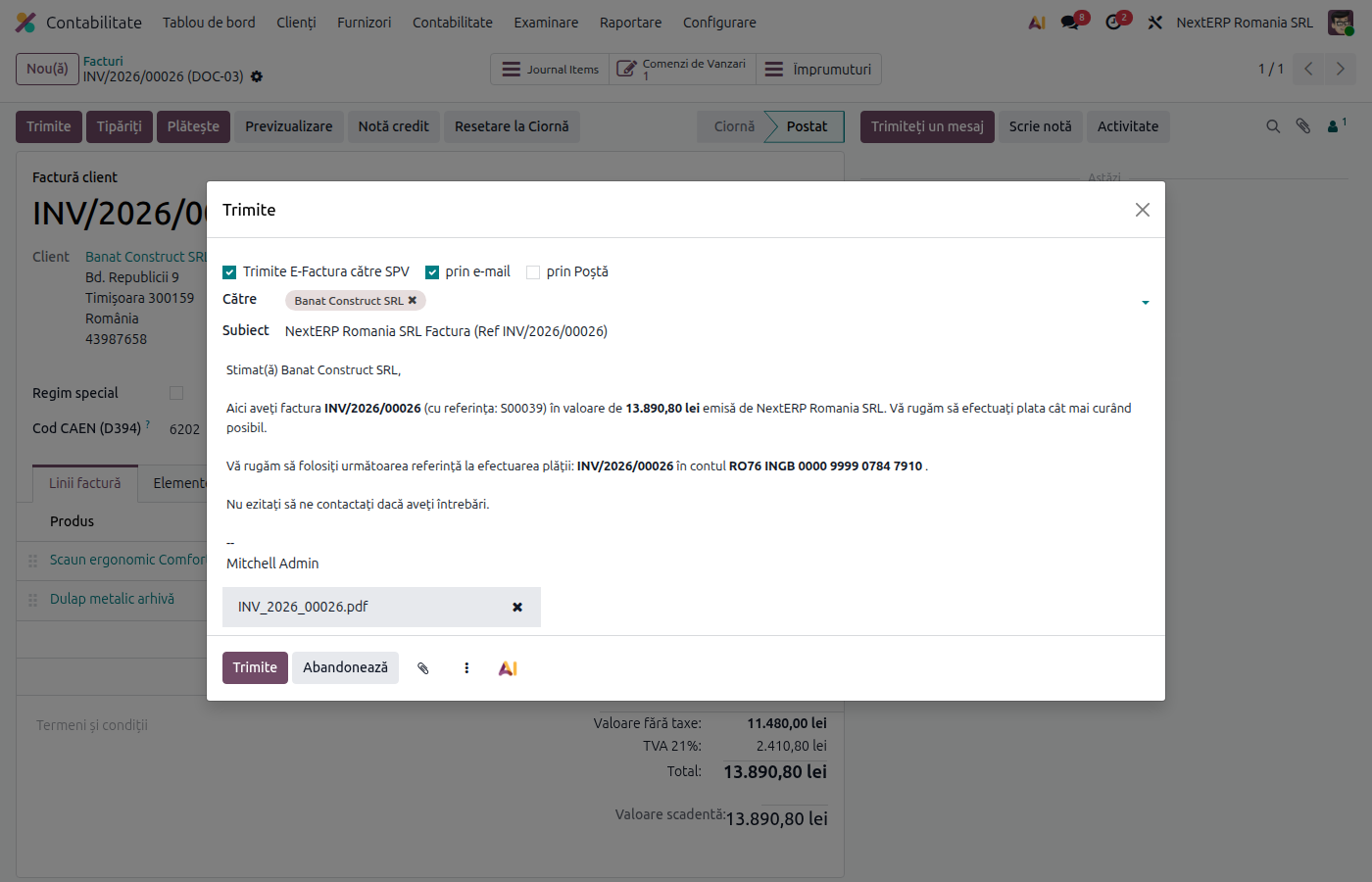
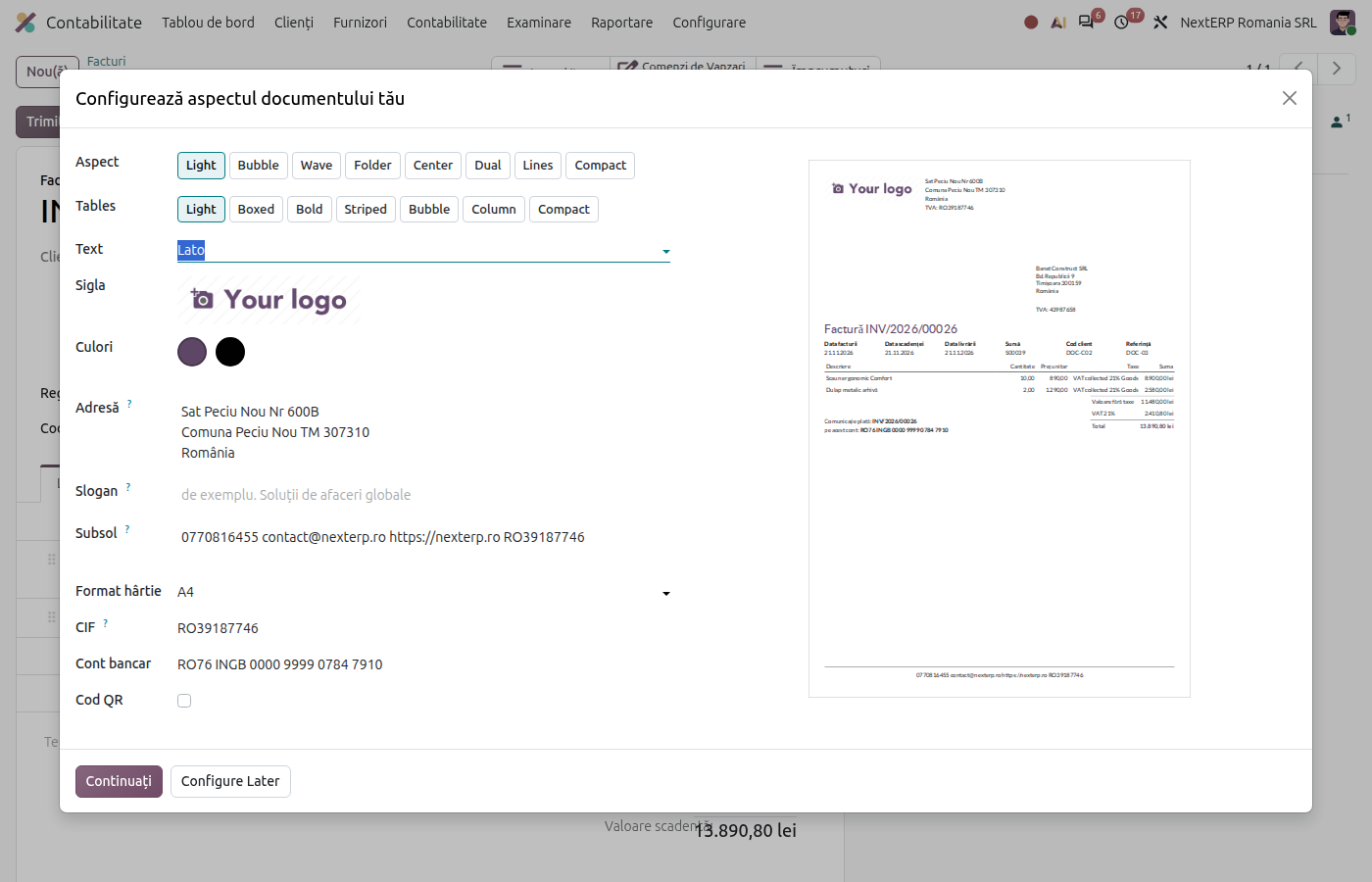
3. Check that the invoice was sent
On success, the invoice moves to the Sent status, and the index key received from SPV appears in its history. The invoice can no longer be reset to draft.
4. Retrieve the ANAF response
Odoo 19
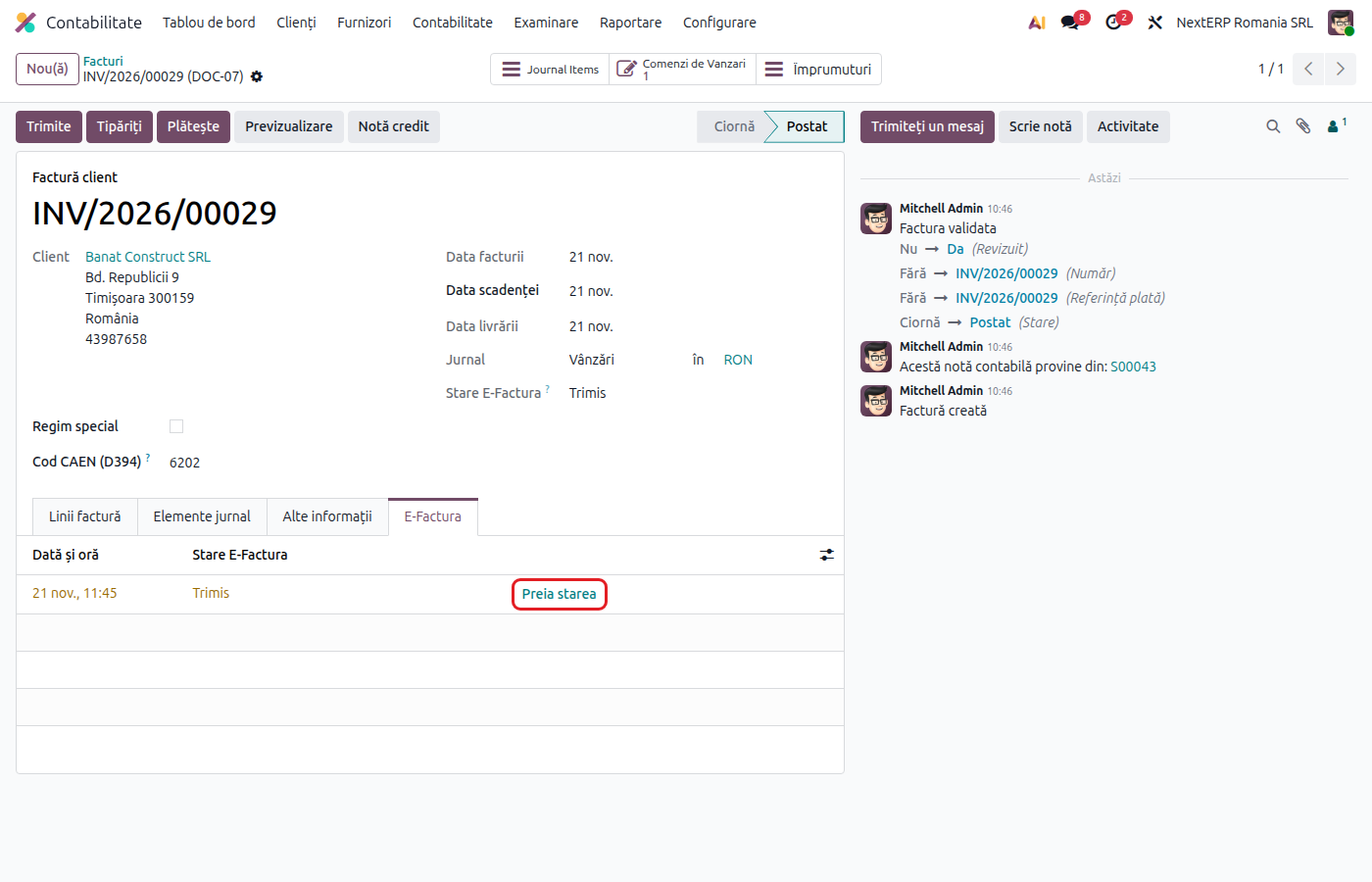
In the invoice's E-Factura tab, click Fetch status.
Odoo 20
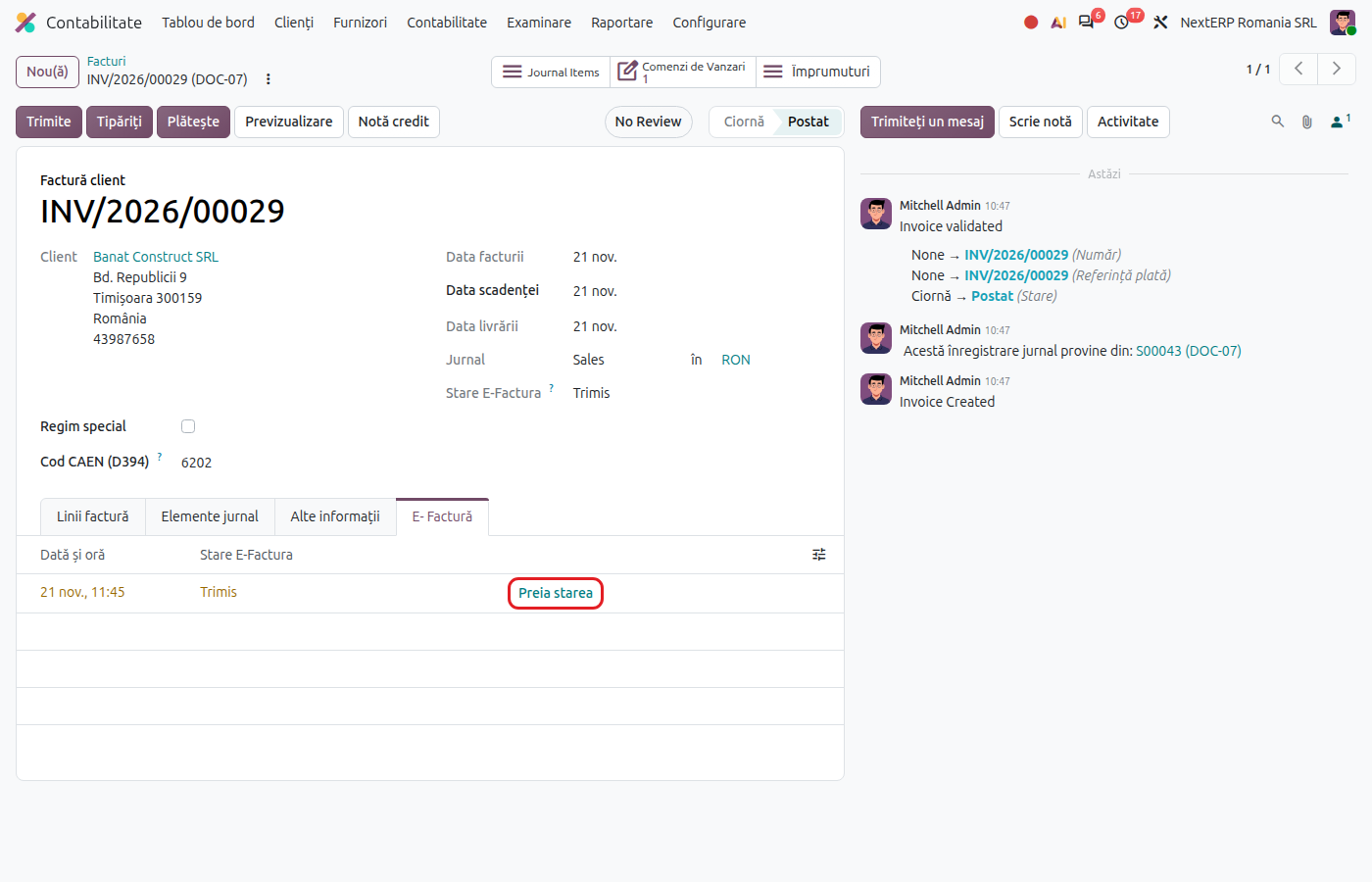
In the invoice's E-Factura tab, click Fetch status.
The invoice becomes Validated (and the ANAF signature can be downloaded with Download the signature) or Refused, with the reason in the invoice history. The status is also updated automatically, through the scheduled actions.
5. Correct a refused invoice
Correct the data indicated in the refusal reason (on the customer, product or tax) and click Send again. The common reasons are in Common e-Factura errors.
Variants
Sending from the list
In Accounting › Customers › Invoices, select the invoices and click Send to ANAF. The send window opens for SPV only, without e-mail. For several sent invoices, use the Fetch E-Factura Status action from the list's Actions menu.
Automatic sending
The scheduled action Romania - Send Invoices to ANAF sends every day the confirmed and unsent invoices of customers in Romania, according to Period of Residence (5 days by default, between 0 and 5; with 0, automatic sending does not run). The setting is in Accounting › Configuration › Settings. Users listed under EDI Error Notification Users get an activity for each failed submission.
Credit notes
A credit note started from the original invoice is sent in the same way. By default it is sent to ANAF as a credit note, with positive amounts.
Odoo 19
With the Romania - E-invoicing Storno Credit Notes module and its setting enabled, the credit note is transmitted as an invoice with negative amounts (storno invoice), referring to the original invoice.
Invoice sent, without an index
If SPV does not answer in time, the invoice stays in the Not indexed status. Do not resend it: Synchronize with ANAF recovers its index if ANAF received it.
Common mistakes
- Change after sending. A Sent or Validated invoice can no longer be reset to draft. The correction is made with a credit note and a new invoice.
- Business customer marked as a person (or the reverse). The invoice goes on the wrong circuit (B2C instead of B2B). Correct the partner type before sending.
- Business customer without a CUI. Odoo does not stop the sending, but the invoice does not identify the buyer. Fill in the CUI before confirmation.
- Reverse charge or exemption without a category code. On 0% taxes, fill in the category code and the exemption reason; otherwise the invoice is sent as exempt.
- Missed deadline. The invoice must be transmitted within the legal deadline of 5 days from issue. Watch the Refused E-Factura filter and the unsent invoices.
For the accountant: legal framework, returns
Legal framework
- OUG 120/2021 (Government Emergency Ordinance 120/2021) — the national RO e-Factura system, as amended: the obligation to transmit B2B and B2C invoices issued by taxable persons established in Romania and the transmission deadline.
- Codul fiscal (Legea 227/2015) (the Romanian Fiscal Code, Law 227/2015), art. 319 — the content of the invoice.
The invoice transmitted and validated in SPV is the original invoice; the PDF file is only a representation of it.
Journal entries
Sending to e-Factura creates no journal entries: the entry appears when the invoice is confirmed.
Link to ANAF returns
| Return | What it takes |
|---|---|
| D300 / D394 | the invoice, whatever its e-Factura status (D300 is the VAT return, D394 the domestic supplies and acquisitions statement) |
| D406 (SAF-T) | the invoice and its journal entry (D406 is the Romanian Standard Audit File for Tax) |