Cash register and POS · Article 02
The sales session
Applies to Odoo 19 · 20
A sales day at the register is a session: you open it in the morning with the cash in the drawer and close it in the evening, after counting the money. When the session is closed, Odoo records the day's sales and receipts in the accounts, and you issue the Z report on the cash register.
When to use
- You start the sales day at a register.
- You put cash into or take cash out of the drawer during the day.
- You close the day: count the money, issue the Z report, close the session.
Before you start
- The cash register and the terminal are connected to Odoo, as in Connecting the cash register and the terminal.
- FisCool is running on the register computer, and the cash register is switched on.
Steps in Odoo
1. Open the register
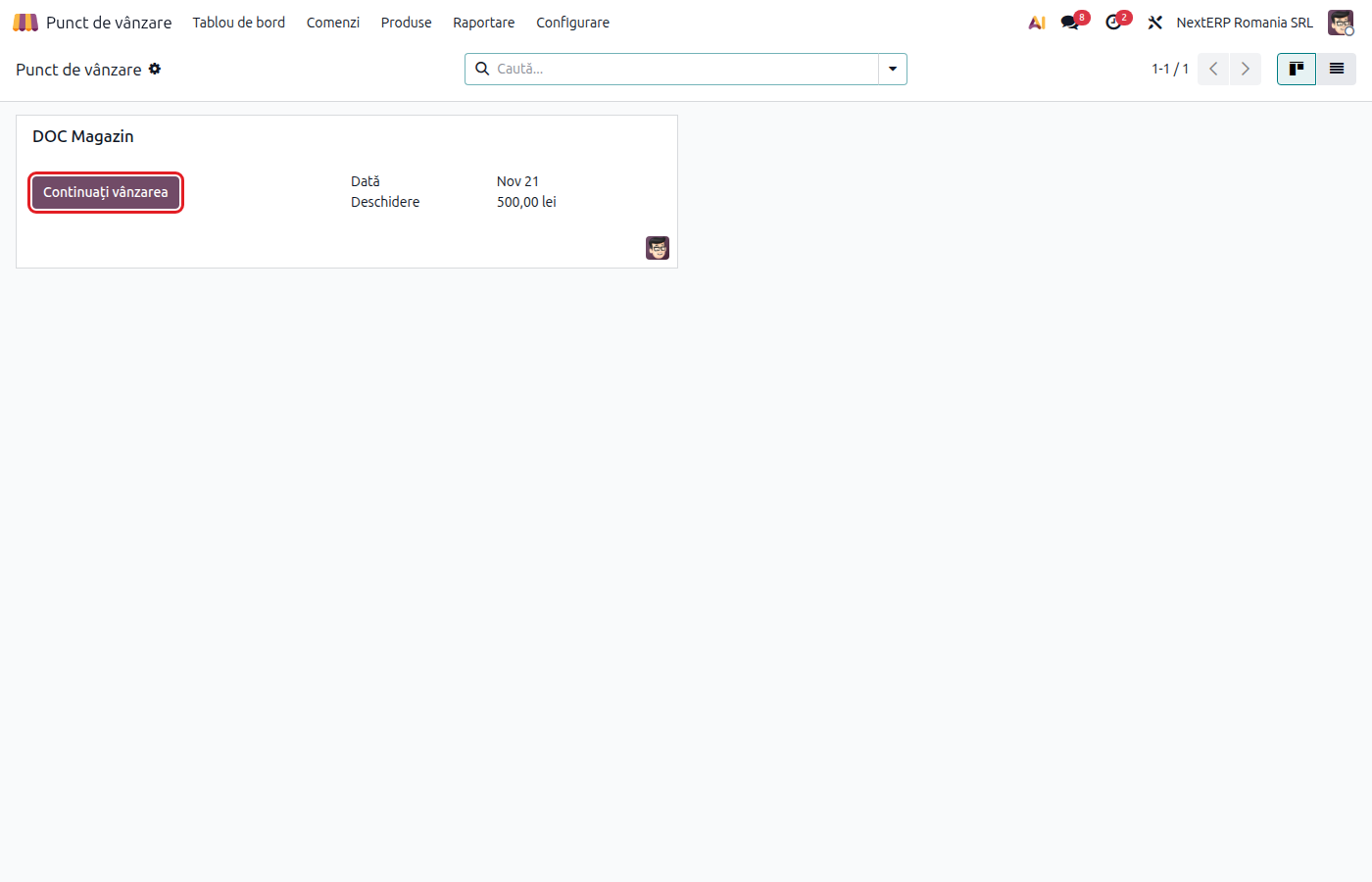
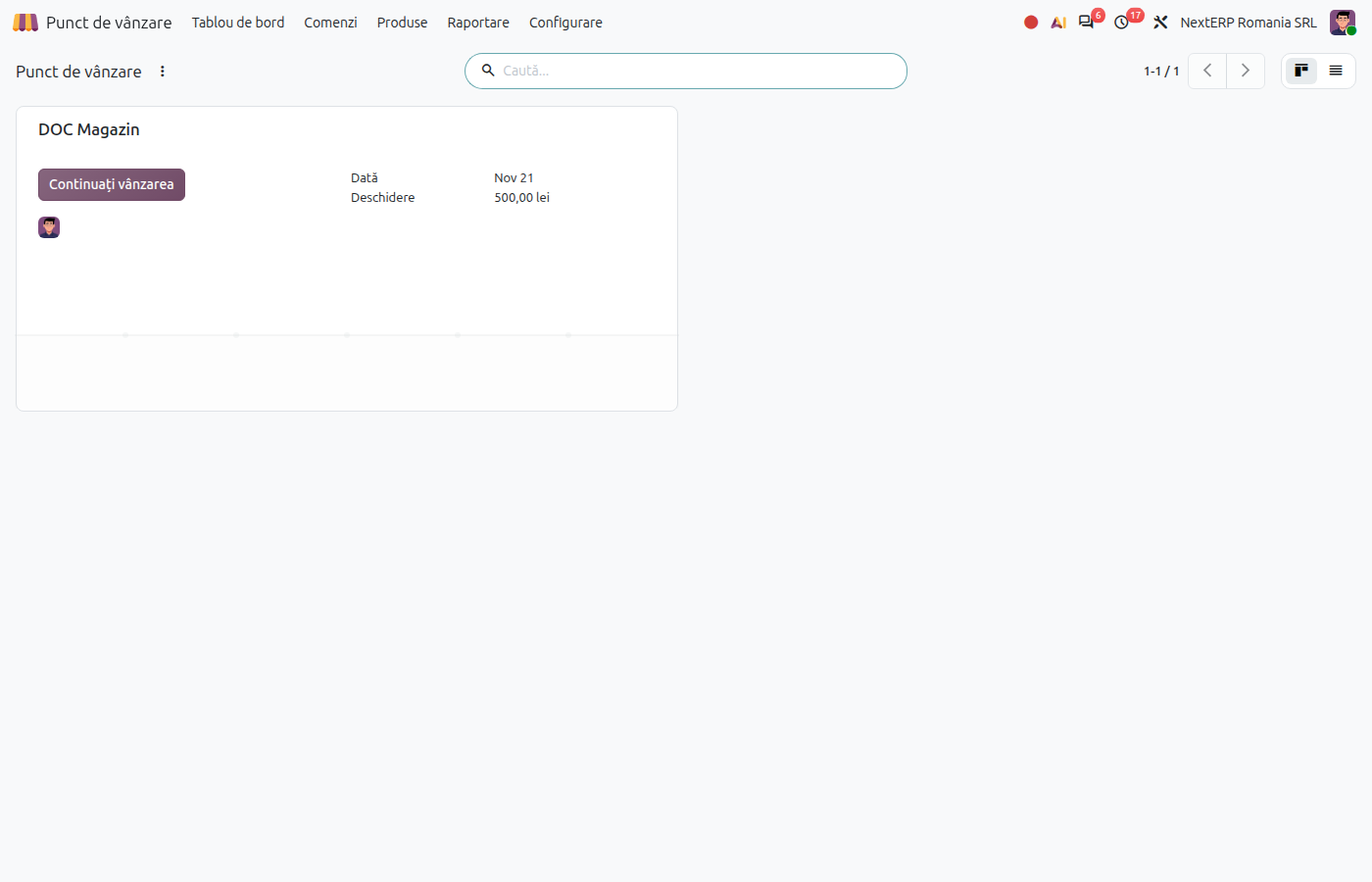
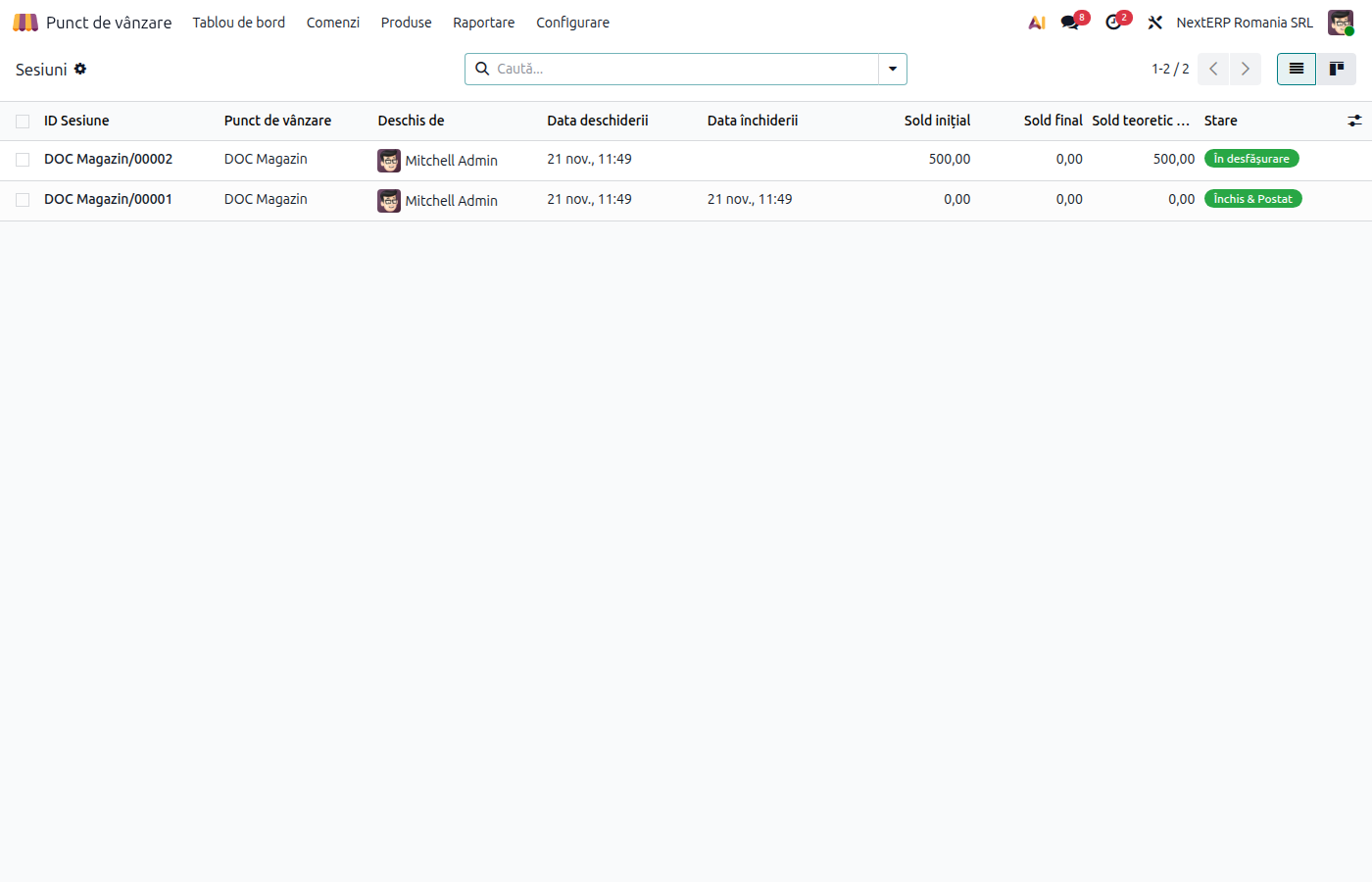
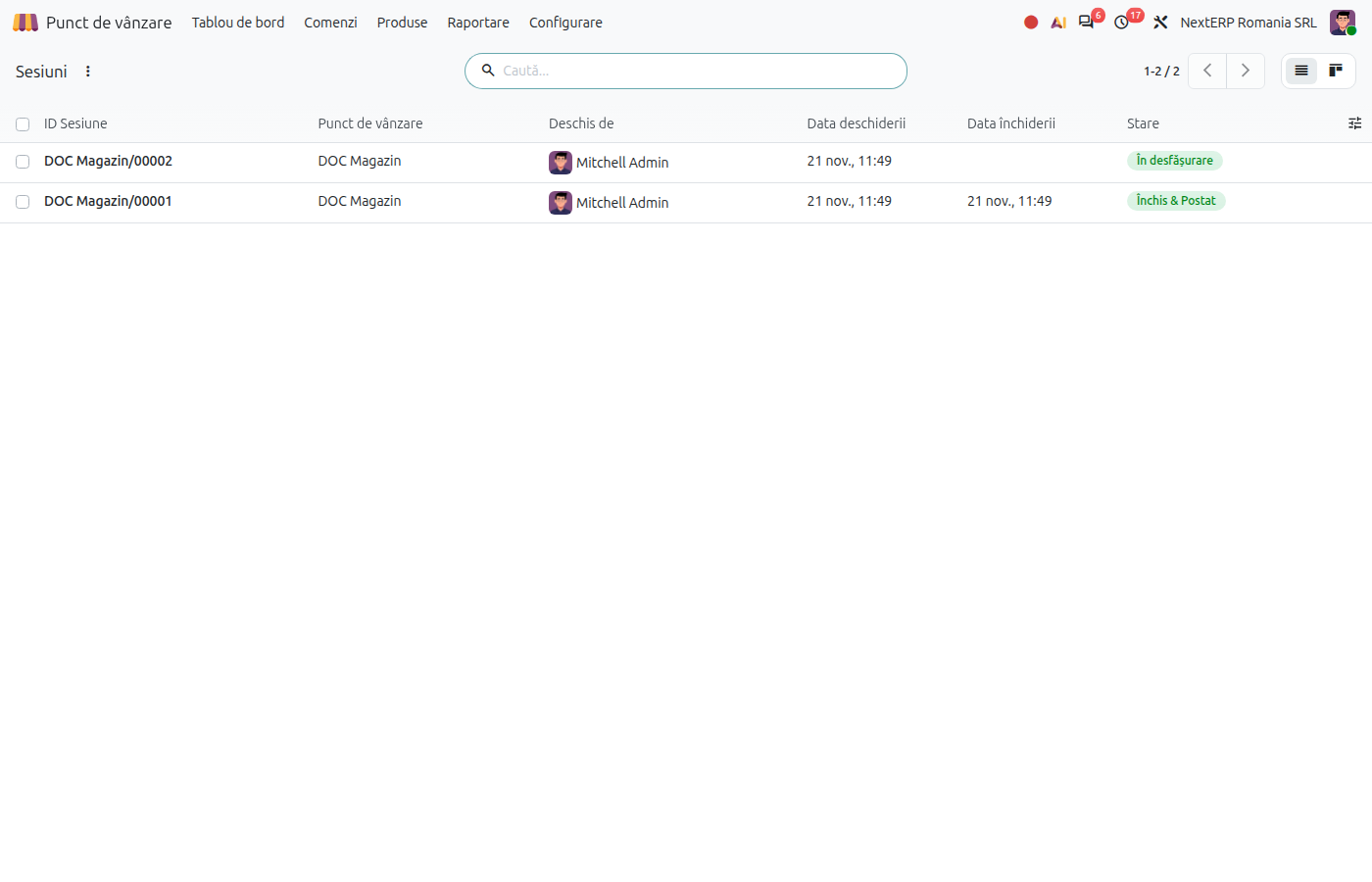
From Point of Sale, click Open Register on the point of sale and confirm the cash in the drawer at the start of the day. Open and closed sessions are visible in Point of Sale › Orders › Sessions.
2. Sell during the day
Sales, invoices on request and returns are described in Sale, return and invoice at the register. Between two customers you can issue a Fiscal X Report from the register menu: it shows the sales so far without closing the fiscal day.
3. Record cash inflows and outflows
For a cash deposit or withdrawal use Cash In/Out from the register menu. The movement is first sent to the cash register; if the device refuses it, it is not recorded in Odoo either, so that the Z report and the session stay equal.
4. Issue the Z report
At the end of the day choose Fiscal Z Report + Settlement from the register menu. The cash register closes the fiscal day, and this register's card terminal settles the day's transactions.
5. Close the register
Click Close Register, count the cash in the drawer, compare it with the expected amount and confirm. Odoo records the day's sales (revenue and VAT by rate) and the receipts, by payment method.
Variants
Several registers in the same store
Each register has its own session and its own cash method, but all can use the same cash journal. The store's cash thus appears in a single cash register book.
Terminal on another register
The Z report settles only the terminal of the register you issue it from. A terminal used by another register is settled from that register.
Common mistakes
- Session left open. Sales are recorded in the accounts only when the session is closed. Close the register every day.
- Different totals between Odoo and the Z report. Compare the session total with the Z report daily, by payment method and by VAT rate, before closing.
- Cash taken out of the drawer without being recorded. The drawer no longer matches at closing. Use Cash In/Out for any cash movement.
- Z report forgotten. The fiscal day stays open on the cash register; issue the Z report before closing the session in Odoo.
For the accountant: legal framework, journal entries, returns
Legal framework
- OUG 28/1999 (the emergency ordinance on electronic fiscal cash registers) — the daily Z report and the electronic journal of the cash register.
- Legea 70/2015 (the law on cash payments) — the ceilings for cash receipts.
- OMFP 2634/2015 (the order on financial and accounting documents) — the cash register book.
Journal entries
Example: a day with goods costing 800 lei, sold for 1,000 lei + VAT 21%, collected in cash.
At each sale — the stock output, at cost. With Romania - Point of Sale, the closing entry does not repeat it:
| DEBIT | CREDIT |
|---|---|
| 607 — 800 | 371 — 800 |
At session closing — revenue, VAT and the receipt (net effect):
| DEBIT | CREDIT |
|---|---|
| 5311 — 1,210 | 707 — 1,000 4427 — 210 |
Odoo passes the sale and the receipt through a point of sale customer account, which is closed in the same entry. For card payments, the card payment method's account appears instead of 5311. Products with the reduced rate have 11% tax; the closing entry splits VAT by rate.
Link with the ANAF returns
| Return | What it takes |
|---|---|
| D300 (Decont de TVA, the VAT return) | output VAT (4427), by rate |
| D394 (the informative return on domestic supplies and purchases) | the total of sales with fiscal receipts, not per customer |
| D406 (SAF-T) | the session closing entries, payments and stock outputs |